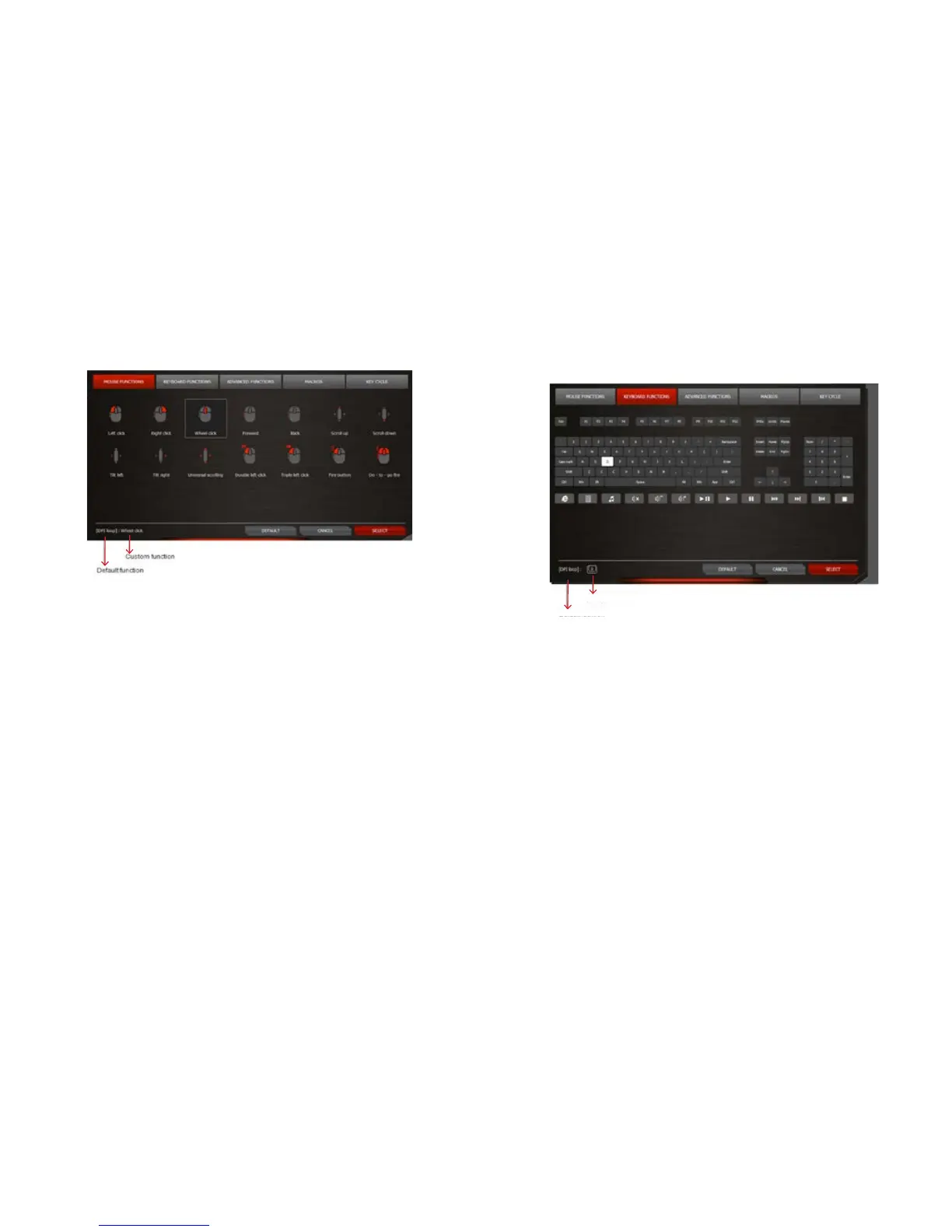
MOUSE FUNCTIONS
Click on the MOUSE FUNCTIONS button.
Click on the desired function you wish to assign.
Click Select to conrm.
The default function will be seen in the brackets followed by the customized function in the bottom left
corner of the screen.
Specialized buttons:
Fire button – Press and hold for continuous re
On-to –go re – Press and hold with another mouse button for continuous re while moving
KEYBOARD FUNCTIONS
Click on the KEYBOARD FUNCTIONS button.
Click on the icon of the desired keyboard key, combo-key(s), or multi-media function key on the keyboard
image.
Click Select to conrm.
The default function will be seen in the brackets followed by the customized function in the bottom left
corner of the screen.
Custom Function
Default Function


 To Next Page