VIRDI 4000
TM
User’s Manual 56
4.1.6. User ID group authentication
User ID group authentication is performed just among users grouped with same
first digit and/or above of user ID – at least one digit. This authentication can
conveniently be used if there are too many users and the matching time for 1:N
authentication takes too long. In the menu, set as below: 3. Option settings Æ 2.
Authentication method settings Æ <1:N authentication>=1 Æ <ID group
authentication >=1.
For your information, refer to the followings on how to use this authentication in
more details,
If the relevant ID for a user is 1234, enter only 12 for this authentication. This
matching is performed just among users having IDs of from 1200 to 1299 ,
starting with 12. If the ID is “0012”, enter “0012” or “00” for authentication.
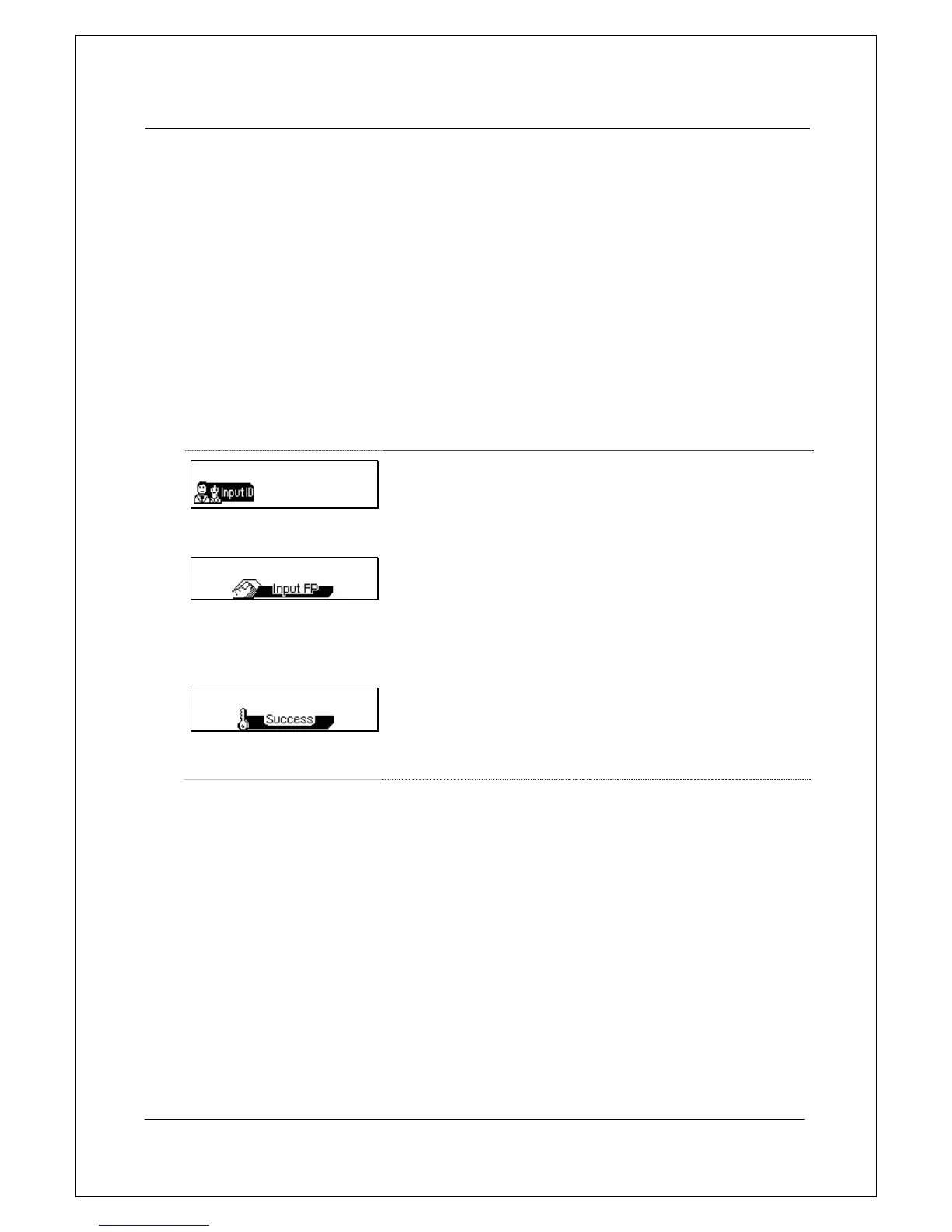
== 00:00
12
If the user ID is ‘1234’, enter ‘1’, ‘12’ or ‘123’ and then
press the function key.
▼
== 00:00
When the light on the fingerprint input window turns
on together with the voice message “Please enter
your fingerprint”, enter your fingerprint and hold it
there until you hear a “ppig” buzzer sound.
▼
== 00:00
If authentication is successfully done, a success
message is displayed on the LCD together with a
voice message “You are authorized”. The door LED
turns on and door relay runs.
The default screen appears after 1~2 seconds. The
door LED turns off and door relay is back again after
the door open setting time has elapsed.


 To Next Page