INT
RESET
1
2
TEL
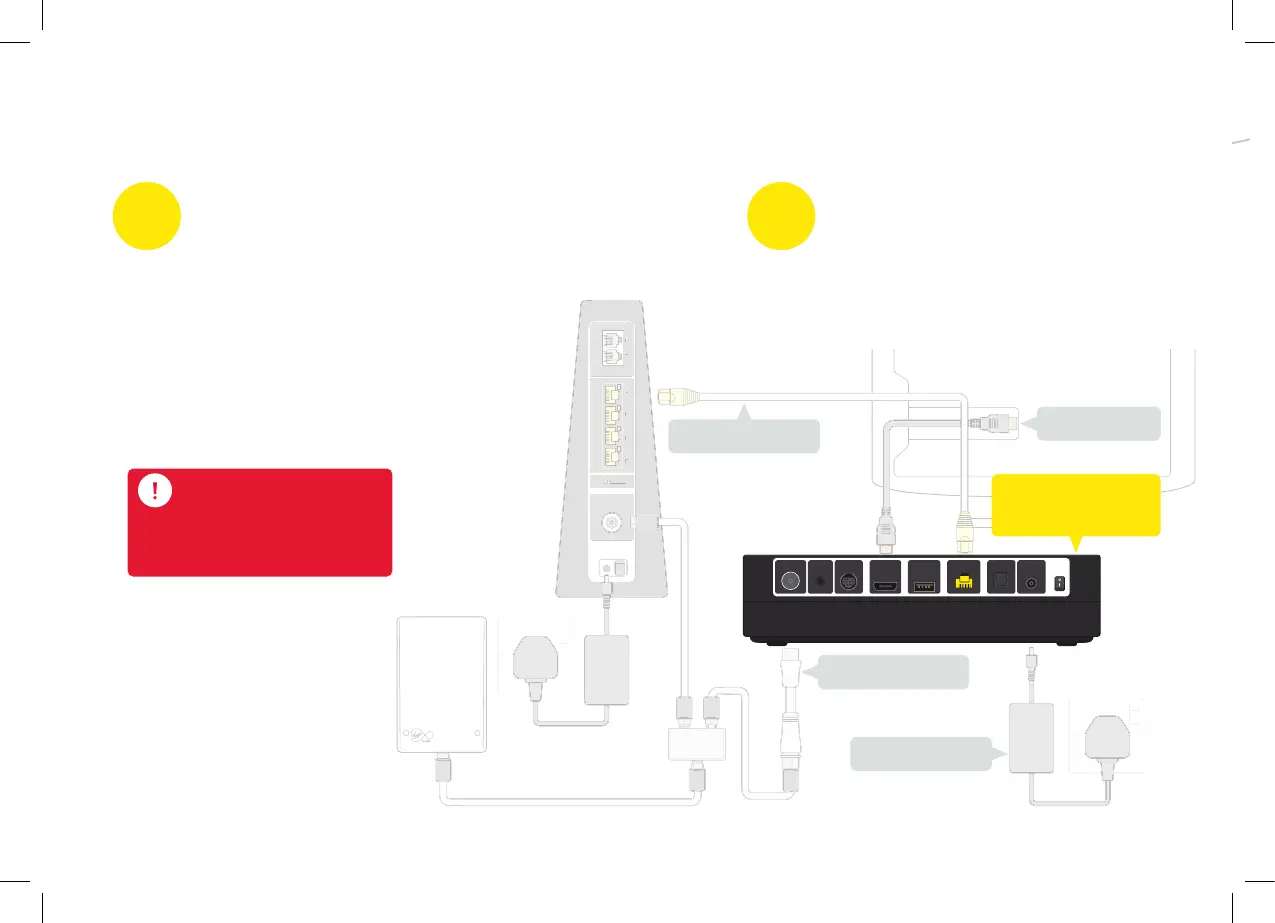
COAX IN AUDIOSCART OUTHDMIUSB INTERNETD.AUDIO POWER
1
2
3
4
N
E
ET
2
Power supply
COAX IN AUDIO SCART OUT HDMI USB INTERNET D.AUDIO POWER
Ethernet cable
HDMI cable
Cable adaptor
This guide contains step-by-step instructions on how to:
2
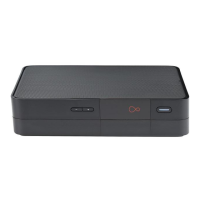
V6 box
upgraded to 360
2
Uninstall
TiVo box
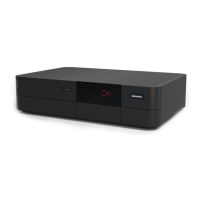
The extra box is the Virgin TV 360 Mini box,
which replaces your TiVo box. We’ll walk you
step-by-step through uninstalling your old kit.
1
Upgrade V6 box
to Virgin TV 360
You’ll get two shiny new 360 remotes,
but only one new box. This isn’t a
mistake, it’s because your existing
V6 box will be magically converted
to 360 with one of them - the other
will be used with your new
360 Mini box.
At this stage no cables need
replacing or unplugging.
Cables


 To Next Page