Please follow the below instructions to complete the pairing.
1.Please make sure that you have enabled Bluetooth on your phone before
starting paring.
2.Launch Zeroner Health Pro on your phone and register an account.
3.Fill in your personal information(height, weight, date or birth), and then follow
the onscreen instructions to create your profile.
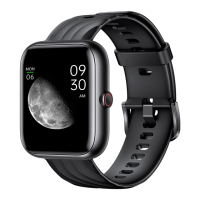
4.Tap “device” > “Watch +” > “VIRMEE-VT3plus-xxxx” on the app to connect
your watch to the phone.
Pairing Your Watch with Your Phone
2.5


 To Next Page