7
1300 663 907
customercare@balcobrands.com
Aer Sales Suppor
Model number: AP210214 | Product Code: 709535 | 08/2022
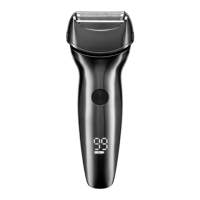
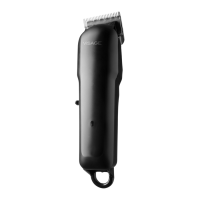
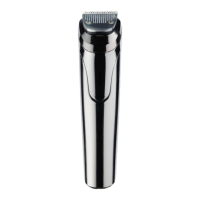
Men’s Grooming Kit
1
YEAR WARRANTY
Before First Use
Remove any packaging material and promotional labels before using your grooming kit for the irst
time.
Fully unwind the USB power cord and inspect it for damage. Do not use the appliance if any par has
been damaged. In case of damage, contact our aer sales suppor line for advice on replacement or
return.
Charging
Before irst use of your grooming kit, it is recommended to fully charge the unit. The appliance has an
approximate charge time of 90 minutes and a running time of 90 minutes
1. Inser the USB charging cord into the base of the appliance.
2. Inser the USB end into a USB power source (not included) and ensure the power source is
switched on.
3. The LED on the shaver will turn red indicating the appliance is charging.
4. Aer 90 minutes, turn OFF the power source.
NOTE: The charging light will turn red when it is charging and will turn blue when fully charged
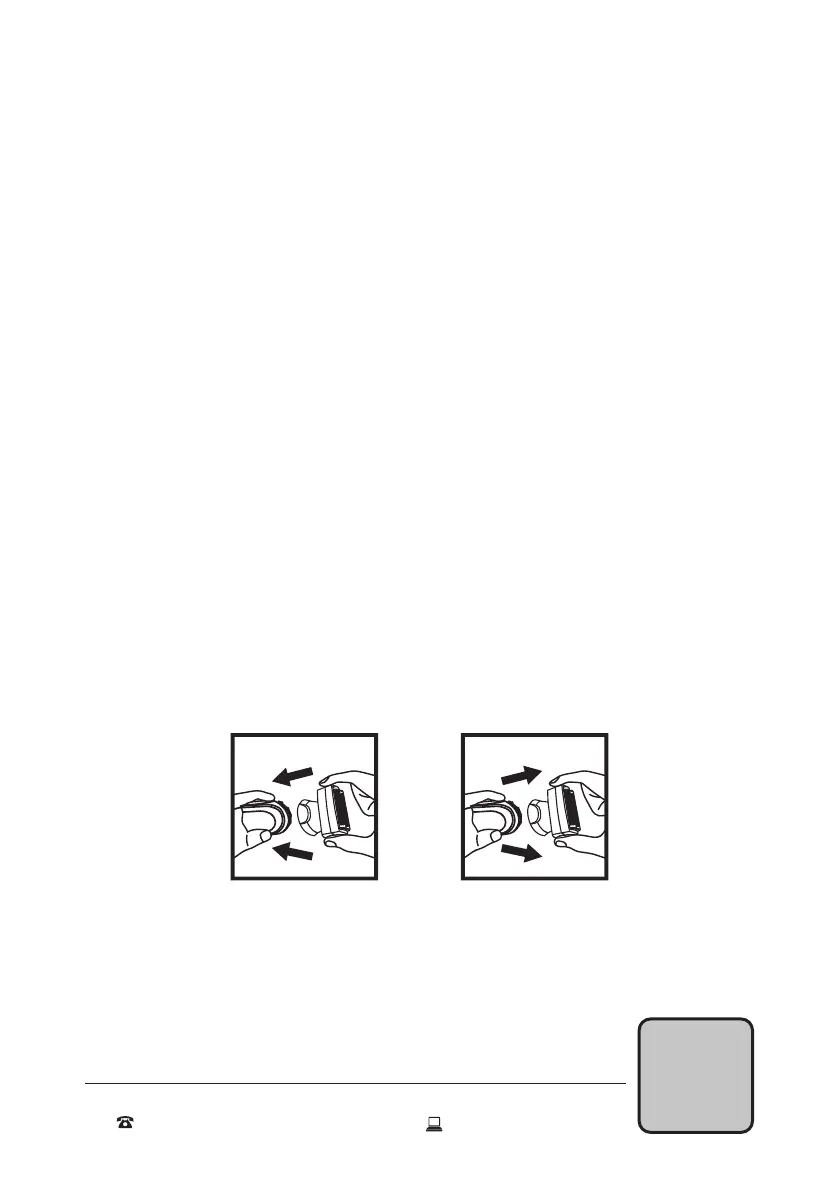
Changing heads
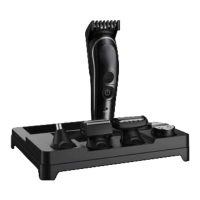
The grooming kit has 5 interchangeable heads. These should only be changed when the appliance is
switched of. All attachments can be attached and detached in the same way.
1. Grip the main body and place the desired attachment head at the top
2. Push the bottom end of the attachment irmly until it locks into place
3. To remove a head attachment, grip the main body and push the attachment head upwards until it
unlocks and remove
NOTE: For irst time removal the attachment may be tight and require more efor to remove.
Attach Remove
Getting Stared


 To Next Page