EasyManua.ls Logo

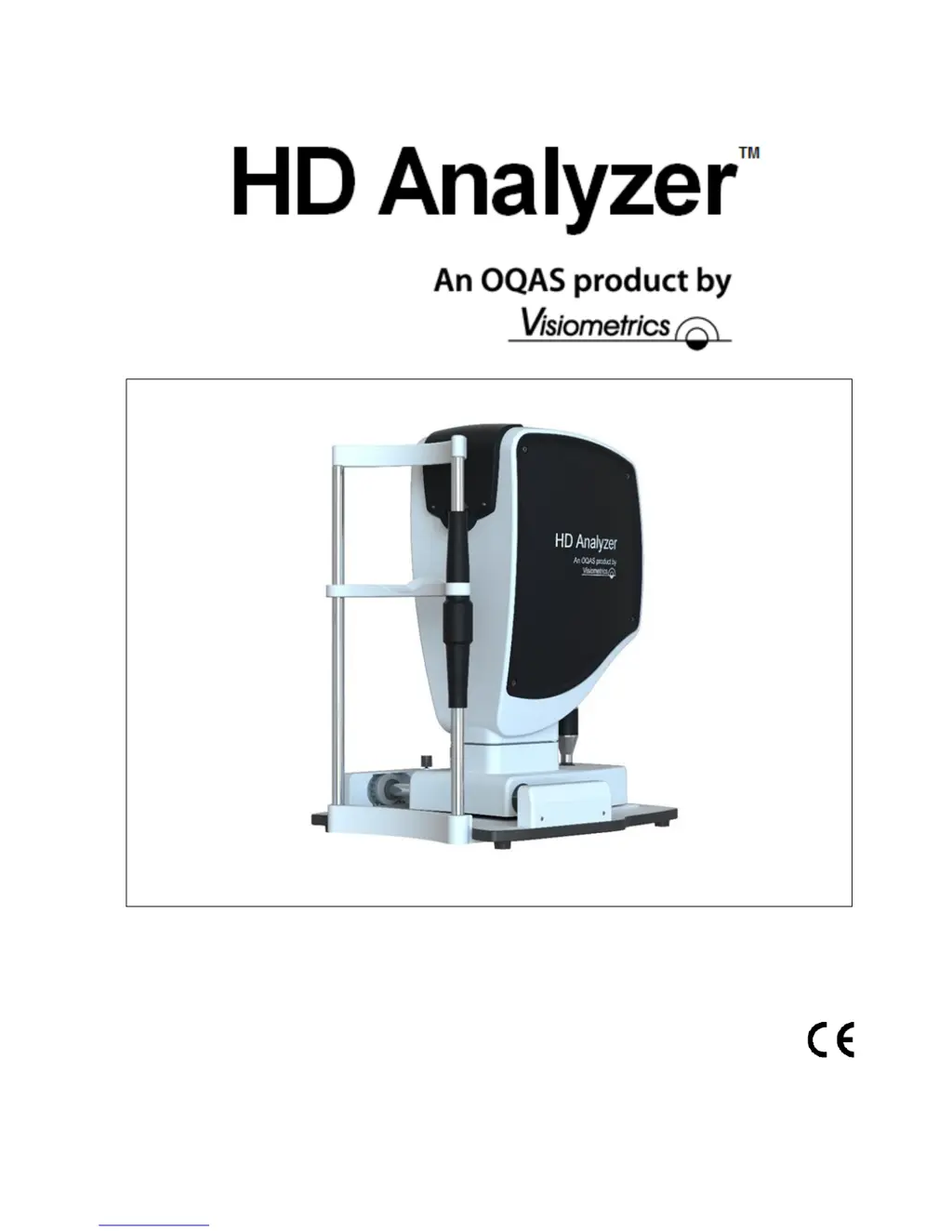
Visiometrics HD Analyzer OQAS - User Manual

Visiometrics HD Analyzer OQAS
102 pages
Print Icon
To Next Page IconTo Next Page
Loading...
USER’S MANUAL
Version 2.4
English
0318
Čeština
Deutsch
Español
Français
Italiano
Nederlands
Português
Türkçe
Ελληνικά

日本語
한국어
Magyar
Polski

Table of Contents

Questions and Answers

  • E
    emilykellySep 8, 2025
    Why Visiometrics HD Analyzer OQAS unable to measure the patient’s pupil during the process?
    • L
      lchristensenSep 8, 2025
      If Visiometrics Measuring Instruments is unable to measure the patient’s pupil during the process, and the value defaults to null, it's because the lighting conditions are not optimal. Try again.
  • L
    Lisa ReynoldsAug 23, 2025
    What to do if Visiometrics HD Analyzer OQAS Measuring Instruments system cameras not detected?
    • G
      gonzalezdustinAug 23, 2025
      If the system cameras for Visiometrics Measuring Instruments cannot be detected, it's likely due to connection issues. The program can't detect the instrument's cameras, so you should check the connection between the computer and the instrument to ensure it's properly connected.
  • T
    Tyler BakerAug 25, 2025
    Why Visiometrics HD Analyzer OQAS Measuring Instruments device is not detected?
    • T
      terri34Aug 26, 2025
      If the Visiometrics Measuring Instruments device is not detected, and the software runs in "read only" mode, it indicates a problem with the hardware connection. To resolve this and enable normal mode, ensure the device is properly connected to the power source and the computer. Then, restart the program. The cause is that the hardware is not connected or is not working, preventing new measurements from being taken.
  • W
    William GrayAug 27, 2025
    What to do if Visiometrics HD Analyzer OQAS auto-focus process has failed?
    • D
      Donna StevensAug 27, 2025
      If the auto-focus process fails in Visiometrics Measuring Instruments, it's because the objective refraction sequence could not be completed. Check the subjective refraction entered and try again.
  • D
    Daniel RodriguezAug 27, 2025
    What to do if Visiometrics HD Analyzer OQAS Measuring Instruments detects a problem with the hardware?
    • P
      Patrick BakerAug 28, 2025
      If Visiometrics Measuring Instruments detects a hardware problem (such as with the internal spherical refraction compensation system, artificial pupil, shutter, laser, vibrator, or LED lighting), restart the instrument to see if the error repeats. If it does, contact Visiometrics.
  • A
    Allison GarciaSep 23, 2025
    Why Visiometrics HD Analyzer OQAS Measuring Instruments MTF could not be calculated?
    • N
      Nicole MartinSep 23, 2025
      If the MTF could not be calculated in Visiometrics Measuring Instruments, it's because the quality of the images is too low for the MTF function to process. Contact Visiometrics if this error is repetitive.
  • K
    Kelly RichardsonSep 16, 2025
    What to do if Visiometrics HD Analyzer OQAS Measuring Instruments has error processing the images?
    • M
      Martha WalkerSep 16, 2025
      If there is an error when processing the images in Visiometrics Measuring Instruments, contact Visiometrics if this error is repetitive.
  • S
    samanthabaxterSep 18, 2025
    What to do if Visiometrics HD Analyzer OQAS images cannot be read from the disk?
    • C
      Christopher HernandezSep 18, 2025
      If the images cannot be read from the disk in Visiometrics Measuring Instruments, it indicates that the images from the selected measurement were not found on the disk. Contact Visiometrics if this error is repetitive.
  • C
    Christopher BryantSep 7, 2025
    What to do if Visiometrics Measuring Instruments program has detected a problem with the hardware and will shut down?
    • T
      Thomas DownsSep 7, 2025
      If Visiometrics Measuring Instruments detects a hardware problem and shuts down, it indicates an error in the hardware. Restart the instrument to check if it’s a repetitive error. If it is, contact Visiometrics.
  • K
    Kathleen LesterSep 4, 2025
    What to do if Visiometrics HD Analyzer OQAS has not registered enough images for processing?
    • R
      Roger RichardsonSep 4, 2025
      If Visiometrics Measuring Instruments hasn't registered enough images for processing, it means the measurement wasn't completed because not enough images were registered. Try again.

Visiometrics HD Analyzer OQAS Specifications

General IconGeneral
Pupil Size MeasurementYes
OQAS ValueObjective Scatter Index (OSI)
Modulation Transfer Function (MTF)Yes
Point Spread Function (PSF)Yes
Data OutputDigital
TechnologyDouble-pass technique
DimensionsNot specified in detail, but designed for clinical environment use.
WeightNot specified in detail, but designed for clinical environment use.