(B) Controlled Edging
1) Choose edging conditions
:
:
2) Fix lens to adaptor
Ref.) Article 2 of 5.1.1. Automatic edging
3) Push and start edging.
Screen is to be switched to simulation screen after measuring the thickness of
lens and then system is to be stopped.
*The steps on screen indicates the volume of increments,decrements to enter
and may be able to be switched to 0.01, 0.1, 0.5 by pushing key
* MIN means minimum sized lens to be edged.
* Base ratio is 3:7 under controlled mode.
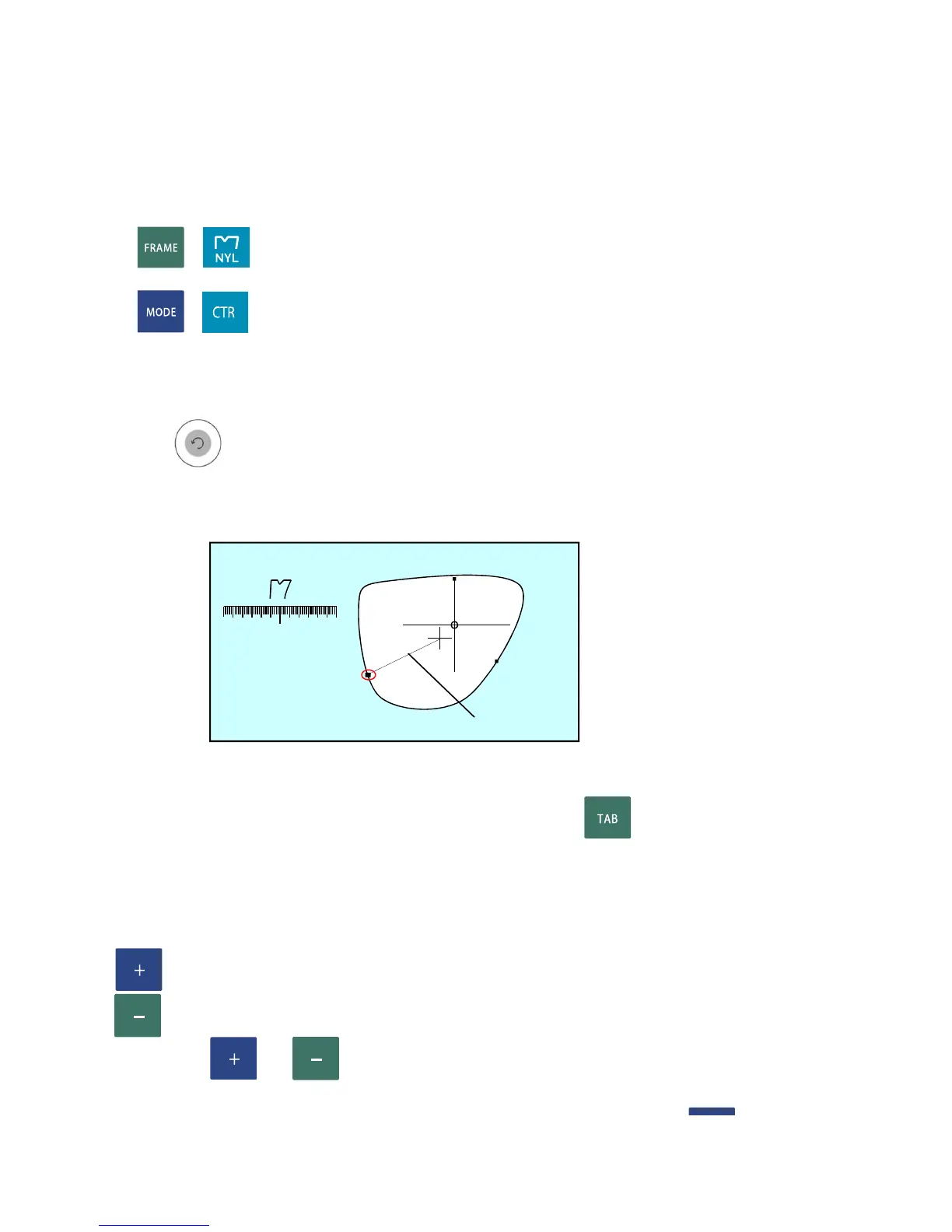
4) Do simulation of bevel section.
: Position line of section viewing is rotated clockwise.
: Position line of section viewing is rotated unclockwise.
Push or again to stop the position line of section viewing.
Move the postion line of section viewing to the thinnest place of
RATIO 3.0 : 7.0
LENGTH(mm) 3.0 : 7.0
Section view posion line
STEP : 0.1
0.10.1
0.1


 To Next Page
 Loading...