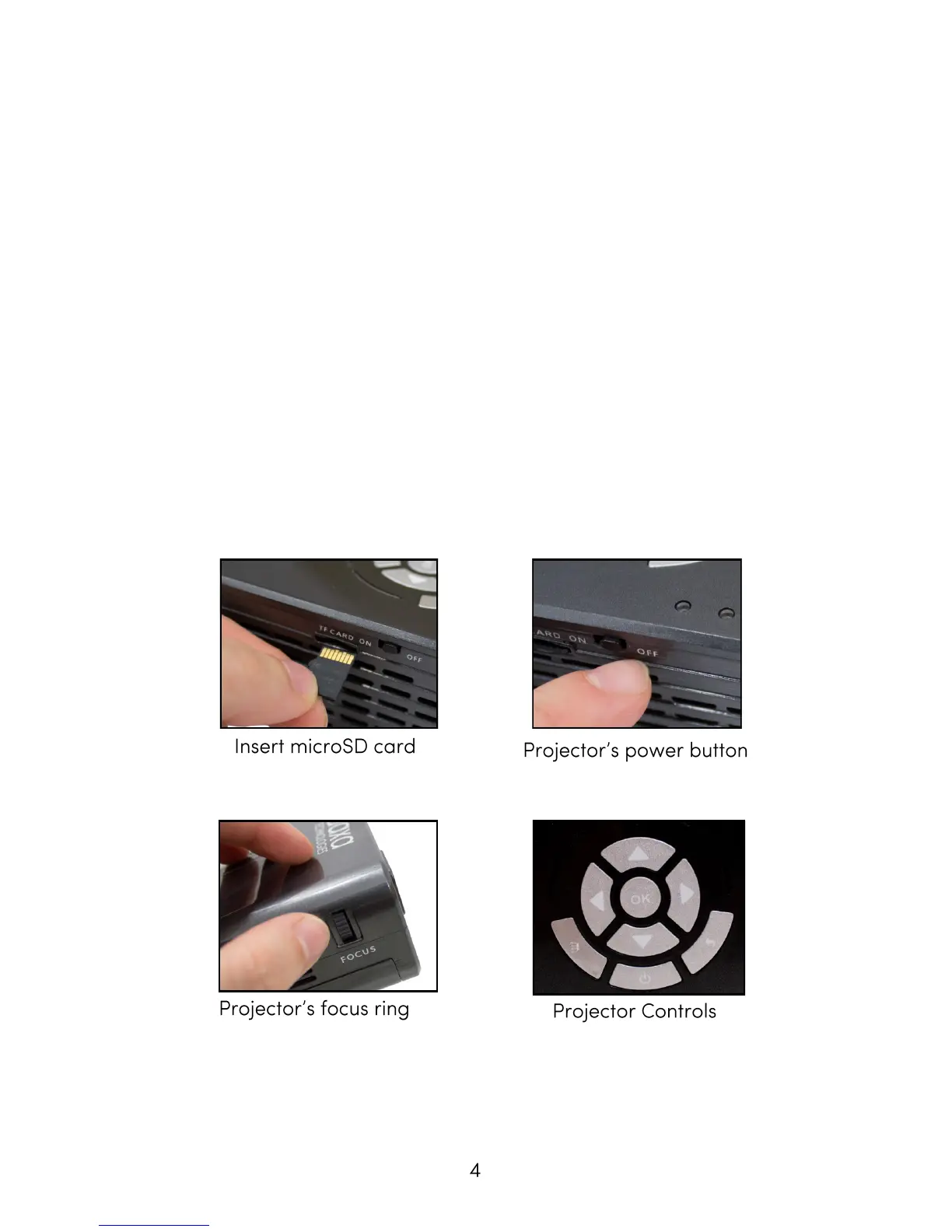
The projector’s power button is located on the side of the unit.
Slide it to turn on the projector.
Projector connects to the Renew Amp using the Line Out Port
and DC In Port on the side of the unit.
Adjust the projector’s focus ring to create a sharp picture. If the
picture will not become sharp, you may need to move the projec-
tor closer to or further from the screen.
For a longer run time, try adjusting the projector’s brightness in
its menu system under: Setup > Picture > Backlight (gear picture)
Operating the Projector



 To Next Page