EasyManua.ls Logo

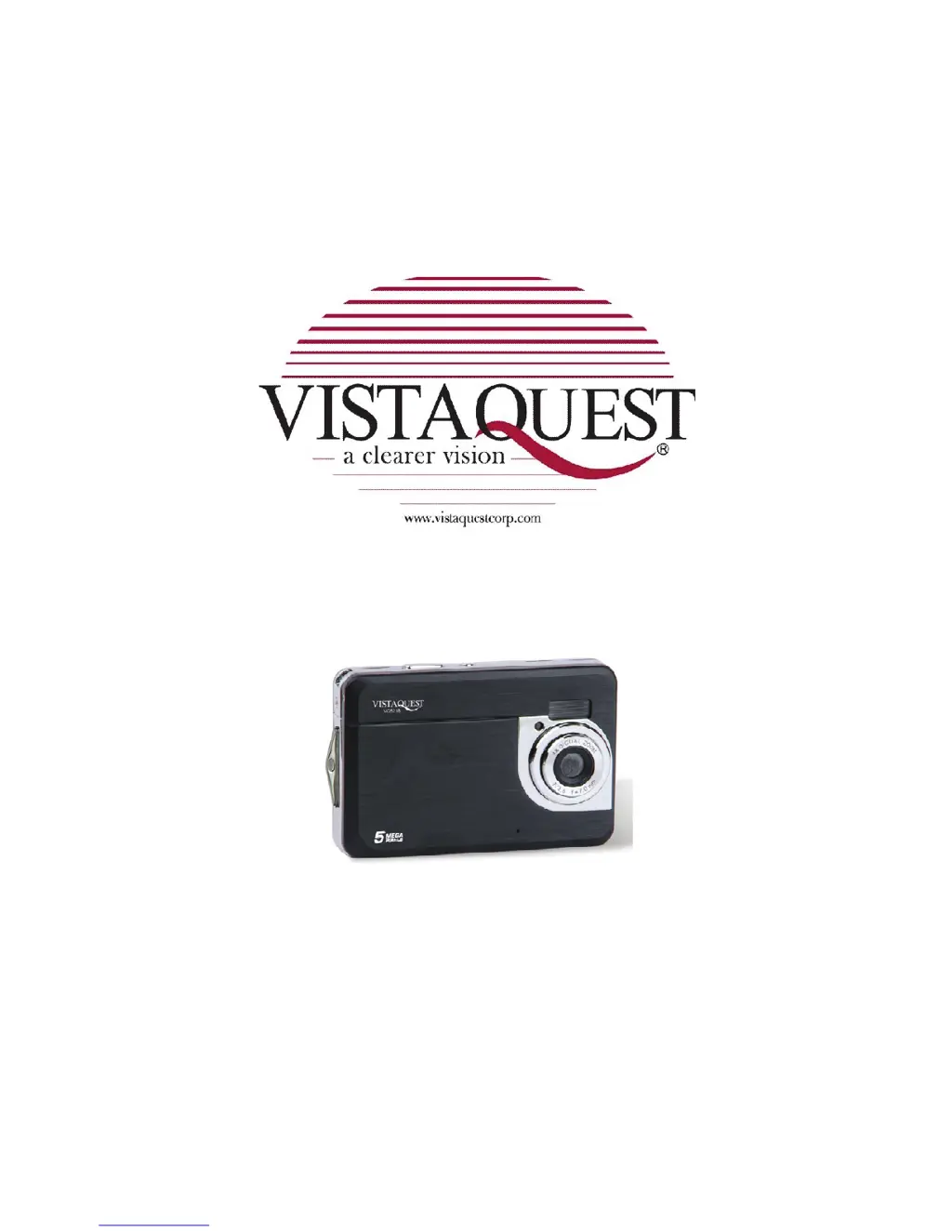
VistaQuest VQ5218 - User Manual

VistaQuest VQ5218
38 pages
Print Icon
To Next Page IconTo Next Page
Loading...
VQ5218
User’s Manual

Questions and Answers

  • N
    Norman GibsonJul 31, 2025
    What to do if my VistaQuest Digital Camera does not take pictures?
    • J
      Julian MuellerJul 31, 2025
      If your VistaQuest Digital Camera isn't taking pictures, it might be due to a full memory card. Try inserting a new memory card. Another possible reason is that the memory card is not formatted correctly. In this case, format the memory card again or use a new one.
  • J
    jvangAug 7, 2025
    Why VistaQuest Digital Camera power does not turn on?
    • N
      nstoneAug 8, 2025
      If your VistaQuest Digital Camera isn't turning on, one potential cause is that the battery is inserted in the wrong direction. Ensure you reload the battery in the correct direction. Another reason could be that the battery is insufficient to power on the camera. In this case, replace or recharge the battery.
  • M
    Margaret PriceAug 15, 2025
    Why is my VistaQuest Digital Camera image blurry?
    • T
      Tracy McdonaldAug 15, 2025
      If the images from your VistaQuest Digital Camera are blurry or out of focus, it could be because the camera was moving when the image was captured. To resolve this, hold the camera steady when shooting a picture.
  • B
    Brian DavisAug 23, 2025
    What to do if VistaQuest Digital Camera recorded images are not saved in memory?
    • J
      John StuartAug 23, 2025
      If your VistaQuest Digital Camera isn't saving recorded images, it's possible that the camera was turned off before the images were fully saved in memory. If the battery low indicator appears on the LCD monitor, replace the battery immediately.

Summary

Precautions

Preparing for Use

Formatting the Memory Card

Erase all data from the memory card before use.

Using the Digital Camera

Turning the Camera On and Off

Power the digital camera on and off for operation.

Taking Still Images

Capture photographs with the camera.

Recording a Video Clip

Capture video footage with the digital camera.

Recording Audio

Record audio-only clips with the digital camera.

Menu Operations

Setup Menu

Configure system settings and options for the camera.

Playback Functions

Making Connections

Connecting Camera to PC

Transfer files from camera to computer.

Connecting Camera via USB Cable

Connect camera to PC using a USB cable.

Software Installation

Installing Software and Drivers

Install bundled software and drivers from CD.

Troubleshooting

Power Issues

Resolve issues with the camera failing to power on.

Picture Taking Problems

Troubleshoot when the camera cannot capture images.

Image Saving Errors

Troubleshoot when captured images are not stored correctly.

VistaQuest VQ5218 Specifications

General IconGeneral
Digital Zoom4x
ISO SensitivityAuto, 100, 200, 400
TypeCompact
Image SensorCMOS
Screen Size2.4 inches
Storage MediaSD Card
LensFixed
Focus Range1.5m to infinity
Shutter Speed1/2 - 1/2000 sec
White BalanceAuto, Cloudy, Tungsten, Fluorescent

Related product manuals