See further the “beams”-documentation
6. NETWORK
When the system has to get other network settings for the Internet, execute:
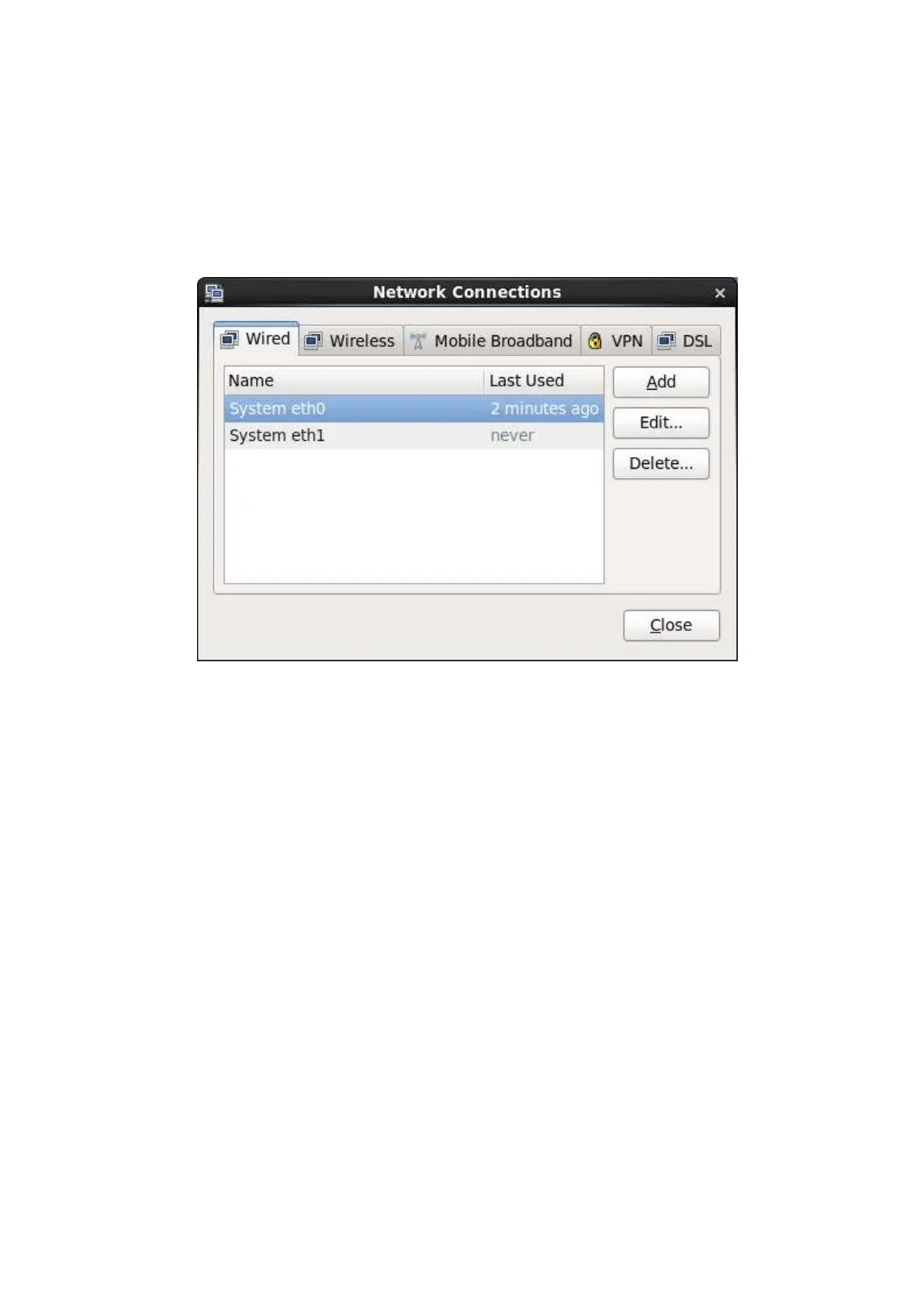
[root@a217 ~]# nm-connection-editor
Then the next window appears on the screen:
To make changes to the Internet, only change the device “eth0”. Ask the local network
manager for the details to get system connected to the Internet.
NOTE: Never change the device “eth1”, otherwise the computer can’t communicate with
the machine anymore.
After changing the Internet settings, restart the network:
[root@a217 ~]# service network restart
NOTE: When a firewall is required then be sure the ports 69:udp and 20440:udp are
trusted or make eth1 entirely trusted. See:
[root@a217 ~]# system-config-firewall
Or:
[root@a217 ~]# system-config-firewall-tui



 To Next Page