The V‐MOTION PRO
Copyright©2010VisualLandInc.http://www.visual‐land.com
27
VideoRecording
IntheMainMenu,select"VideoRecorder"toenterthisapplication.
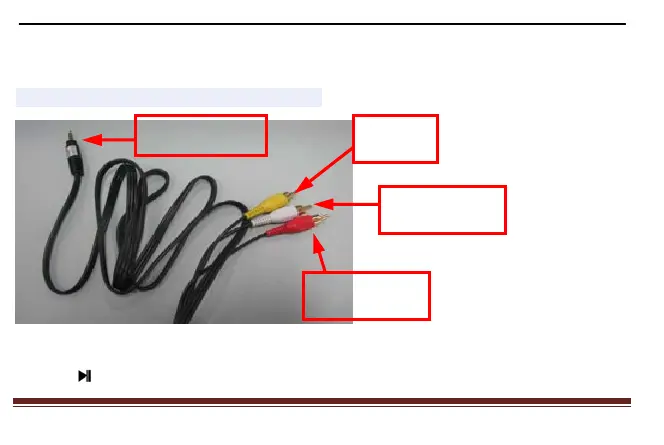
1.ConnecttheplayerwithTV,asshownbelow:
2.Onceenteredintothisapplication,selecttheappropriatemodetoenter,PALorNTSC.
3.Press buttonto start videorecording, press againtopause. After pressing ESCkey,the
TVOutPlug
video
sound(left)
sound(right)



 To Next Page