against the risk of cross contamination during spirometry
manoeuvres. Eco BVF and SafeTway mouthpieces are
single use items and must be disposed of after use.
3. Operating Instructions
If the device has just been unpacked or transported, ensure that it is
left sitting, fully powered and is at room temperature prior to testing.
3.1. Entering Subject Data
The subject’s physical data should be entered into the device in
order to calculate predicted data. There are default values on
the device for age, height, and gender. If default values are used
instead of the subject’s own information, then the predicted data
will not be accurate for the subject being tested.
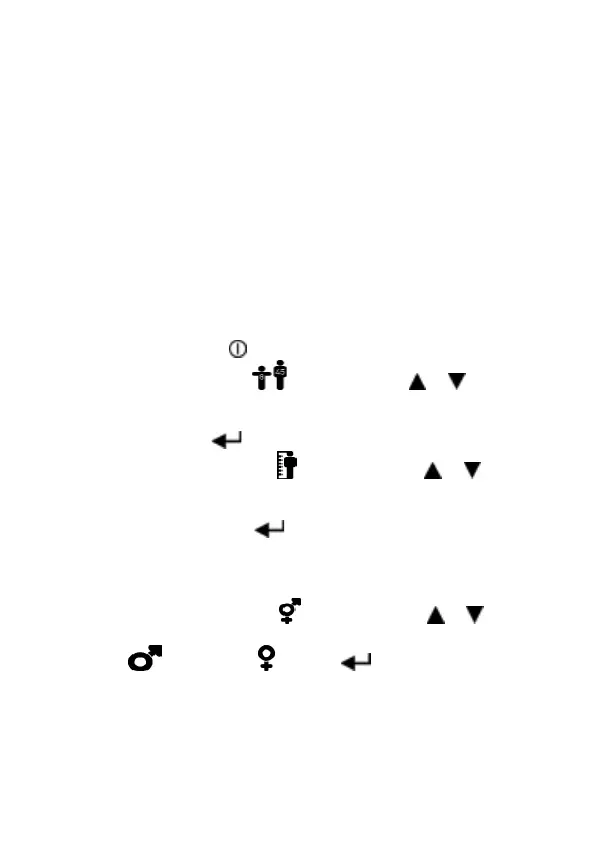
To enter subject data:
1. Turn device on.
2. Set subject’s age ( ) by pressing the or button to
reach the correct age. Age increases/decreases in values
of 1. If the button is kept depressed, the values scroll
faster. Press to save the age.
3. Set subject’s height ( ) by pressing the or button
to reach the correct height. Height increases/decreases
in values of 1. If the button is kept depressed, the values
scroll faster. Press to save the height.
Note:if height values are set below 100, the device
assumes height is in inches and that Weight will be in Ibs
rather than Kg.
4. Set subject’s gender ( ) by pressing the or button
and releasing when appropriate gender shows: Male
( ) or Female ( ). Press to save the gender.
The device will go to Test Mode showing the Blow Icon.
On some variants, an additional data eld comes rst (see
below).
5. (This step may be omitted, depending on the variant. On
some variants this is Weight instead.) The Population


 To Next Page
 Loading...