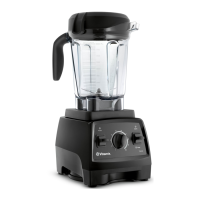
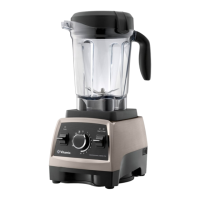
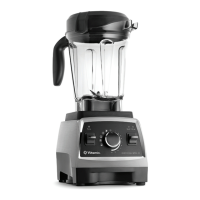
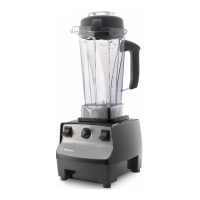
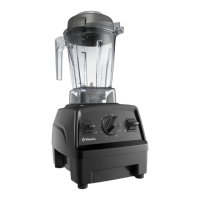
Control Panel
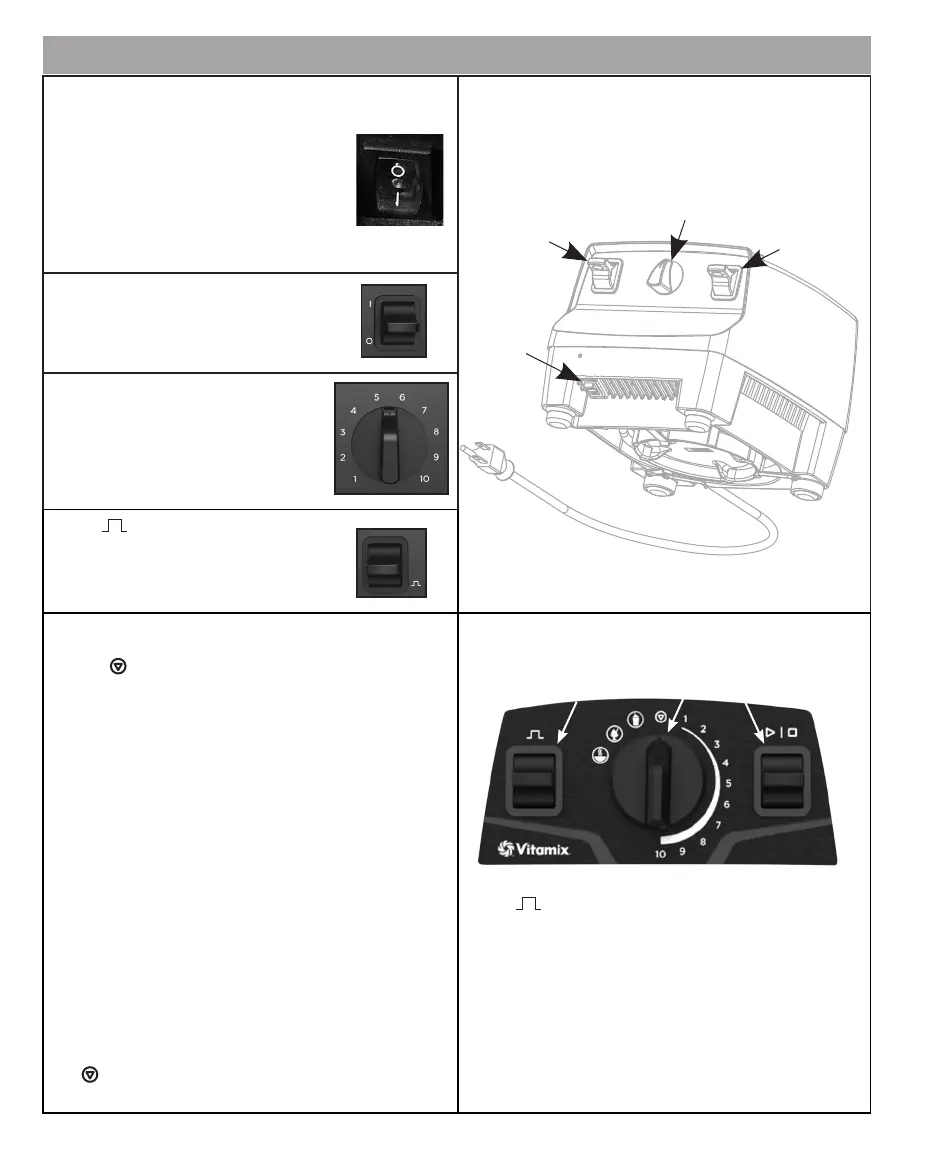
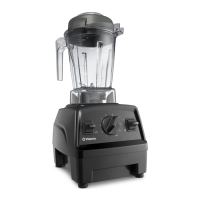
Base On/O Switch - The On/O Switch
controls the power to the machine base and
is located on the front of the machine. Move
the On/O Switch to the OFF (O) position
at night and whenever the machine is left
unattended. If the On/O Switch is moved
to the OFF (O) position to stop a program
mid-cycle, wait 30 seconds for power to
recycle and the timer to reset before moving
the On/O Switch back to the ON ( I ) position.
Front On/O Switch - The On/O Switch
controls power to the machine.
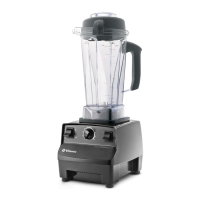
Variable Speed Dial - The Variable
Speed Dial gives you manual control
from Variable 1 (slowest) to 10 (highest).
Pulse ( )- The blades will rotate at the
speed displayed on the control panel
when pressed.
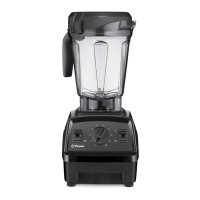
Start/Stop Switch - At the start of the blend, always
make sure the Variable Speed Dial is pointed at the STOP
symbol ( ). Rotate the Variable Speed Dial to Variable
Speed 1 or a Program setting. Press down on the Start/
Stop Switch to initiate the blending process. Press down
again to stop the process.
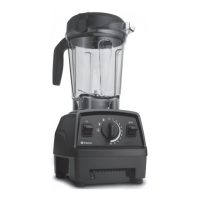
Variable Speed Dial -
To use the three program settings: Rotate the Variable
Speed Dial to the left to select a program for Smoothies,
Frozen Desserts, and Soup. The programs are optimized
for these recipe categories, but may also work well with
other recipe choices.
To use the ten variable speed settings:
a. Rotate the Variable Speed Dial to the right to 1.
b. Press down on the Start/Stop Switch.
c. Rotate the Variable Speed Dial between 1 and high
during the blending cycle to increase or decrease the
speed of the blades.
d. At the end of the blending cycle, rotate the marker
on the Variable Speed Dial back to the STOP symbol
( ) at the top of the dial.
Pulse ( ) -
Variable Speed: Pressing down on the Pulse Switch will
cause the machine to blend at the speed setting shown
on the Variable Speed Dial for as long as the Pulse
Switch is held down.
Programs: The pulse function can be used when a
program is selected. Pushing down the Pulse Switch
when a program is selected will cause the machine to
run at 50% of high power for as long as the Pulse Switch
is pushed down.
Front
On/O
Switch
Variable
Speed Dial
Pulse
Base
On/O
Switch
Pulse
Start/Stop
Switch
Variable
Speed Dial
with Programs


 To Next Page