EasyManua.ls Logo

VitaSound Audio PAE-300 - User Manual

Default Icon
31 pages
Print Icon
To Next Page IconTo Next Page
Loading...
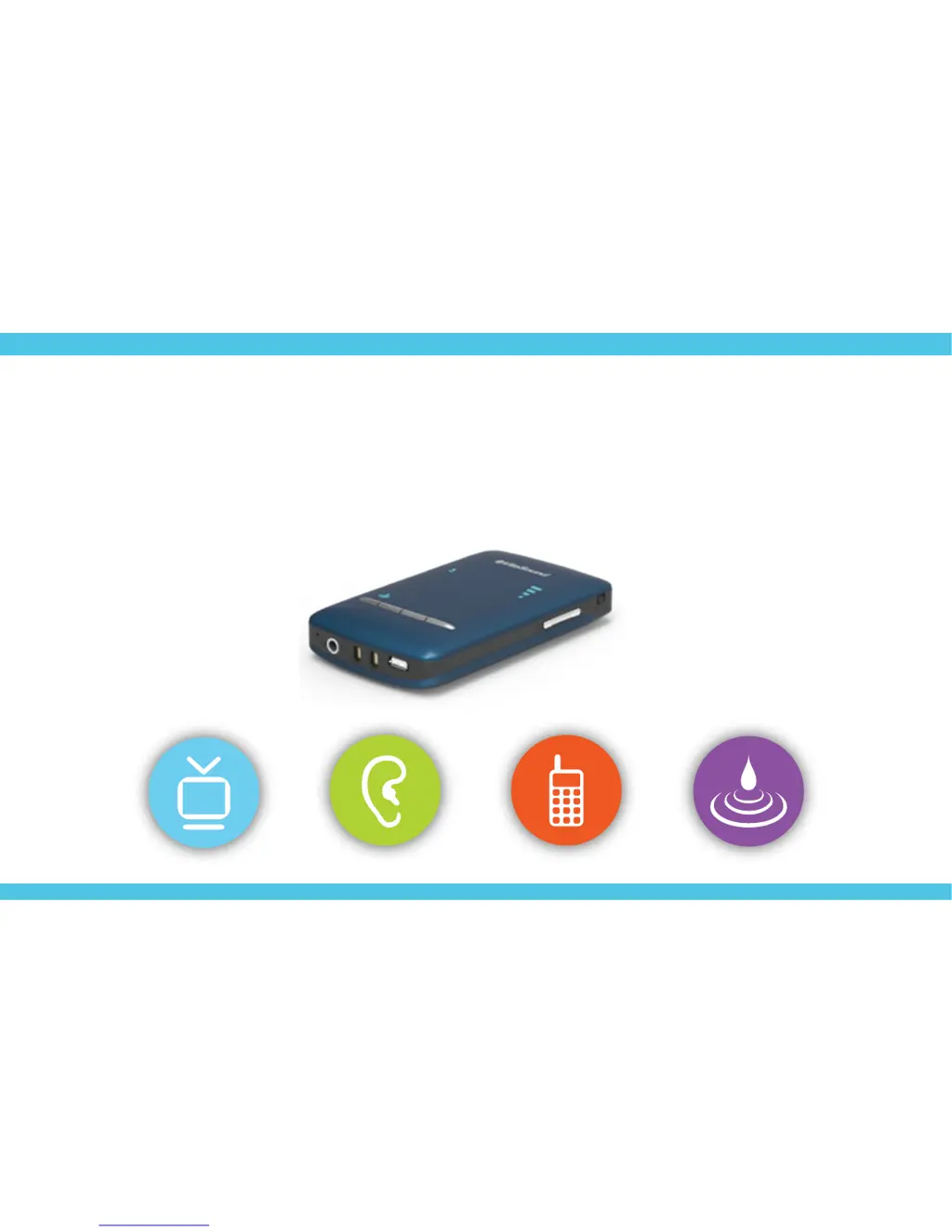
Personal Audio Enhancer
PAE-300
User Manual

Questions and Answers

  • Z
    zheathAug 9, 2025
    How to fix VitaSound Audio PAE-300 select buttons not responding?
    • S
      Steven CoxAug 9, 2025
      If the select buttons on your VitaSound Audio Amplifier are not responding, here are a few things to check: * First, ensure that the device is turned on. * If the device is in "Lock Mode", switch the lock switch upward to unlock it. * If the device is under the energy saving mode, press any button once to wake up the indicators, then perform the desired operation. * If the handset is frozen, press the Reset Button with a small pin object to reset the device.
  • J
    Jack MurphyAug 19, 2025
    Why does my VitaSound Audio Amplifier emit a double beep alert through the earphones?
    • L
      Lawrence CruzAug 19, 2025
      The double beep alert from your VitaSound Audio Amplifier earphones indicates that the battery is running low.
  • M
    myersandrewOct 30, 2025
    Why is there no sound coming from my VitaSound Audio Amplifier?
    • D
      Denise RobertsonOct 31, 2025
      If your VitaSound Audio Amplifier produces no sound, there could be several reasons: * Ensure the device is turned on by pressing the power button. * Verify that the earphone is properly plugged into the handset. * Increase the volume level. * When using the analog (RCA) audio cable to connect the Base Unit and television, make sure both of the optical and coaxial cables are disconnected with the Base Unit and television. * When using the analog (RCA) audio cable, make sure the cable is plugged into the "Audio Out" port of the television. * When using the optical audio cable to connect the Base Unit and television, make sure: 1) the optical cable is connected with the Base Unit and television properly; and 2) the "Audio input mode switch" is switched into "optical audio input"...

Summary

Important Product Safety and Operation Instructions

Operating Your Personal Audio Enhancer

Guidelines for safe operation of the device, including restrictions on dropping and damage.

Charging

Information on charging the device, battery type, and charging temperature.

Avoid Water or Direct Heat

Precautions against water exposure and high temperatures to prevent damage.

Installation of Base Unit to Television

Connect with Analog (RCA) Audio Cable

Steps to connect the Base Unit using RCA cables to the TV.

Connect with Optical Audio Cable

Steps to connect the Base Unit using an optical cable to the TV.

Charging the Personal Audio Enhancer

Wireless Pair to Base Unit

Reset the Personal Audio Enhancer

Troubleshooting

Technical Specifications

VitaSound Audio PAE-300 Specifications

General IconGeneral
BrandVitaSound Audio
ModelPAE-300
CategoryAmplifier
LanguageEnglish