14
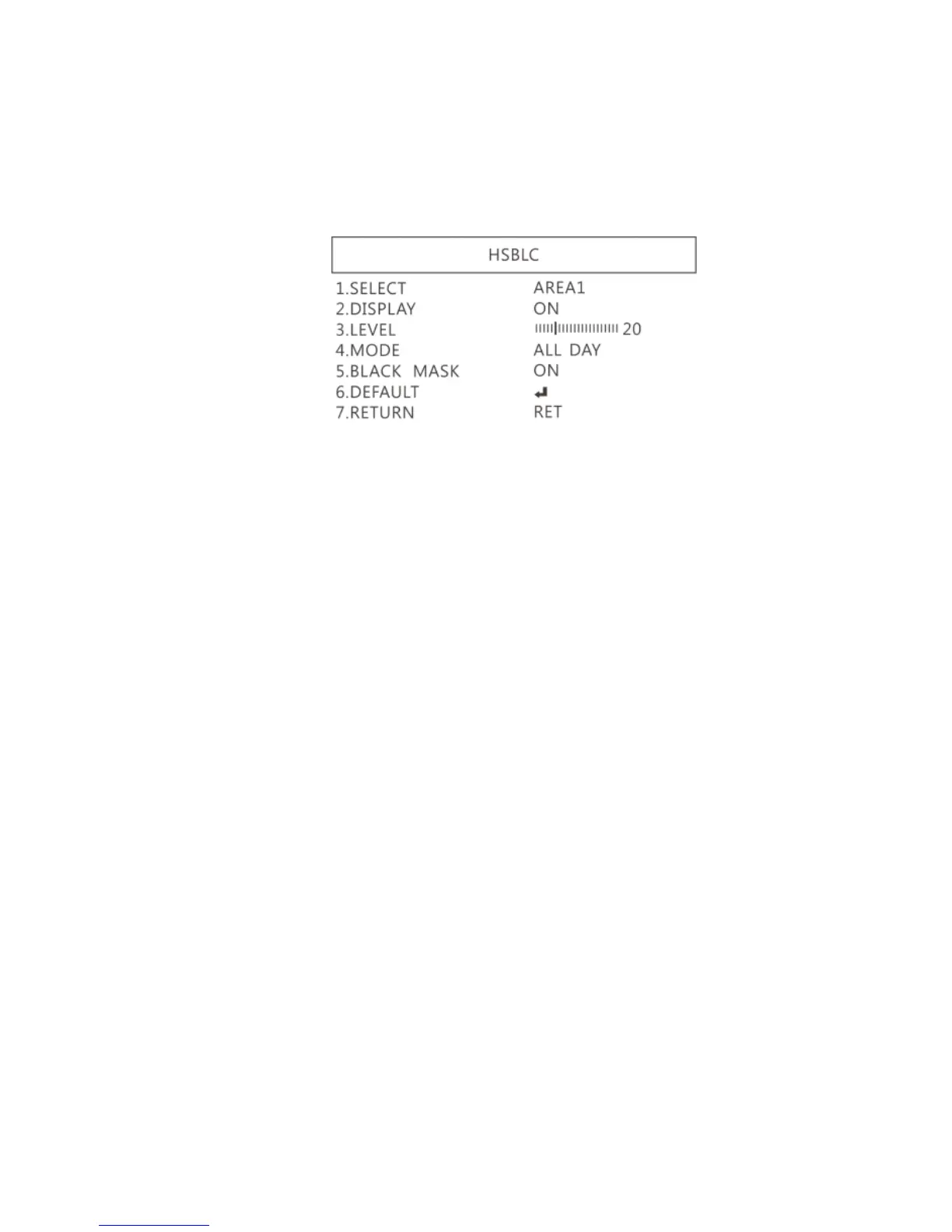
(4-1) SELECT: Select the areas which needs to be adjusted.
4 areas are selectable.
(4-2) DISPLAY: Display the selected area.
(4-3) LEVEL: Set value to judge if the image is too bright.
(4-4) MODE: Super back light compensation mode.
(4-5) ALL DAY: Day mode.
(4-6) NIGHT: Night mode.
(4-7) BLACK MASK: Reverse the over exposed area
(4-8) DEFAULT: Return to factory default setting.
(4-9) RETURN: Return to last page.
1.4.3 MANUAL WB
Calibrate the white balance.
(1) AWB: Auto white balance.
(2) ATW: Auto tracing white area and calibration.



 To Next Page