23
to average the luminance of image.
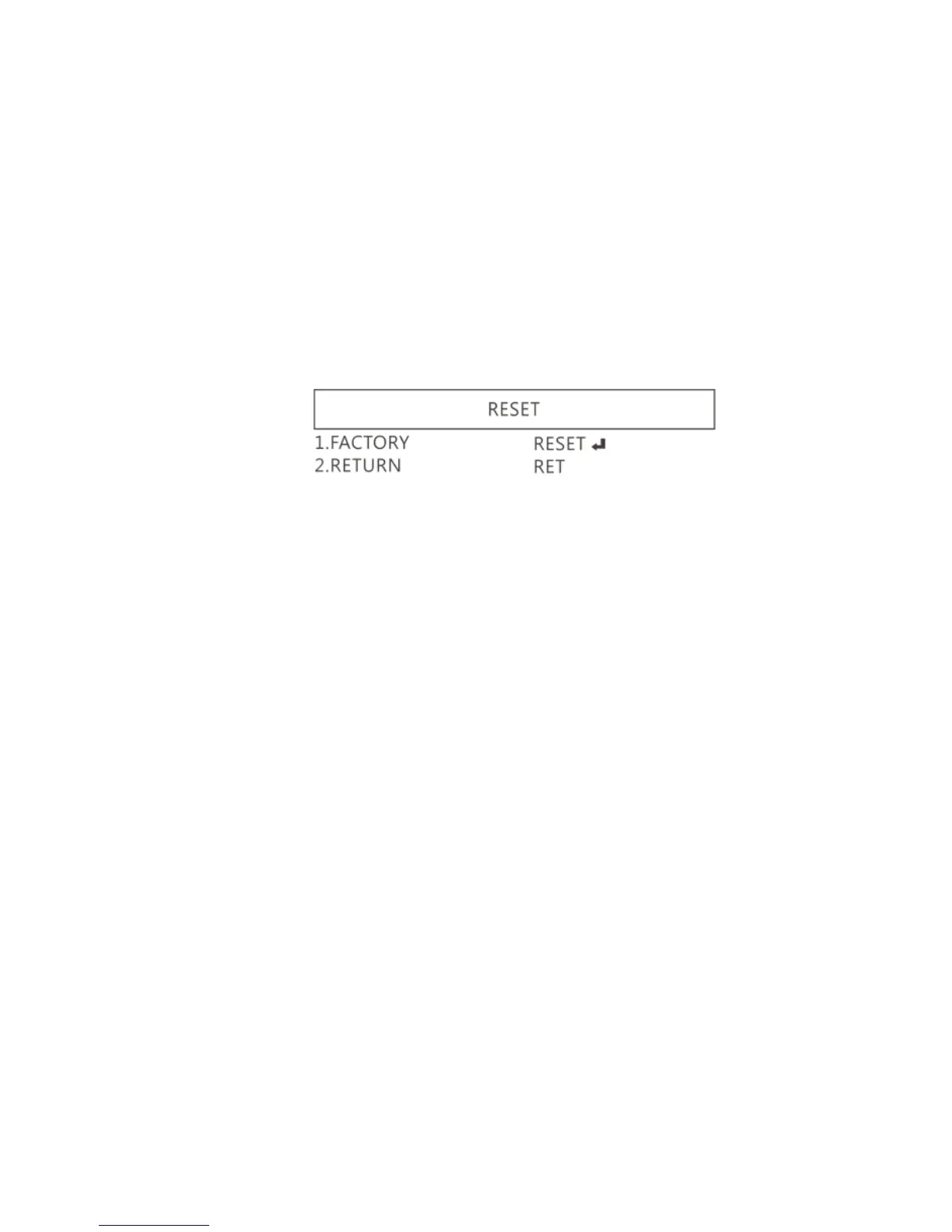
1.4.7 RESET
Return to factory default setting. Press Left/right button to
choose “CHANGE” to return default.
1.4.8 RETURN
Exit from menu.
1.5 Microscope introduction:
1.5.1 IR Remote Area/Indicator
When both ○
g
and ○
h
LED indicator blinks, the microscope is
in standby mode.
Caution: Please remove the transparent protection sheet on the
IR receiver area.



 To Next Page