22
(4-2-2) LEVEL: Set the threshold value to judge if it needs
to be corrected.
(4-2-3) SENS-UP: Raise up the sensor’s sensitivity to
compensate the dead pixel.
(4-2-4) AGC: Auto Gain Control. When light is not
enough, AGC will follow the threshold setting to
compensate the dead pixel.
(4-2-5) RETURN: Return to last page.
(4-2-2) to be corrected.
(5) VERSION: Firmware version.
(6) RETURN: Return to last page.
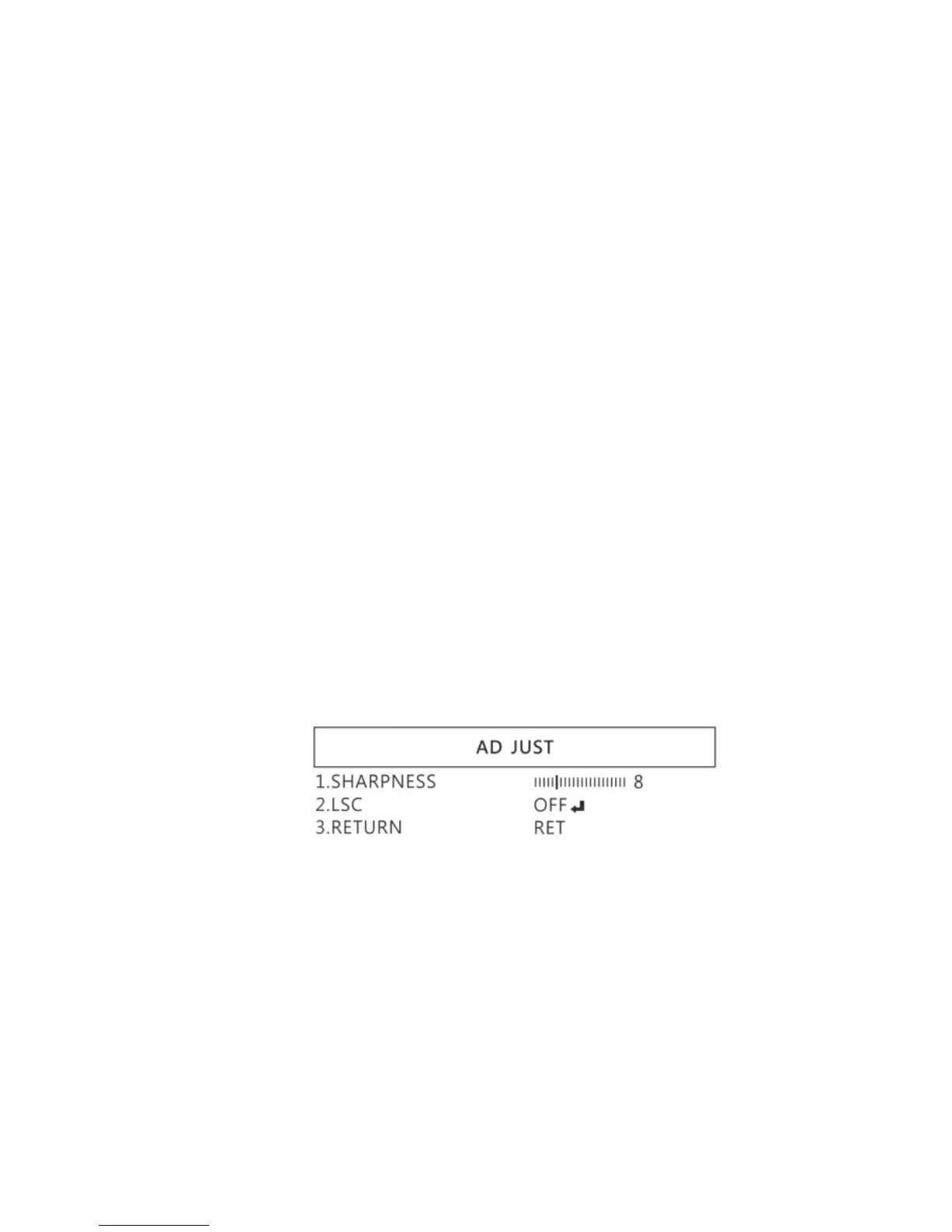
1.4.6 ADJUST
See image adjust as below fig.
(1) SHARPNESS: Adjust Sharpness, higher value increases the
higher contrast along/near edges of the image.
(2) LSC:Lens Shading Correction. Use Lens shading correction



 To Next Page