25
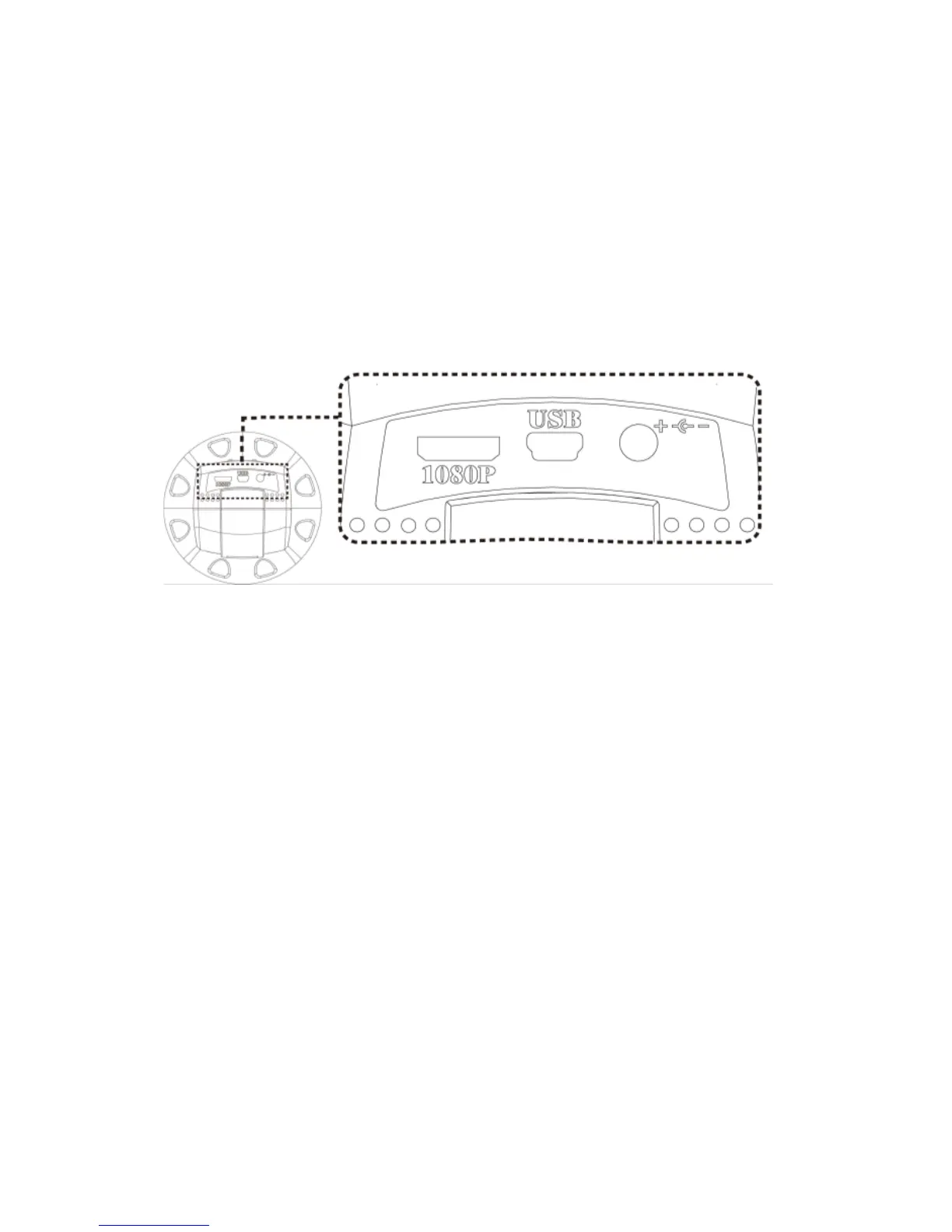
1.5.2 Power/USB/HDMI port
Caution: Please hold the cable when remove from microscope
and do not disassemble cables forcefully.
(1) HDMI○
i
:The HDMI port is used to connect the microscope to
a screen. When the device is in HDMI mode, connect the
microscope to the screen using the HDMI cable from the box.
* For TV screen connections, make sure to choose the
homologous image ratio and format.
(2) USB○
j
:USB port to use for future firmware update.
(3) Power ○
K
:Power adaptor is only compatible with the cord in
the box.



 To Next Page