EasyManua.ls Logo

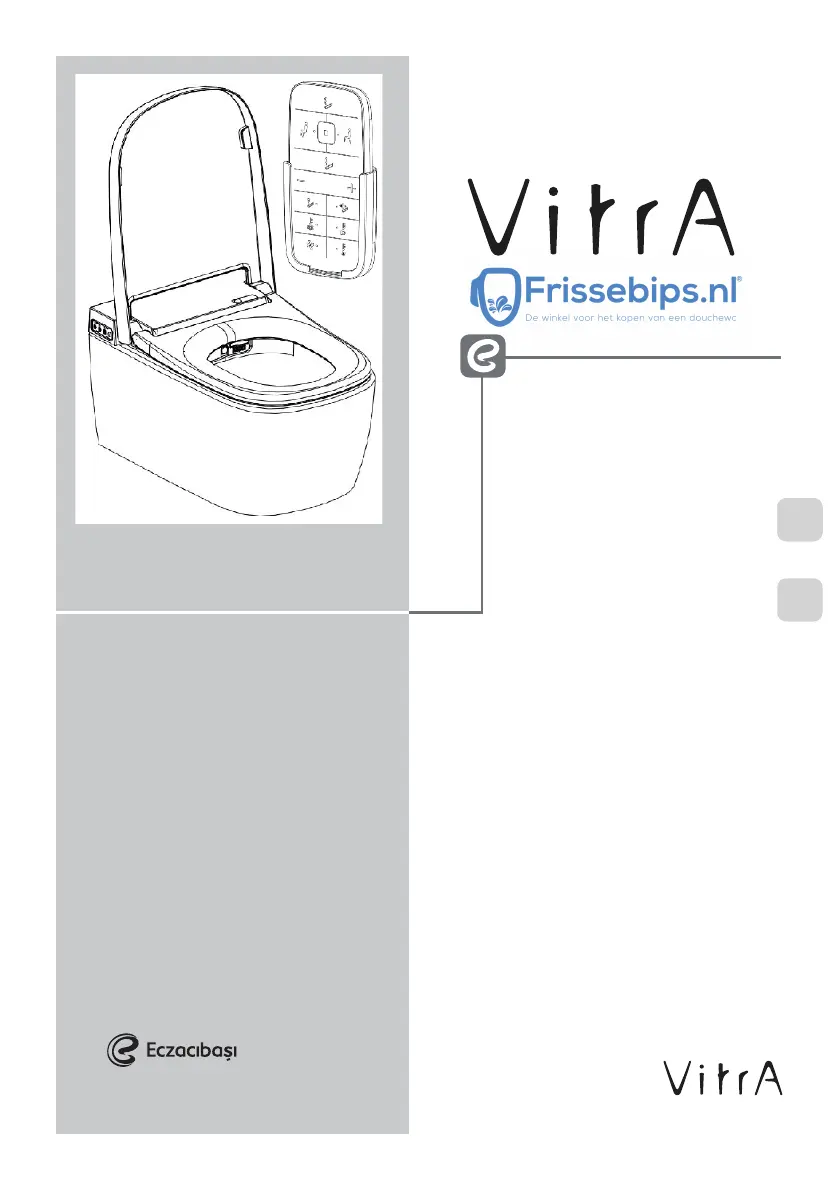
VITRA V-Care 5674/431470 - User Manual

VITRA V-Care 5674/431470
50 pages
Print Icon
To Next Page IconTo Next Page
Loading...
V-Care Intellgent
WC User Manual
V-Care toilet
Gebruikershandleiding
321029
310120-01
ENEN
NL

Questions and Answers

  • C
    Cynthia EllisonAug 4, 2025
    What to do if the water from my VITRA Toilets nozzle isn't flowing or is weak?
    • B
      Brandon SmithAug 4, 2025
      If the water flow from the nozzle is weak or non-existent, first check if the water pressure in your area is sufficient. Also, inspect the tip of the nozzles for any obstructions. Ensure that the water supply valve is fully opened, and the water supply hose isn't bent. Finally, check the water supply valve and hose for any blockages.
  • R
    robinwelchAug 8, 2025
    Why is my VITRA V-Care 5674/431470 Toilets remote control not working or the LED lights are off?
    • D
      Donna MorrisAug 9, 2025
      If your remote control isn't functioning or the LED lights are off, ensure the batteries have sufficient power and are correctly inserted with the proper polarity. Check for any obstructions blocking the transmitter or receiver of the remote control.
  • F
    Felicia RayAug 13, 2025
    What to do if there is water leakage in VITRA V-Care 5674/431470 Toilets?
    • S
      Stephen GordonAug 14, 2025
      If you notice a water leak, check the connection between the water supply pipe and the main unit for any leaks. Also, inspect the water supply hose for leaks, bends, or damage.
  • M
    michaelphillipsAug 19, 2025
    What to do if the STOP/POWER button's LED light is ON, but the washing functions of my VITRA V-Care 5674/431470 Toilets are not working?
    • S
      Susan ScottAug 19, 2025
      If the STOP/POWER button's LED is on, but the washing functions aren't working, ensure you are sitting on the seat properly and not leaning too much to one side, as the washing functions activate only when seated. Check the remote control batteries and ensure that the transmitting and receiving areas of the remote control and main unit are not blocked.
  • S
    stephaniepowersAug 25, 2025
    How to fix low water or seat temperature on VITRA Toilets?
    • E
      Eric BairdAug 25, 2025
      If the water temperature is too low, check if the temperature adjustments are turned on. For low seat temperature, ensure the unit is powered on.
  • C
    Cindy TaylorAug 29, 2025
    How to turn on VITRA V-Care 5674/431470 if the STOP/POWER button's LED light is OFF and the washing functions aren't working?
    • R
      Robert FowlerAug 29, 2025
      If the STOP/POWER button's LED light is off and the washing functions aren't working, try pressing the STOP/POWER button for 3 seconds to turn on the unit. Also, check if the power switch at the bottom right side of the unit is turned on and ensure the waterproof connector is properly connected.

Summary

Safety Instructions

Handling and Usage Safety

Covers warnings related to improper handling, humid environments, and water exposure.

General Safety Directives

Provides general directives for safe operation and maintenance, including execution and disassembly.

Product Overview

Cautionary Advice

Product Connection and Handling

Precautions on connecting the product, handling the seat cover, and water supply hose.

Usage and Maintenance Cautions

Advice on proper usage, maintenance, and handling during specific modes or failures.

Proper Use Guidelines

Energy Saving and Environmental Care

Tips for saving energy and protecting the product from environmental factors like sun and fire hazards.

Cleaning and Usage Precautions

Guidelines for cleaning, safe usage of air outlets, flushing, water supply, and electrical connections.

Drying and Flushing Recommendations

Recommendations for optimal drying performance and flushing practices for better hygiene.

Product Properties and Accessories

Checklist Before Use

Basic Operation Instructions

Comfort & Basic Version Operation

Step-by-step guide for operating the Comfort and Basic versions of the V-Care toilet.

Comfort Version Specific Operation

Operation instructions specific to the Comfort version, focusing on drying functions.

Detailed Operation Instructions

Seat, Cover, and Stop Controls

Controls for seat/cover operation and stopping functions, including power saving.

Washing and Nozzle Operations

Detailed instructions for washing types (rear, female, oscillating, pulsating) and nozzle position adjustment.

Temperature and Pressure Settings

Guidance on adjusting seat, water, and dryer temperatures, and water pressure levels.

Drying Activation

Steps to activate and use the drying function after washing.

Detailed Operation Instructions

Basic Version Remote Control Functions

Operation of the remote control for the Basic V-Care version, covering washing, nozzle, and temperature settings.

Detailed Operation Instructions

Washing and Nozzle Control Details

Detailed steps for performing rear, female, oscillating, and pulsating washes, including nozzle movement.

Temperature and Pressure Adjustment Details

Guidance on adjusting water temperature, seat temperature, and water pressure levels.

Detailed Operation Instructions

Drying and Seat Cover Automation

Instructions for using the drying function and operating the automatic seat and cover features.

Additional Functions

Functional Controls and Sensors

Operation of deodorization, motion sensor, and seat sensor features for enhanced user experience.

Maintenance and Safety Features

Procedures for nozzle cleaning and explanations of burn prevention and freeze protection.

Power Management

Information on activating and managing the power saving mode for efficiency.

Additional Functions

Battery Status and Special Modes

How to check battery status, activate Child Mode, perform decalcification, and use Silent Mode.

Public Area Usage Set-Up- ID Setting

ID Setting Procedure

Step-by-step guide for setting unique ID codes for V-Cares in proximity to avoid signal interference.

Available ID Codes

List and display format of the 15 available ID codes for pairing V-Care units.

Basic Maintenance

Decalcification Cycle Procedure

Detailed procedure for performing the decalcification cycle to remove calcium build-up.

Basic Maintenance

Cleaning the Main Unit

Instructions on how to clean the main unit of the V-Care toilet using appropriate methods.

Nozzle Cleaning

Procedure for manually cleaning the V-Care nozzle to ensure hygiene and proper function.

Changing Batteries

Remote Control Battery Replacement

Step-by-step guide to remove the remote control and replace the batteries.

Solenoid Valve Maintenance

Solenoid Valve Replacement Schedule

Information regarding the mandatory replacement of the solenoid valve by authorized service every 10 years.

Recycling

Product Recycling Guidelines

Guidelines for environmentally safe recycling of the product and its components.

Troubleshooting

Power and Functionality Issues

Troubleshooting steps for power-related problems and non-functional washing features.

Water and Temperature Problems

Solutions for issues related to water temperature, flow rate, and water leakage.

Remote Control Malfunctions

Steps to diagnose and resolve problems with the remote control's operation and indicators.

Specialized Issues and Service Calls

Guidance on specific malfunctions, like alarms or leaks, and when to contact service.

Error Code Explanation

Sensor and Supply Errors

Explanation of error codes related to temperature sensors and water supply issues.

Water Level and Motor Errors

Understanding error codes for water level sensors and automatic seat/cover motor malfunctions.

Product Specification

Washing Function Specifications

Technical details on washing functions, including nozzle, levels, type, consumption, and pressure.

Drying and Heated Seat Specifications

Specifications for drying functions, heated seat, and associated safety equipment.

Additional Functions and Safety Features

Details on additional functions like power saving, freeze protection, and safety features.

VITRA V-Care 5674/431470 Specifications

General IconGeneral
MaterialCeramic
ColorWhite
Flush TypeDual Flush
Flush Volume3/6 liters
Width360 mm
Seat IncludedNo
Height40 cm
Depth590 mm

Related product manuals