10
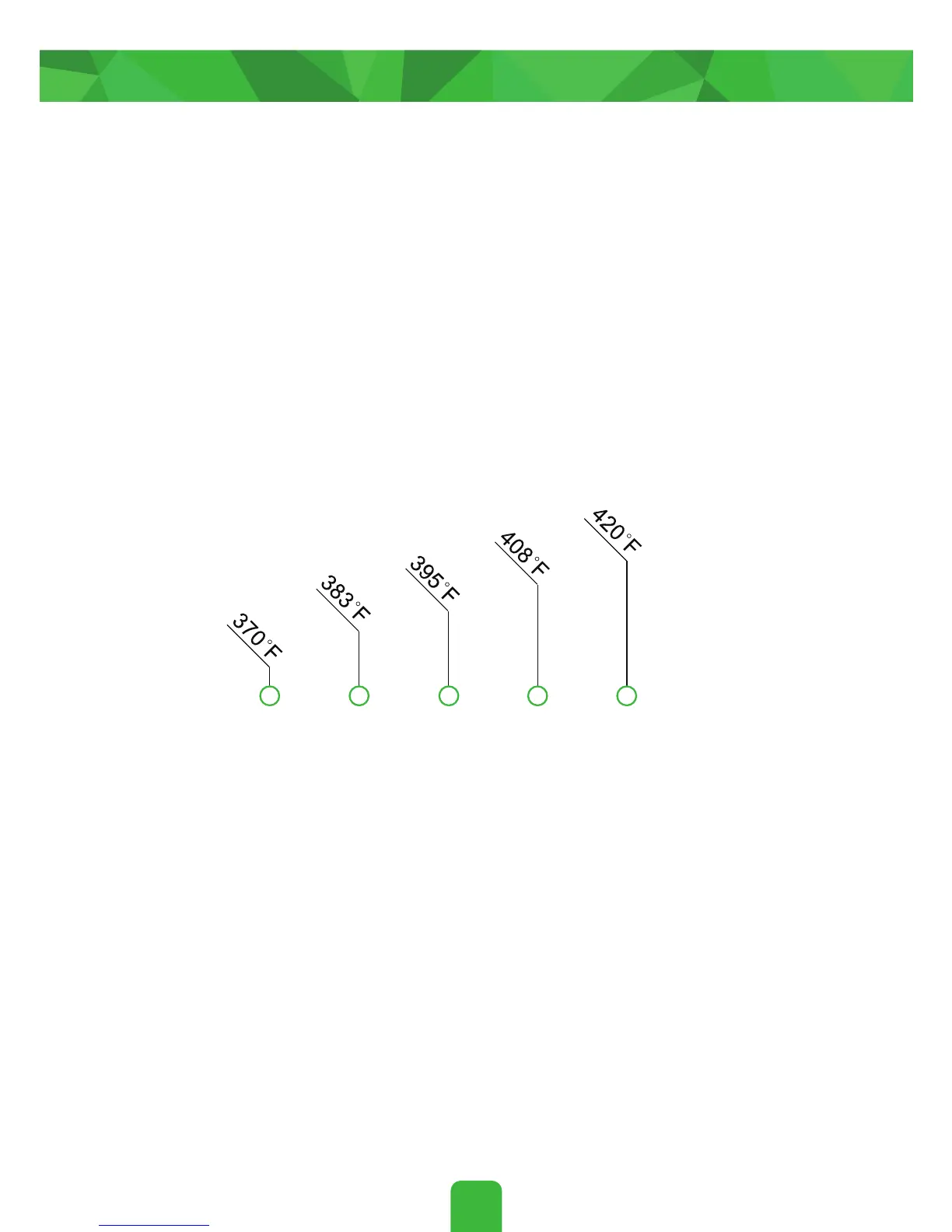
Quickly press the power button 2X while the device is ON to
adjust the temperature. The LED will flash below the tempera-
ture markings to indicate the current temperature level. Press
the power button 2X to increase to the next temperature level.
You may cycle through the five temperature levels this way to
reach your desired temperature setting.
Setting Your Temperature
Press and hold the power button until the LED turns off to
confirm and exit the temperature adjustment setting. Alterna-
tively, you may simply wait until the LED turns off automatically
to confirm and exit the temperature adjustment setting.


 To Next Page