VIVAX ENG
6
HUMIDIFIER
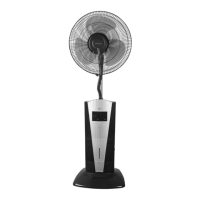
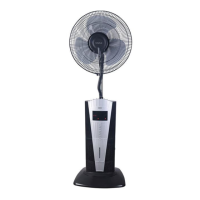
Assemble and use the humidifier as follows:
1. Open the water tank
compartment and remove
the tank.
2. Unscrew the water tank cap
and fill it with cold, fresh tap
water.
3. Screw the water tank cap back on and place the tank into the water tank
compartment.
4. Connect the mist tube. Connect the power supply and press ”Mist
Button”. The mist will appear in 2-5 seconds.
5. The light on the function display will be blue when the appliance is
working. The light will turn red when the water tank is empty.
REMOTE CONTROL
1. OFF:The OFF button turns the fan
unit off.
2. ON/SPEED: Turns the fan on and
allows you to increase/decrease
the fan speed.
3. SWING: Turns the oscillating
function on or off.
4. TIMER: Operation time can be set
as follows: 0.5/1/2/4 hours. The
remaining time will appear on the
LED panel.
5. MODE: Allows you to set the type
of air flow-Normal/Nature/Sleep.
6. MIST: Activates the humidifier
and produces mist.


 To Next Page
 Loading...