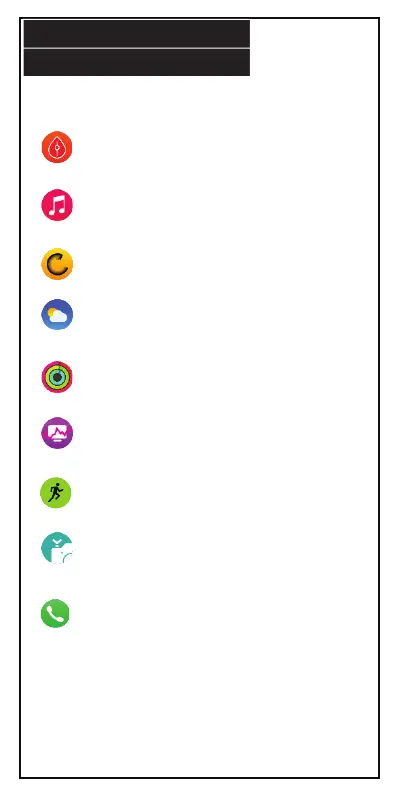
Blood Pressure*: Measures blood pressure.
Music: Tap to change track or turn music
on/o.
Reset: Reset data on smart watch.
Weather: When connected to phone, the app
will display a weather icon and the current
temperature.
Health Tricyclic: Displays the tracking bars of
three exercise intensities.
ECG*: Measures heart rate.
Sports: Record multiple sport modes.
Camera: To use feature, activate remote
shutter on app. Camera will take a photo after
3 seconds of countdown. Allow app to access
photos in order to save photos.
Dialer: Use key pad to dial a phone number
and call.
SMART WATCH APPS
15.
*Not a substitute for medical devices. For accurate
health readings always consult a physician.


 To Next Page