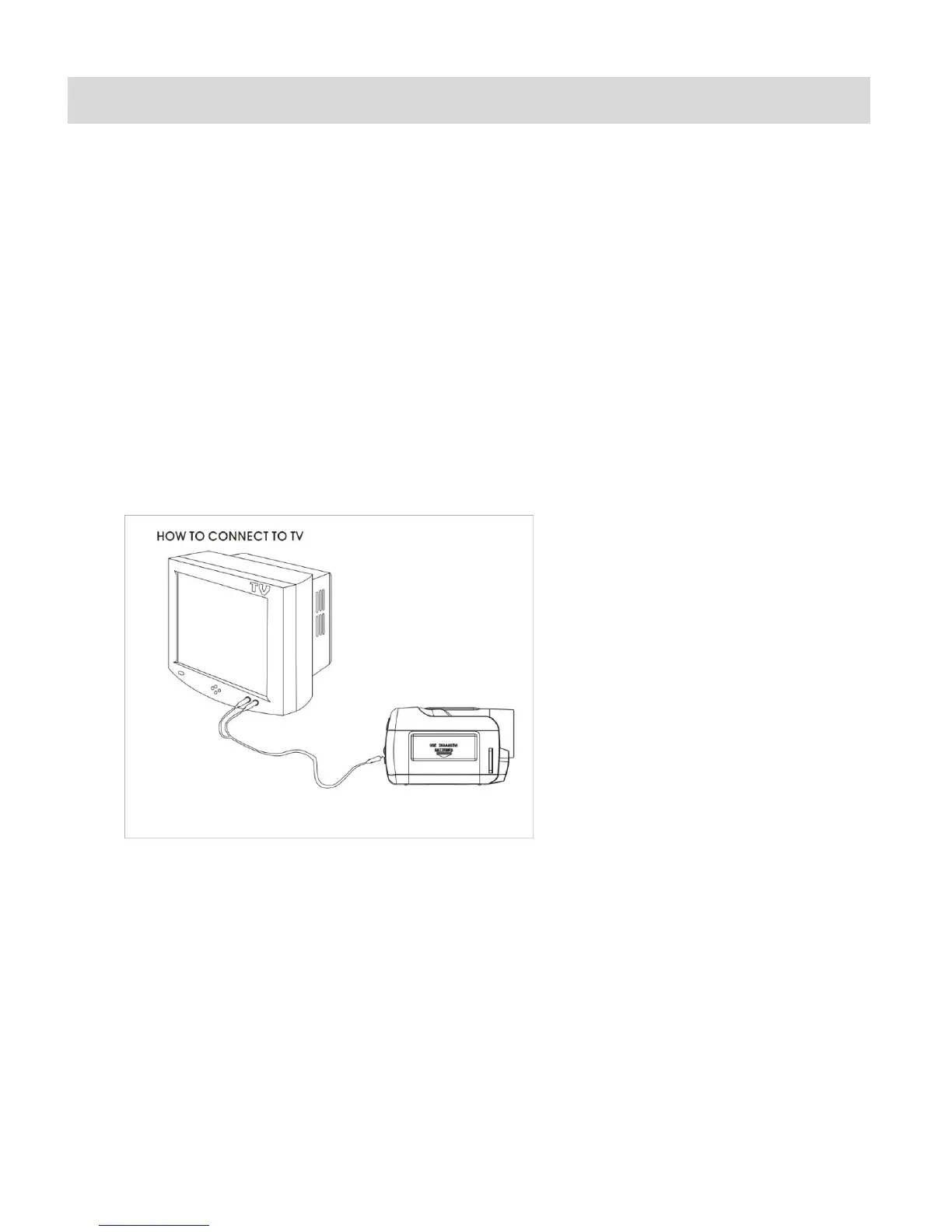
Connecting the Camera to a TV
The camera has an AV port to use your larger TV screen in place of the camera`s LCD screen.
On plugging the TV Cable (supplied) to the camera‟s AV slot and to the TV, the LCD screen turns
blank. Use the digital video recorder as you would to capture and playback photos and videos.
The images will appear on the TV instead of on the LCD screen.
Note: The only limitation of using the TV screen is that the camera is now not portable.
1. Connect the camera to a TV with the TV cable (supplied).
Connect the black jack into the camera‟s AV slot.
Connect the yellow jack into the TV – Video port.
Connect the white jack into the TV – Audio port.
2. Power on your digital video recorder and TV.
3. You can now use the TV Screen instead of your camera LCD to view photos and videos.
NOTE: You cannot enter the TV out mode if your digital video recorder has no battery
inserted.



 To Next Page