- To Delete all the files saved on the SD card select „All‟. A confirmation menu appears and
shows „Delete All?‟ Select „Yes‟ and press OK to delete all the files. Select „No‟ to return
to the previous menu without deleting files.
7. Press the MENU button to exit the menu and return to Thumbnail View.
8. Remember: Locked files cannot be deleted. To delete the file(s), unlock the file using the
Lock menu, and then open the Delete Menu to delete the file(s).
Video Playback Mode Quick Function Buttons
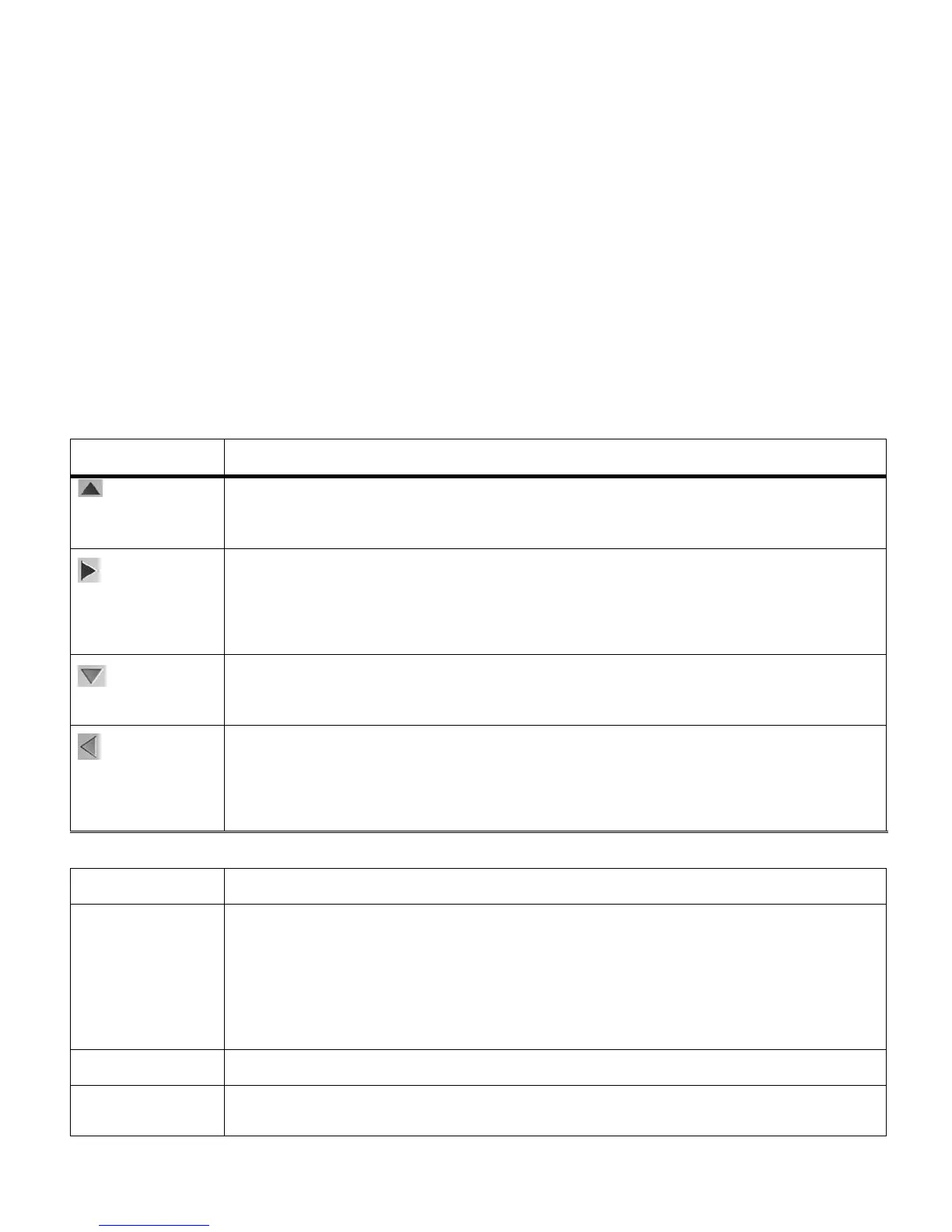
Your digital camera has a four-directional pad that functions as Quick Function buttons.
Navigates in the Thumbnail View
Pauses a playing video
Displays the NEXT image
Navigates in the Thumbnail View
Fast Forwards a playing video
Displays the Thumbnail View.
Navigates in the Thumbnail View
Displays the PREVIOUS image
Navigates in the Thumbnail View
Fast Rewinds a playing video
Starts the video playback.
Opens the menu options for Video Playback Mode
Note: To navigate through the Menus, use the UP/DOWN/LEFT/RIGHT directions
control buttons.
Exits the menu screen
Stops the video playback
Saves your selected menu option
Toggles between the Video Capture Mode, Audio Capture Mode, Photo
Capture Mode and Playback Mode



 To Next Page