Photo Capture Mode
The Photo Capture mode allows you to capture pictures with your digital camera.
After turning on your camera, press the MODE button twice to use the Photo Capture mode.
Taking a Picture
1. While in Photo Capture mode, use the LCD display to direct the camera at the scene you
would like to capture.
2. Press the UP/Zoom In and DOWN/Zoom Out buttons to better set the camera display if
desired.
3. Press the Shutter button to take the picture.
4. The picture will automatically be saved to the memory or SD card.
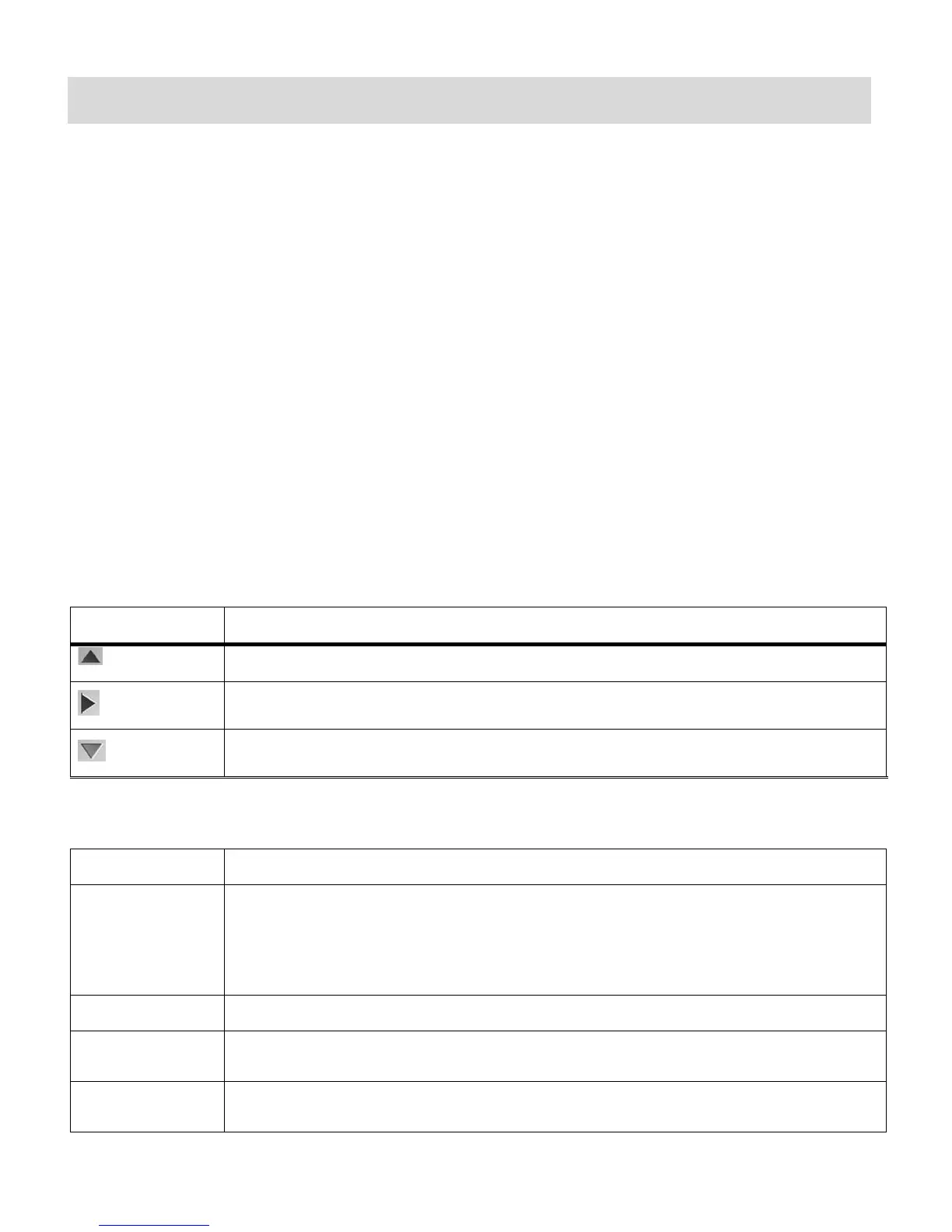
Photo Capture Mode Quick Function Buttons
Your digital camera has a four-directional pad that functions as Quick Function buttons:
Toggles between the Self-Timer options, MutliShots or Normal Photo Capture
Opens the menu options for Photo Capture Mode
Note: To navigate through the Menus, use the UP/DOWN/LEFT/RIGHT directions
control buttons.
Exits the menu screen
Saves your selected menu option
Toggles between the Video Capture Mode, Audio Capture Mode, Photo
Capture Mode and Playback Mode
Turns on and off the LED light which adds more light to the scene you are
capturing



 To Next Page