If the memory card has successfully been inserted an icon appears on the LCD
screen.
4. To remove the card, gently press on the edge of the card to release it and pull the card out.
5. If the card is inserted or removed while the camcorder's power is on, it may damage the
card and/or any recorded data. Always confirm that the power is off before inserting the
card into the camcorder.
Power On
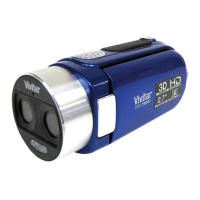
Press the POWER button, located on top of the camcorder, to turn on the camcorder.



 To Next Page