Video Capture Mode Quick Function Buttons
Your digital camcorder has a four-directional joystick button that functions as Quick Function
buttons.
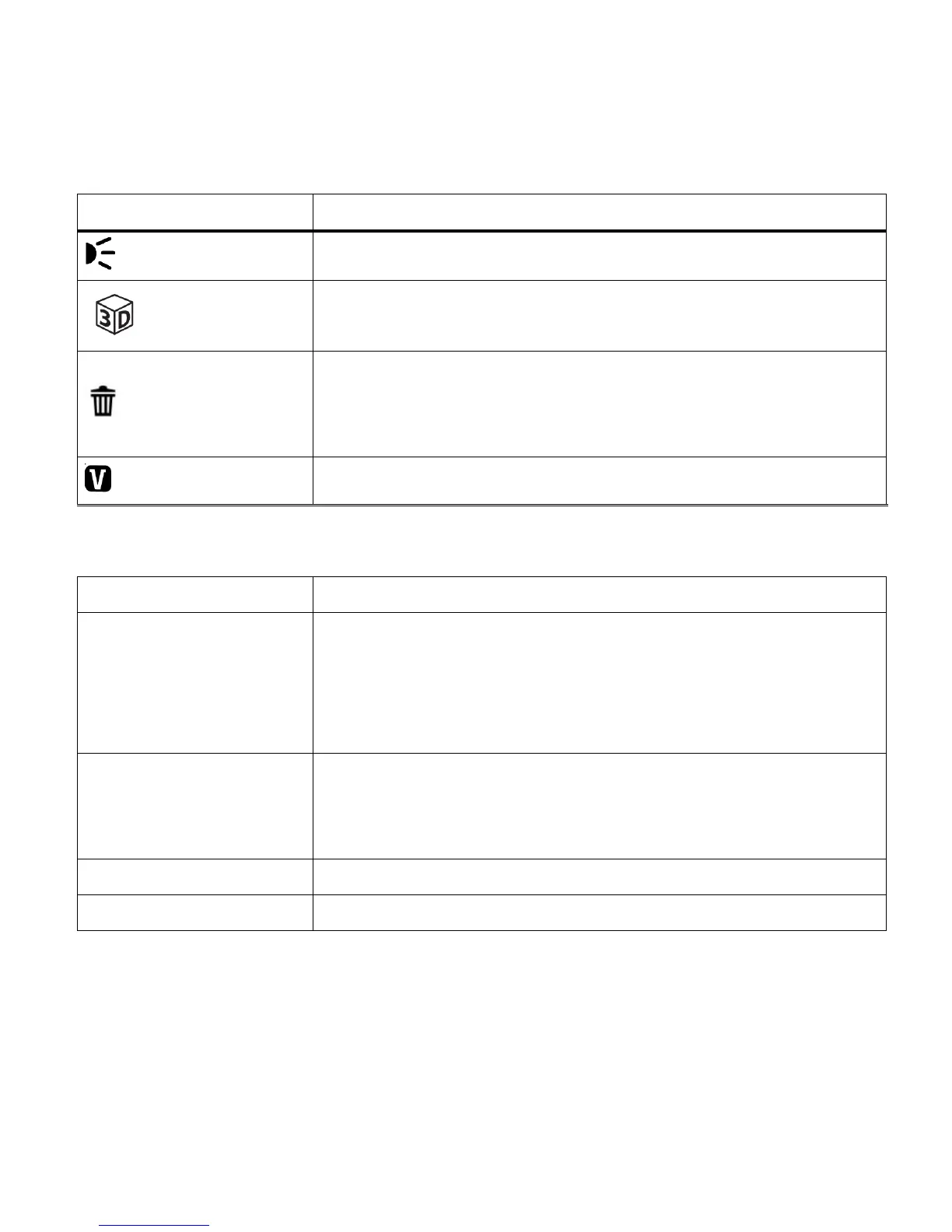
LED Light – Turns the LED light on or off.
3D Option – Toggles between 3D and 2D image capture
Delete - Opens the „Delete This Video‟ option and allows you to
view and delete the last video taken as well as previously captured
images
ViviLink - Opens the ViviLink for Videos menu
STARTS/STOPS the video capture
Opens the menu options for Video Capture Mode
Saves your selected menu option
Note: To navigate through the Menus, use the
UP/DOWN/LEFT/RIGHT direction control buttons.
Toggles between the Video Capture Mode, Photo Capture
Mode, and Playback Mode
Exits the menu screen
Hide/Show the LCD Icons
The display of the icons on the LCD screen can be hidden or visible as desired.
1) Hold the MODE button for 2 seconds to hide the display of the icons on the screen.
2) Press the MODE button again to redisplay the icons on the screen.


 To Next Page