Preparing Your Camera for Use
Battery Installation
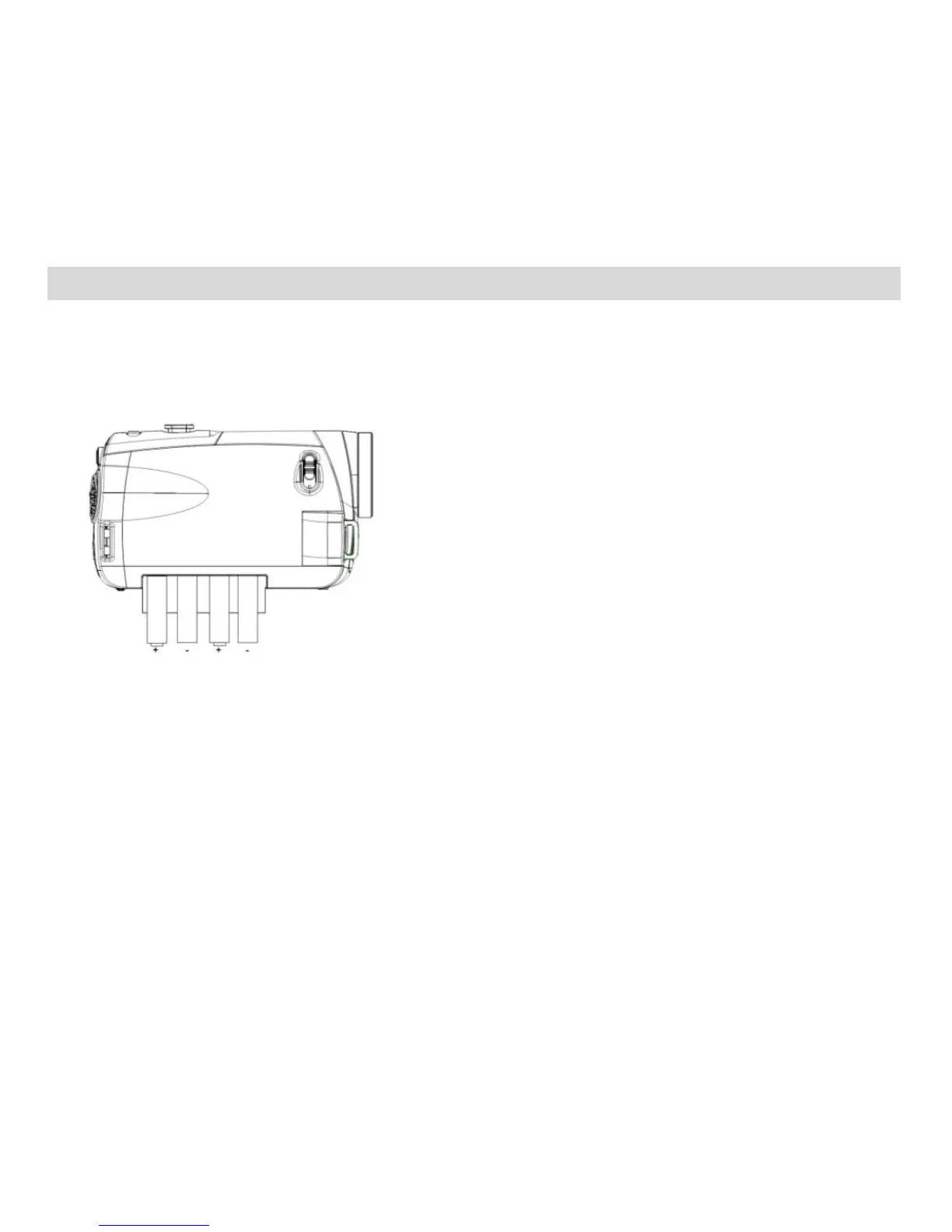
Make sure the 4 AAA batteries have been inserted properly into your digital camera with the correct polarity.
The use of rechargeable batteries is not recommended. Please see illustration below.
SD Memory Card Installation
An SD compatible memory card of up to 32GB (not included) should be inserted into your DVR camera and
is needed for normal use.
SD Memory cards expand the amount of memory thus allowing an increase in the number of videos and
photos that can be captured before transferring them to a computer.















 To Next Page