Navigating the Menus
You camera includes the following menus:
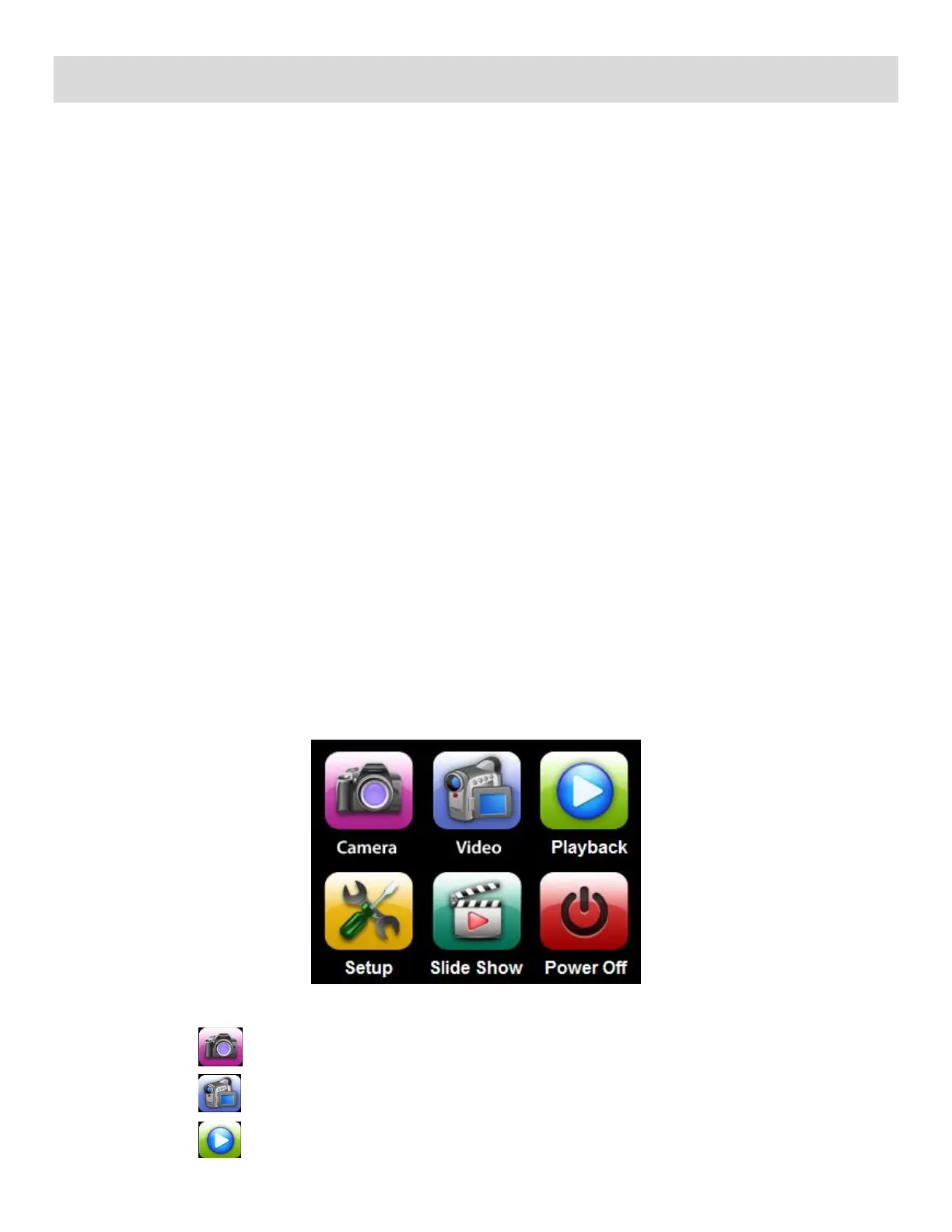
Home Menus
Camera Mode Menus
Camera Setup Menus
You can access and change camera settings by the following methods:
1) Icons on the LCD Touch Screen:
While in the Photo, Video, Playback Modes in Preview/Standby: You can toggle between the
menu options each time you tap a menu icon that appears on the LCD screen until you see the
desired option.
2) Menu Screens:
Enter the menu screens and select the desired option.
Please see information below for more details regarding this method.
Home Menus
The Home screen menu allows you quick access to the camera modes and settings as well as to the
photo slideshow and the power off.
1) Press the HOME button located on the left side of the LCD touch screen.
2) The following menu options appear on the Home screen:
Tap to enter Photo Capture Mode
Tap to enter Video Capture Mode
Tap to enter Playback Mode



 To Next Page