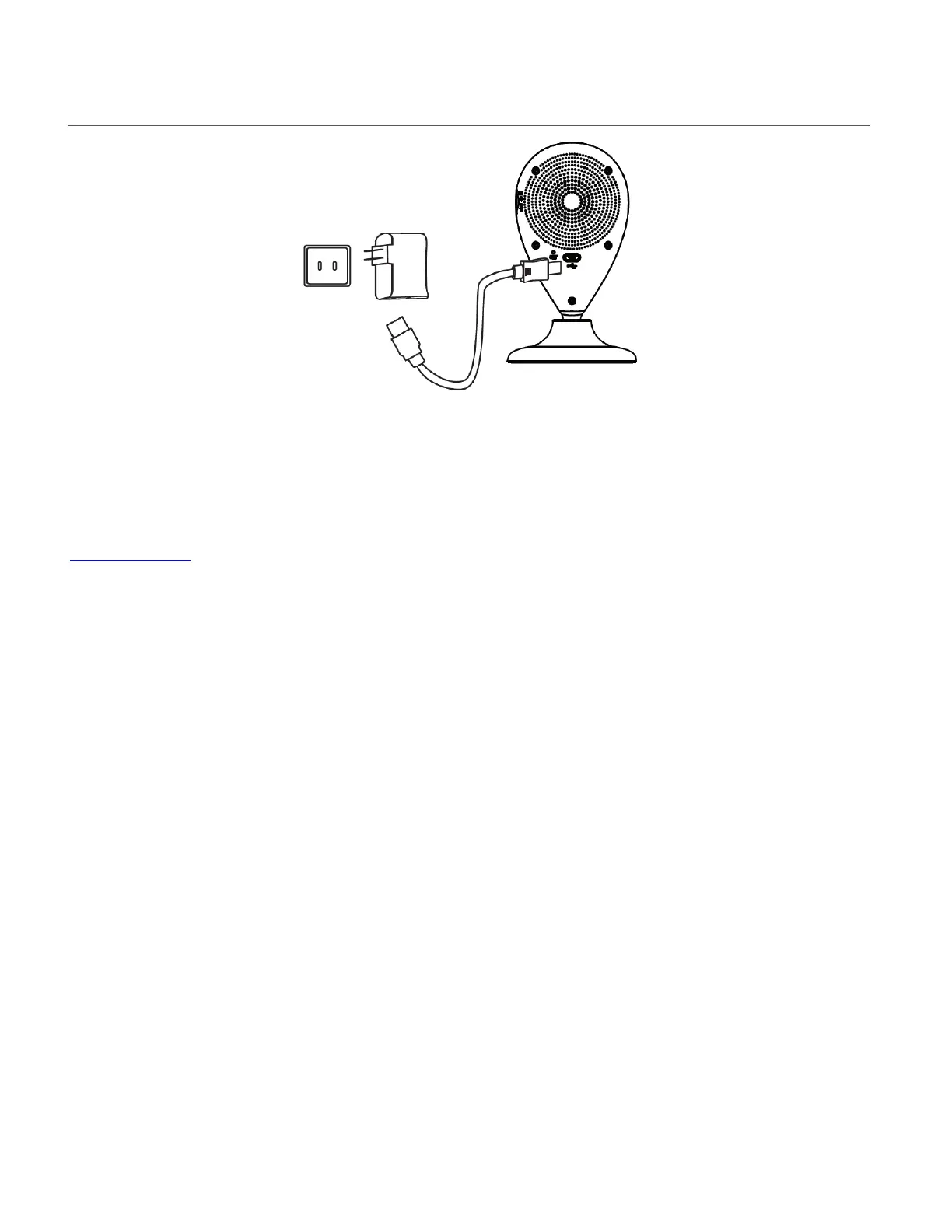
TURNING ON THE SMART SECURITY CAM
Connect one end of the Micro USB cable to your IP camera and the other end to the AC charger
and then plug the AC charger into a power socket. The RED indicator light turns on.
NOTE:
If the camera indicator is blinking blue, the camera needs to be reset. See the section below,
Camera Reset, for further information.
The LED power light indicator blinks blue after about one minute, indicating that the camera is
powered on. To power off the camera, disconnect the USB cable from the power source.



 To Next Page