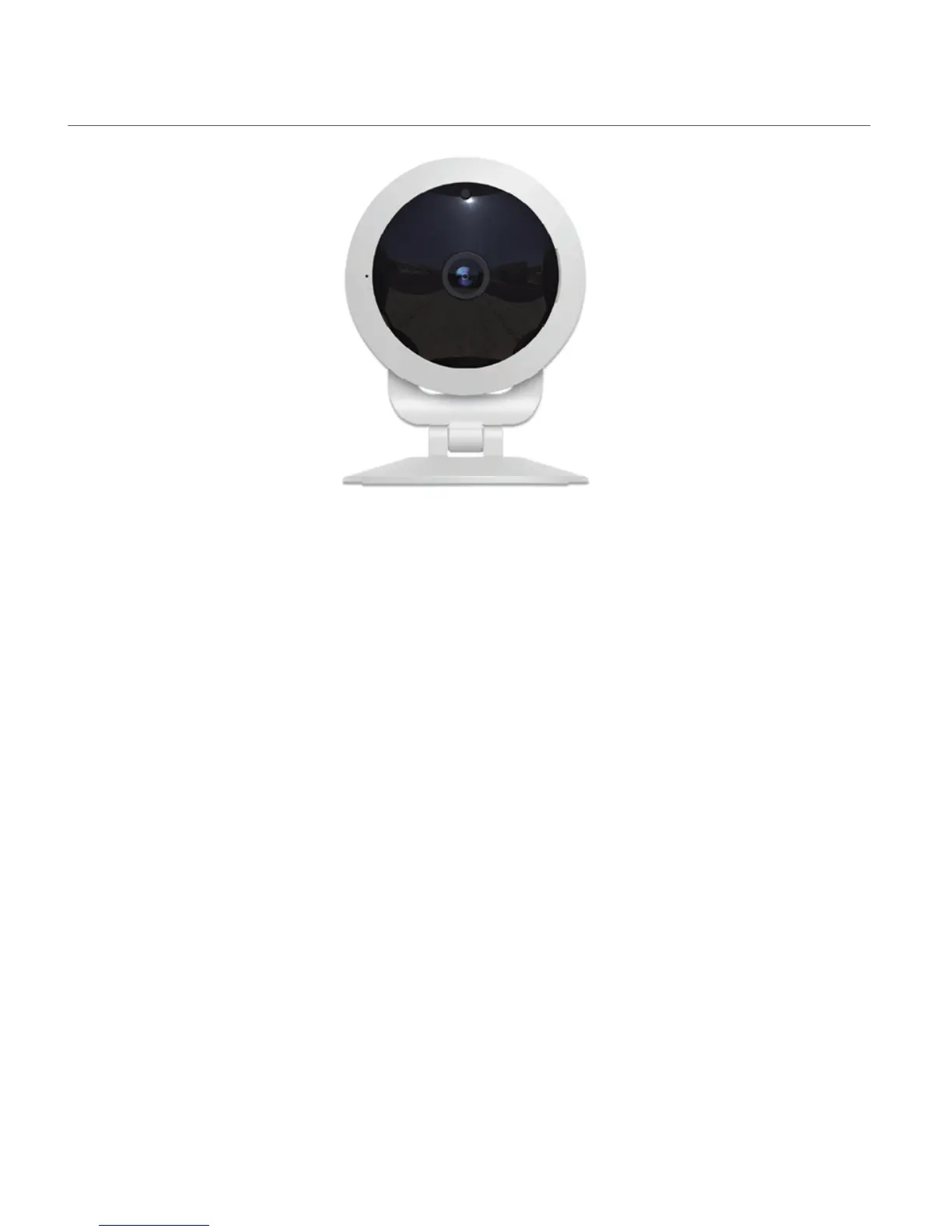
INDICATOR LIGHT
Red Flashing Indicator Light:
When the red indicator light is flashing, this indicates that the camera is in setting mode and it is
ready for Wi-Fi setup via your mobile device.
Blue Steady Indicator Light:
When the blue indicator light is steady, this indicates that the camera is connected to Wi-Fi.
Blue Flashing Indicator Light:
When the blue indicator light is flashing, this indicates that the camera may need to be reset if it
does not connect to your device while adding a new device or reconnecting a device.



 To Next Page