EasyManua.ls Logo

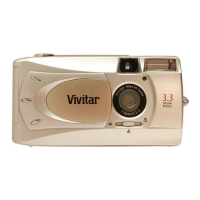
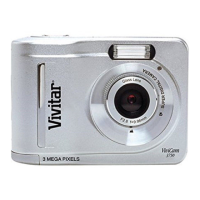
Vivitar Vivicam 3301 - User Manual

Vivitar Vivicam 3301
24 pages
Print Icon
To Next Page IconTo Next Page
Loading...
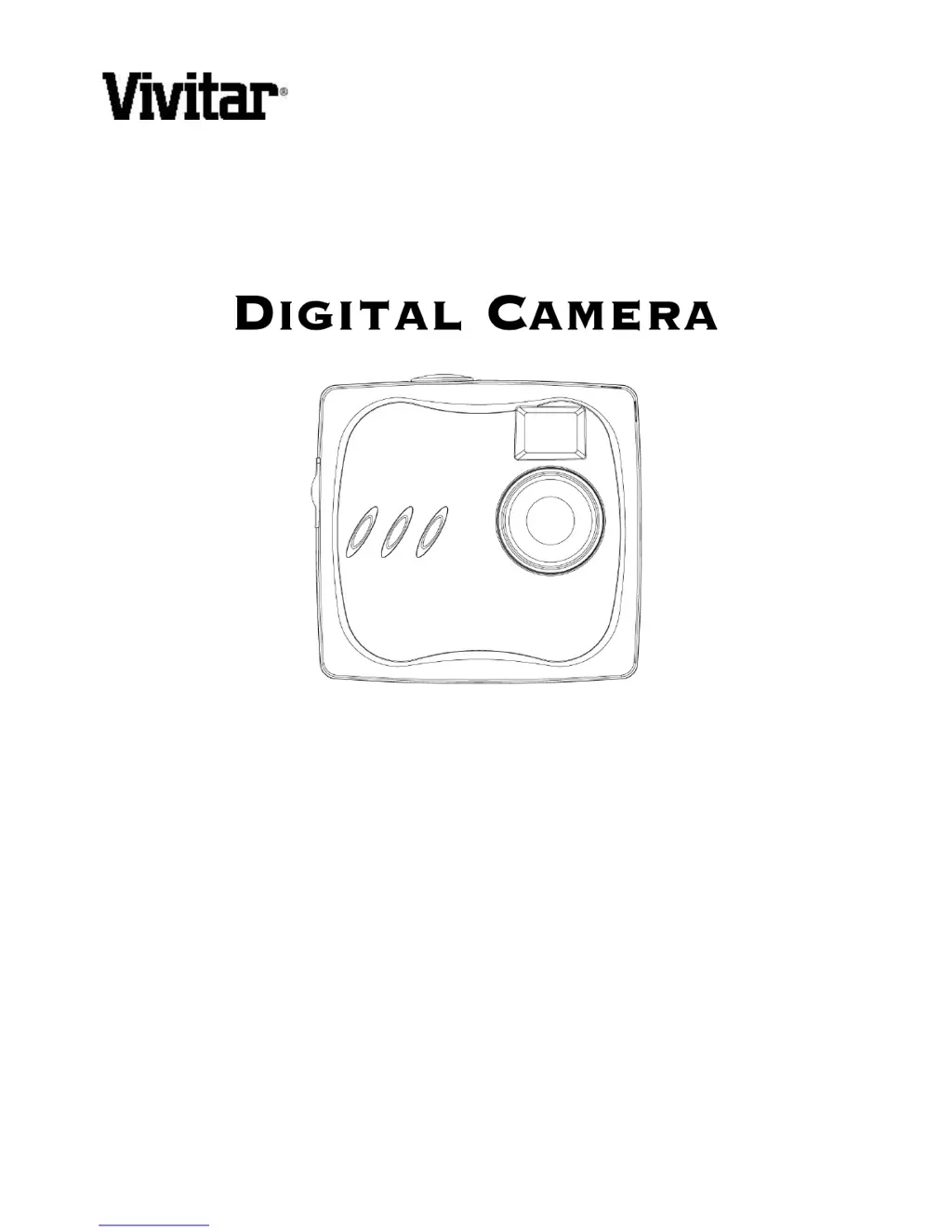
ViviCam 3301
User Manual

Table of Contents

Questions and Answers

  • B
    Brian ParksJul 31, 2025
    Why does my Vivitar Vivicam 3301 Digital Camera have no power?
    • D
      Danielle EvansJul 31, 2025
      If your Vivitar Digital Camera has no power, the batteries may be discharged. Replace them with freshly charged ones. Also, check the battery orientation to ensure they are inserted correctly. The camera’s buttons are not functional when connected to a PC, so disconnect the camera to capture more images.
  • L
    Laura LopezAug 6, 2025
    How to fix blurry images on Vivitar Vivicam 3301 Digital Camera?
    • G
      Gary BrooksAug 6, 2025
      If your images are blurry with your Vivitar Digital Camera, it could be due to camera or subject movement during capture. Hold the camera steady. Also, ensure the subject is not closer than two feet, as objects closer than this distance will not be in focus.
  • M
    Michelle WhiteAug 15, 2025
    How to fix too light image on Vivitar Digital Camera?
    • J
      Julie PatrickAug 15, 2025
      If images from your Vivitar Digital Camera are too light, it might be because you are facing a bright light when taking the image. Try changing the angle of the image so that bright lights do not shine directly towards the camera lens.
  • J
    Jaime MyersAug 23, 2025
    What to do if my Vivitar Digital Camera won’t capture an image?
    • P
      pfreemanAug 23, 2025
      When your Vivitar Digital Camera won't capture an image, ensure the camera's power is turned on, as it automatically powers off after about one minute. Also, the camera buttons are not functional when connected to a PC, so disconnect it to capture images. You can use the TWAIN driver utility to capture an image while connected to a PC.

Summary

Changing the Camera Face Panel

Inserting a Battery

Instructions for inserting or replacing the camera's battery.

Capturing Images

Turning the Camera ON and OFF

Steps to power the camera on and off using the Power/Mode button.

Capturing Digital Still Images

Guide on how to take still photographs with the camera.

Capturing Streaming Snapshots (Video clips)

Instructions for recording video clips using the camera.

SOFTWARE INSTALLATION

Installing the Software

Step-by-step guide for installing the camera driver and applications.

Connecting to Your PC

Connecting the ViviCam 3301 to Your PC

Instructions for physically connecting the camera to a computer via USB.

DOWNLOADING IMAGES AND VIDEOS TO YOUR PC

Transfer Images & Videos with the ViviCam 3301 CamWizard

How to use CamWizard to copy images and videos from the camera.

Using the ViviCam 3301 as a PC;Web Camera

TROUBLESHOOTING

Vivitar Vivicam 3301 Specifications

General IconGeneral
BrandVivitar
ModelVivicam 3301
CategoryDigital Camera
LanguageEnglish

Related product manuals