7
English
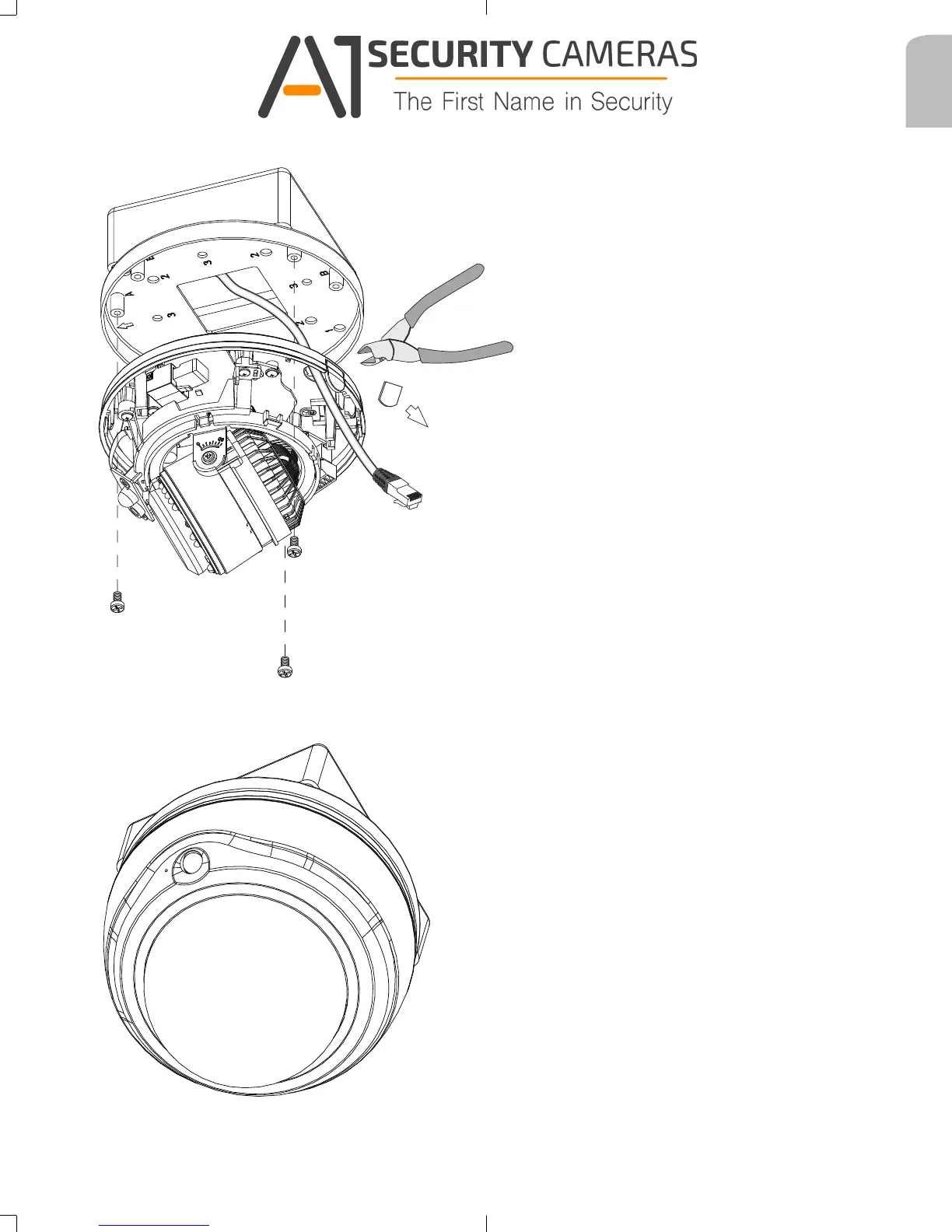
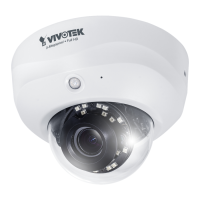
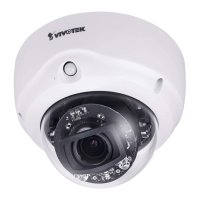
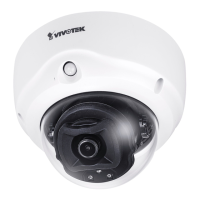
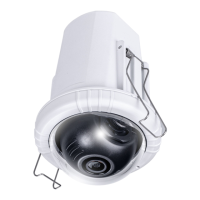
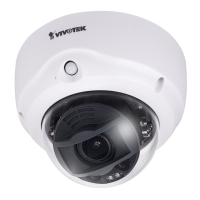
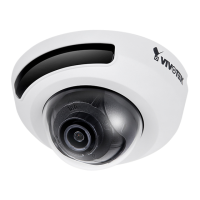
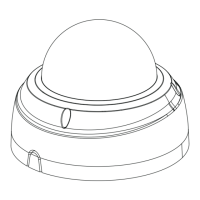
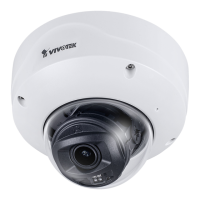
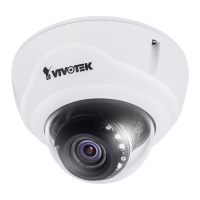
4-2. FD9171/FD816B/FD8182.
4-2-1. Install the camera to the mount cap by fastening three screws. You will need to
remove the plastic tab on the routing hole in order to pass the cables.
4-2-2. Connect the cables and install the top cover.
625031700G_AM-514_ig_VVTK_rev1.0_20150910.indd 7 2015/9/10 上午 11:20:09
Available from A1 Security Cameras
www.a1securitycameras.com email: sales@a1securitycameras.com





 To Next Page