9
English
Refer to the matching table on page 4 for the mounting hole information for your camera.
III-1. Installing Camera to Conduit Box
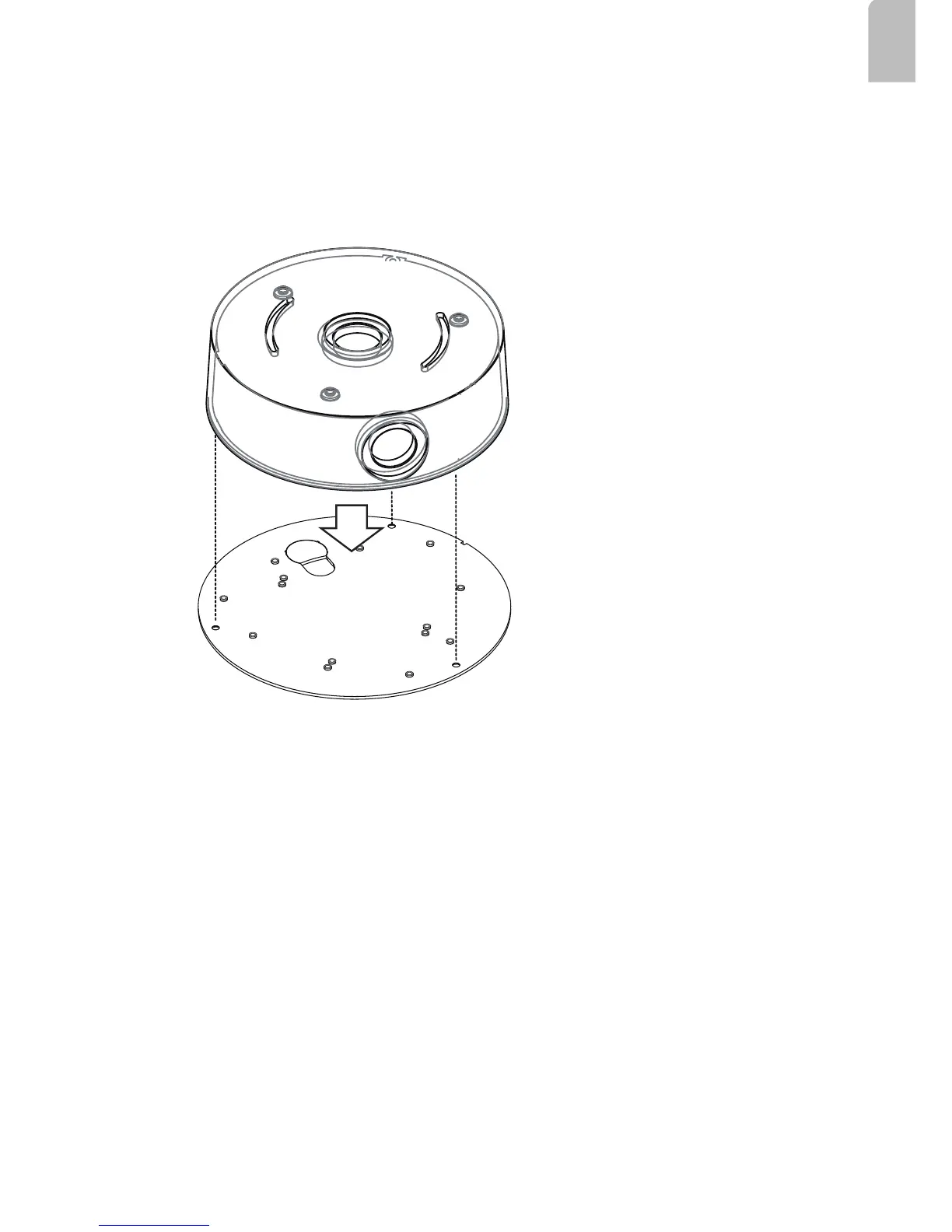
1. Remove the base plate from the bottom of the conduit box.
2. You can route cables through other accessories before you install cameras to the base
plate.
3. Orient and install the camera to the base plate (to the side with printed characters).
4. Connect cables to the camera.
5. Install the base plate to the conduit box.
6. Proceed with initial setup such as enabling network access, focus tuning, or zooming.
When done, secure the outer dome cover.



 To Next Page