VIVOTEK
22 - User's Manual
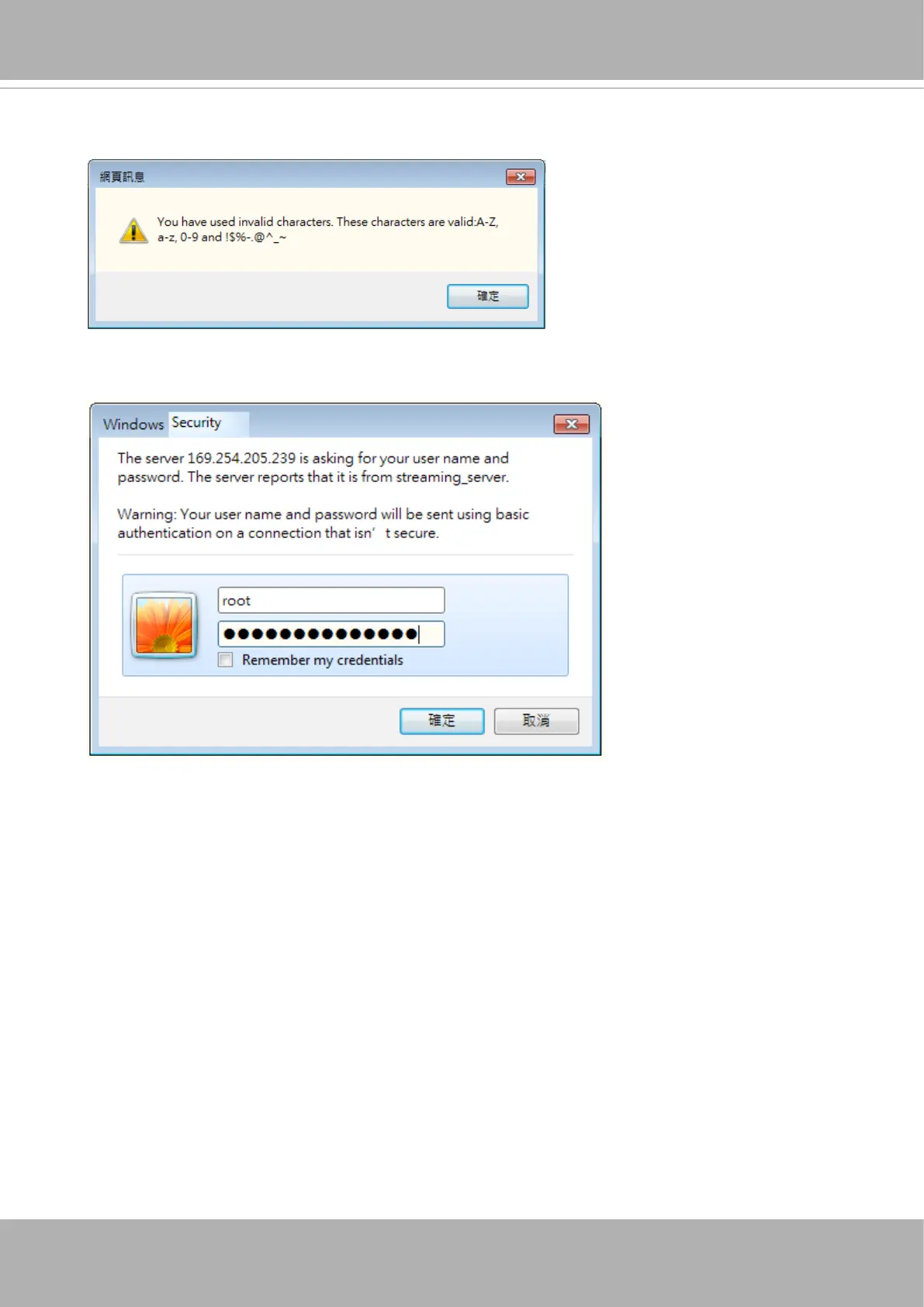
Some, but not all special ASCII characters are supported: !, $, %, -, ., @, ^, _, and ~.
You can use them in the password combination.
16-3. Another prompt will request for the password you just congured. Enter the password
and then you can start congure your camera and see the live view.















 To Next Page