VIVOTEK
User's Manual - 75
Media > Video
Stream settings
This Network Camera supports multiple streams with frame sizes ranging from 640 x 360 to 1920 x
1080 pixels
The denition of multiple streams:
■ Stream 1: The default frame size for Stream 2 is set to the 1920 x 1080. (IB9387: 2560x1920)
■ Stream 2: The default frame size for Stream 2 is set to the 1920 x 1080. (IB9387: 2560x1920)
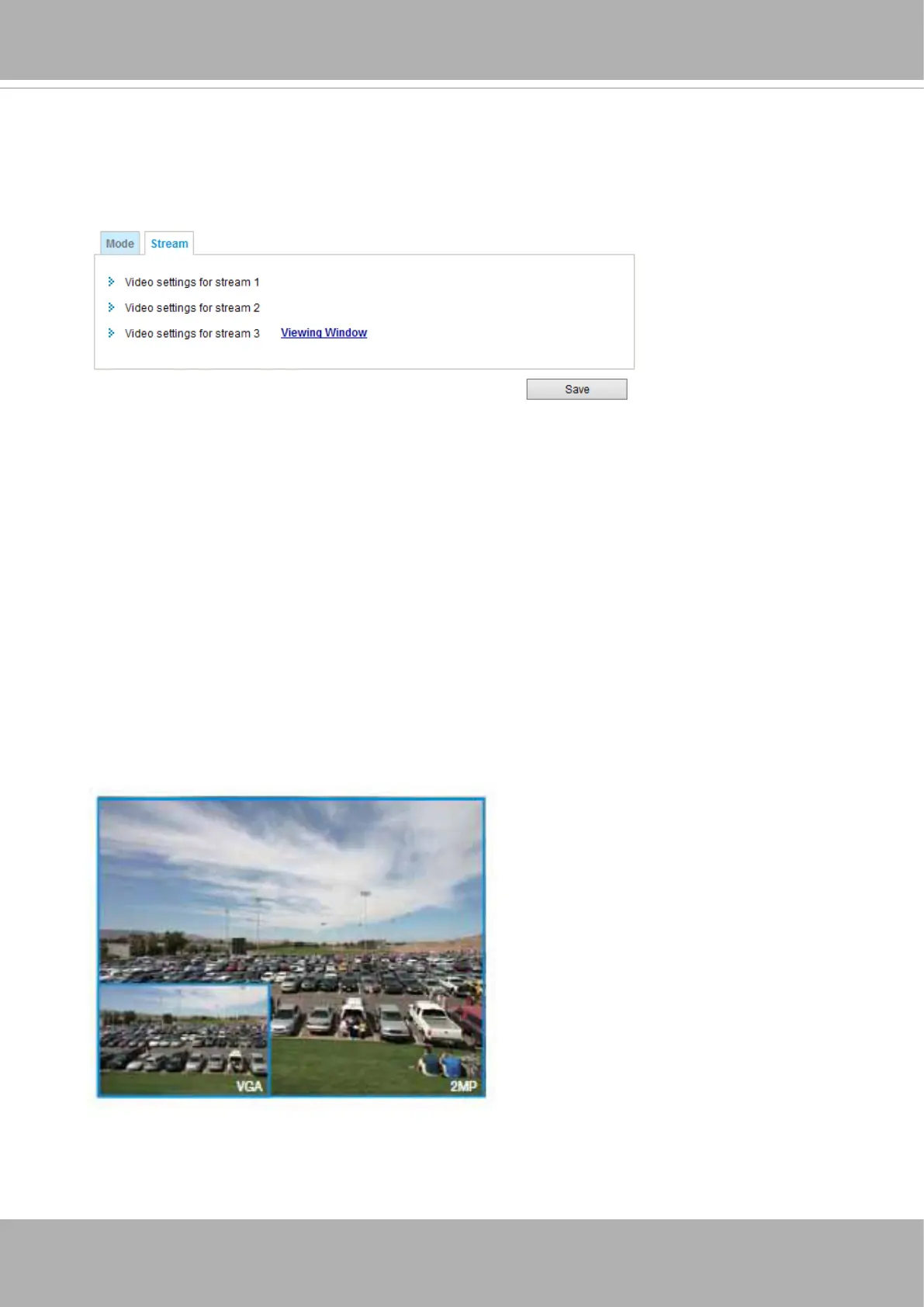
■ Stream 3: The default frame size for Stream 3 is set to the 640 x 360. Users can define the
"Region of Interest" (viewing region) and the "Output Frame Size" (size of the live view window).
Click
Viewing Window
to open the viewing region settings page. On this page, you can congure
the
Region of Interest
and the
Output Frame Size
for a video stream. For example, you can crop
only a portion of the image that is of your interest, and thus save the bandwidth needed to transmit
the video stream. As shown below, the area of your interest in a parking lot should be the vehicles.
The blue sky is of little value for the surveillance purpose.















 To Next Page