VIVOTEK
24 - User's Manual
Conguration > Media > Image > Focus
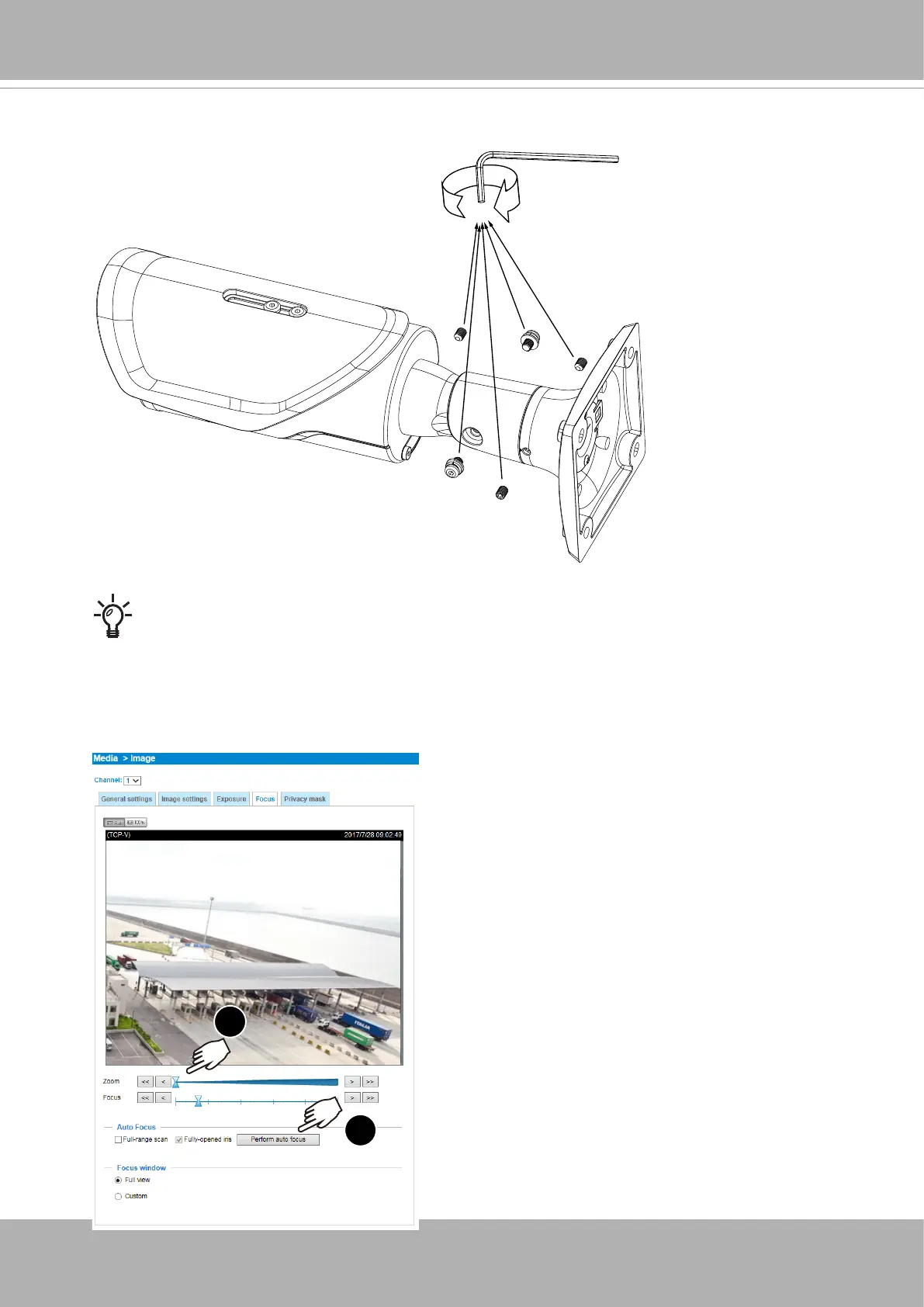
For the -HT and -EHT models, open a web console. From a web console, open
the firmware configuration page. Enter the Configuration > Media > Image > Focus
page. You will see a live stream on screen. If preferred, you can zoom in on the
scene. Use the “Perform Auto Focus” function to automatically tune to a best image
focus. Check the live view to ensure the image is in focus.
1
2
1
2
3
19. When done, tighten the retention screws using the L wrench.















 To Next Page