VIVOTEK
86 - User's Manual
Audio clips
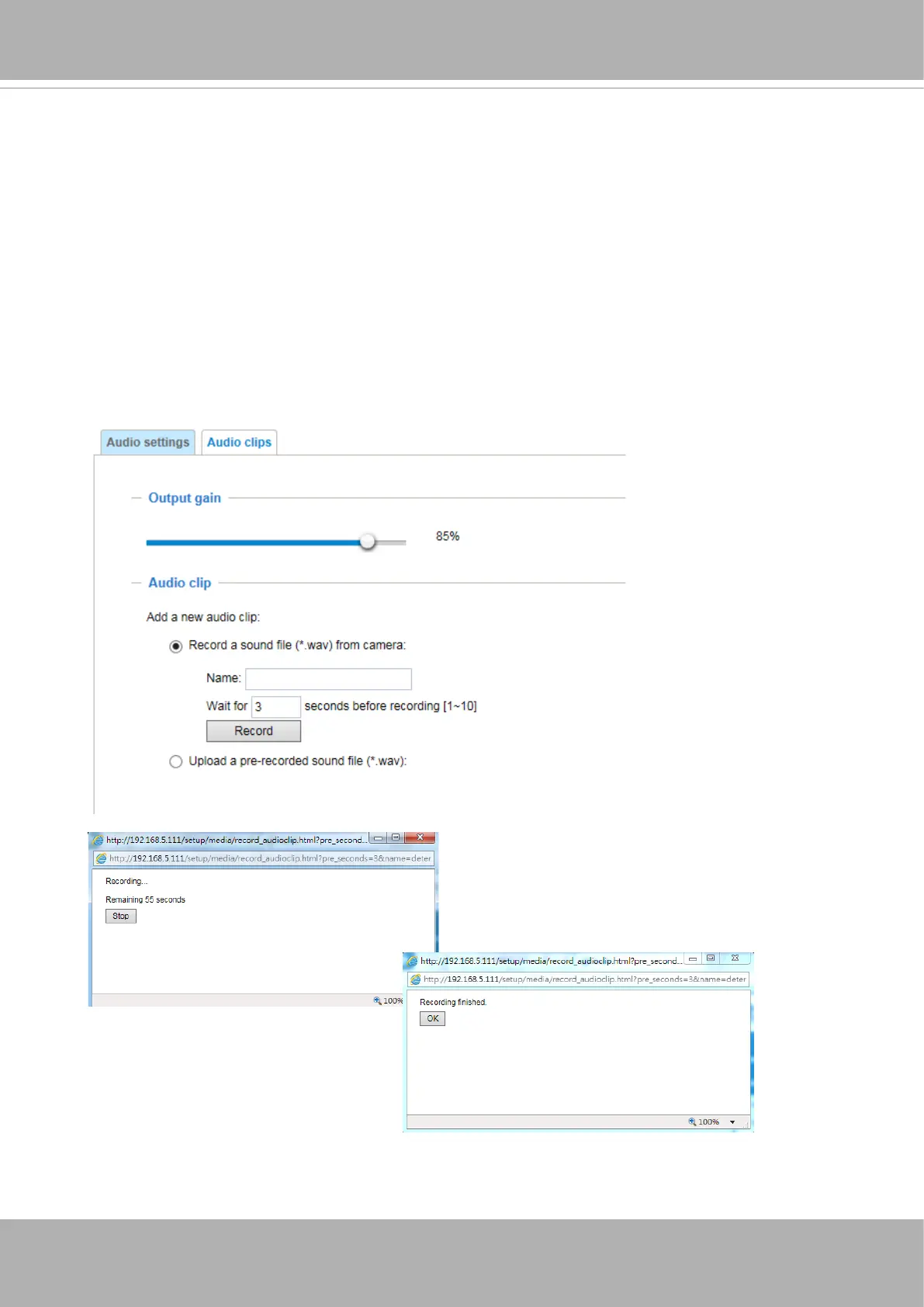
■ Output gain: Use the slide bar to change the audio output gains value.
■ Audio clip: When the camera's audio input is connected to a microphone, you can record a
short period of audio recordings (1 to 10 seconds). You can also use the camera's embedded
microphone to record an audio clip, if available. Because the memory space is limited, a
recording count down will be available on screen.
You can also upload an audio le to the camera's ash memory. With amplied speakers, you
can playback the audio, e.g., to deter an intruder. A maximum of 2 audio clips in wav format are
supported. The maximum size of the audio le to be uploaded is 2,000Kbytes.
The voice alert is enabled in the
Event settings
>
action
>
Play Audio Clip
. The action
can be associated with triggering conditions.















 To Next Page