VIVOTEK
User's Manual - 315
win_i0_size <WxH>
<product dependent>
4/4 Width and height of the window.
* The minimal window size is 192x144
7.38 Seamless recording setting
Group: seamlessrecording (capability.localstorage.seamless> 0)
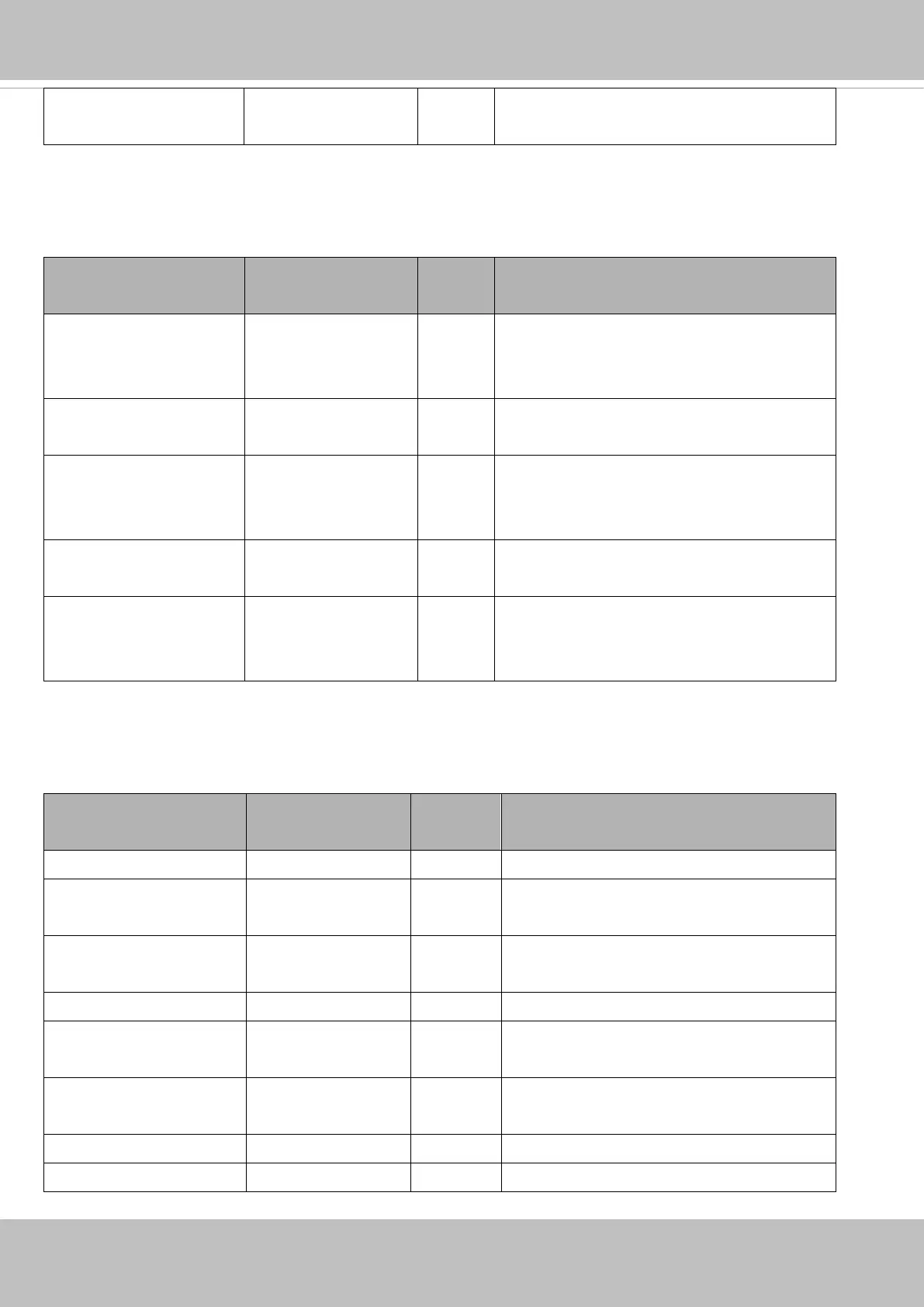
PARAMETER VALUE SECURITY
(get/set)
DESCRIPTION
diskmode seamless,
manageable
1/6 “seamless” indicates enable seamless recording.
“manageable” indicates disable seamless
recording.
maxconnection 3 1/7 Maximum number of connected seamless
streaming.
enable <boolean> 1/7 Indicate whether seamless recording is
recording to local storage or not at present.
(Read only)
guid<0~2>_id string[127] 1/7 The connected seamless streaming ID.
(Read only)
guid<0~2>_number 0~3 1/7 Number of connected seamless streaming with
guid<0~2>_id.
(Read only)
7.39 VIVOTEK Application Development Platformsetting
Group: vadp
NAME VALUE SECURITY
(get/set)
DESCRIPTION
version <string> 6/7 Indicate the VADP version.
resource_total_memory 0,<positive integer> 6/7 Indicate total available memory size for VADP
modules.
resource_total_storage 0,<positive integer> 6/7 Indicate total size of the internal storage
space for storing VADP modules.
resource_free_memory 0,<positive integer> 6/7 Indicate free memory size for VADP modules.
resource_free_storage 0,<positive integer> 6/7 Indicate current free storage size for
uploading VADP modules.
module_number 0,<positive integer> 6/7 Record the total module number that already
stored in the system.
module_order string[40] 6/6 The execution order of the enabled modules.
module_save2sd <boolean> 6/6 Indicate if the module should be saved to SD














 To Next Page