VIVOTEK
8 - User's Manual
Hardware Installation (IB9365)
0002D10766AD
XXXXXX
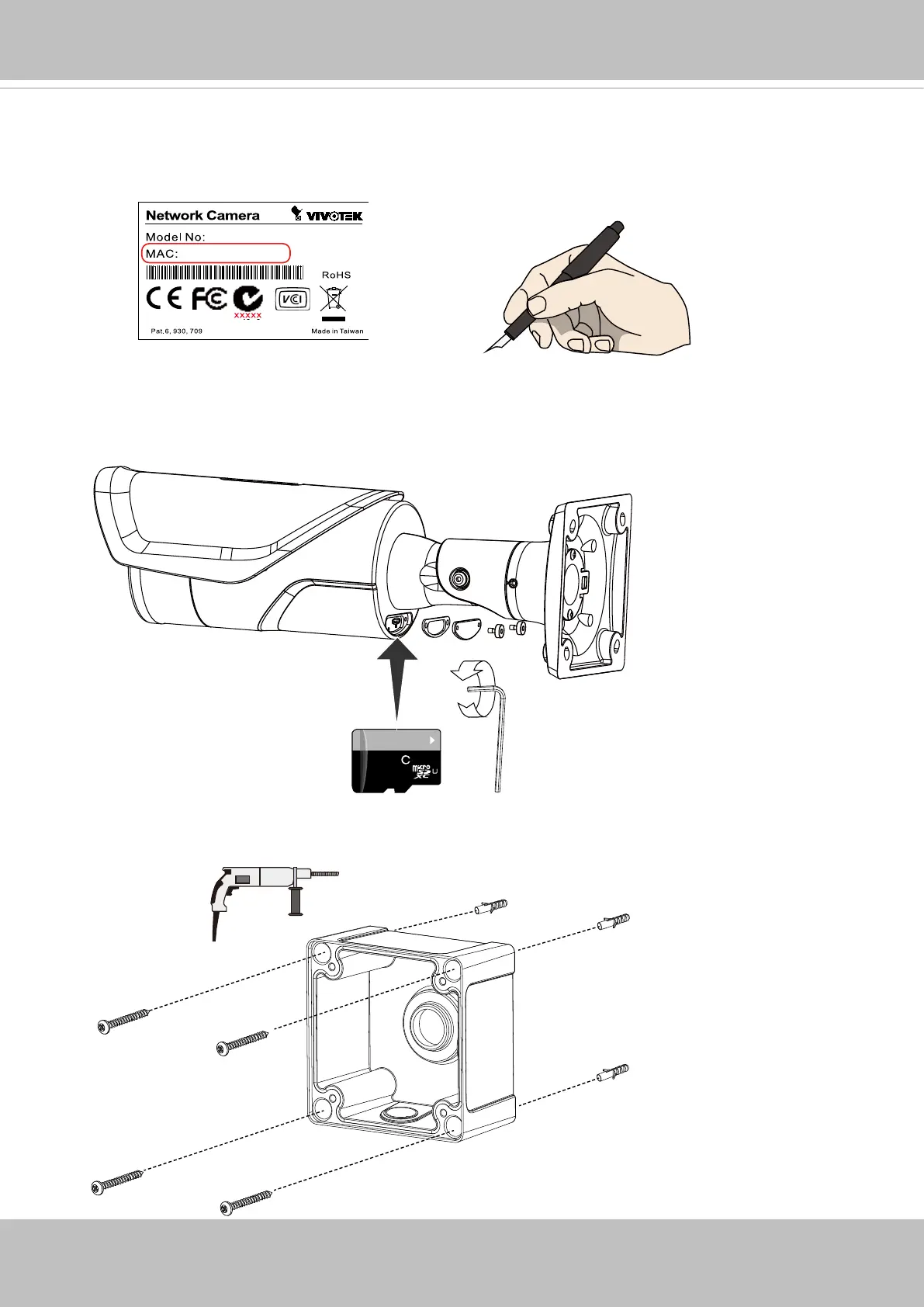
1. Jot down the camera's MAC address for later reference.
2. Remove the small access panel to access the SD card slot and install a MicroSD card.
Installl the panel when done.
64GB
10
I
1
3. Use the included alignment sticker to drill holes on the wall, and install the junction box.
If preferred, drill a routing hole on the wall.














 To Next Page