11
2-4-1.
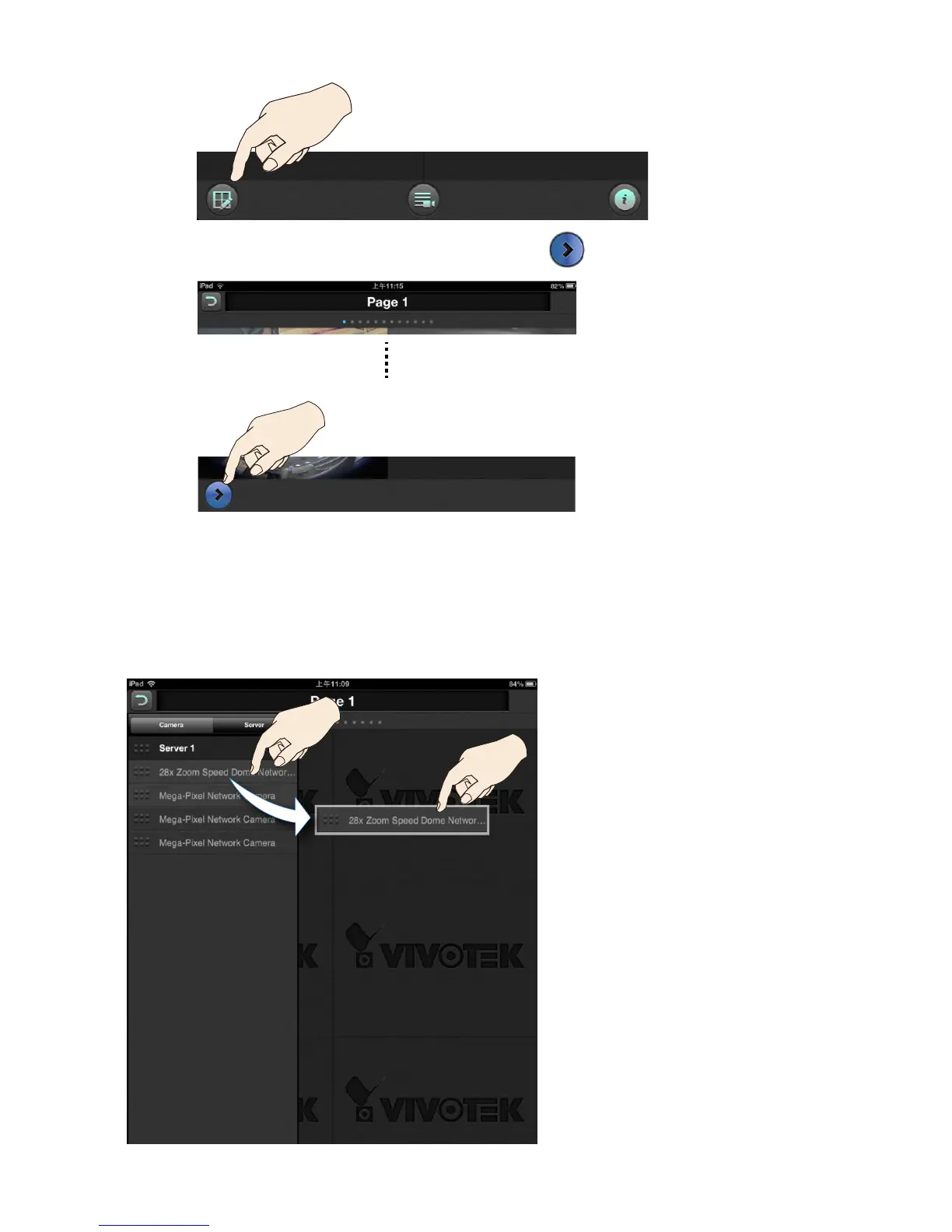
When in the Layout page, tap on the Device list button.
0.5 sec
2-4-2.
All individual cameras or cameras under a VAST or NVR server will be listed. You can
place your nger tip on one camera for 0.5 second until it becomes aoat, and then
drag it to a view cell you prefer.
Video servers and individual cameras will be listed in the Camera pane.
2-4. Enter the Layout page by a single tap.



 To Next Page