10
2-3-3.
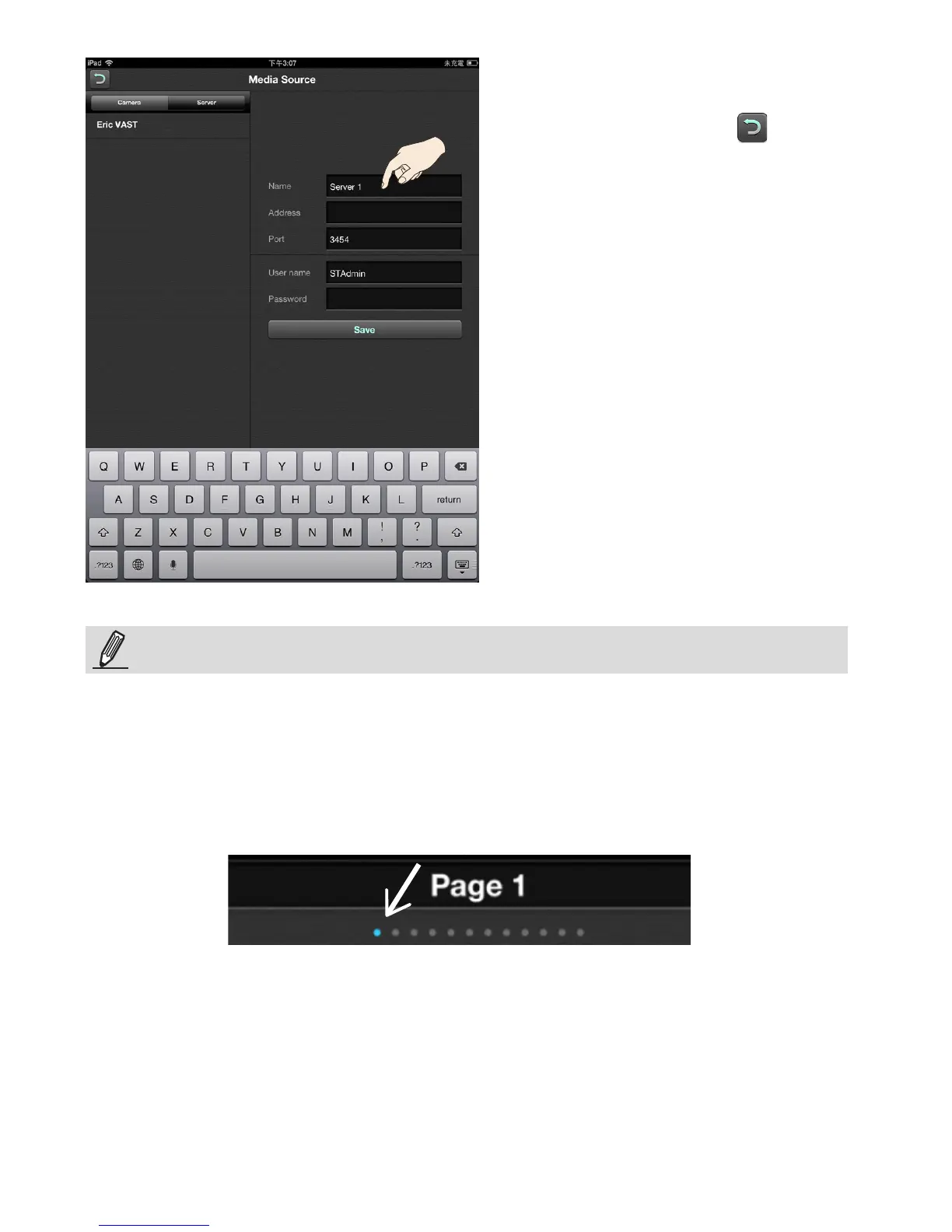
After you configured all cameras and
servers, tap on the Return button to
turn to the Live window.
When inserting cameras, ensure that you start from the rst screen. There are dots
above the Dock showing the number of available live view screens and your current
position. There are 12 screens available, and each can contain 6 camera view cells.
iViewer provides view cells to contain video feeds from up to 72 cameras.
You may mistakenly move to a different screen by swiping your nger tip across the
screen.
NOTE:



 To Next Page