5
40
usInG the GuIded setuP menu
Using Guided Setup
The TV’s Setup App can be used to easily set up the TV tuner.
To use guided setup:
1. Press the MENU button on the
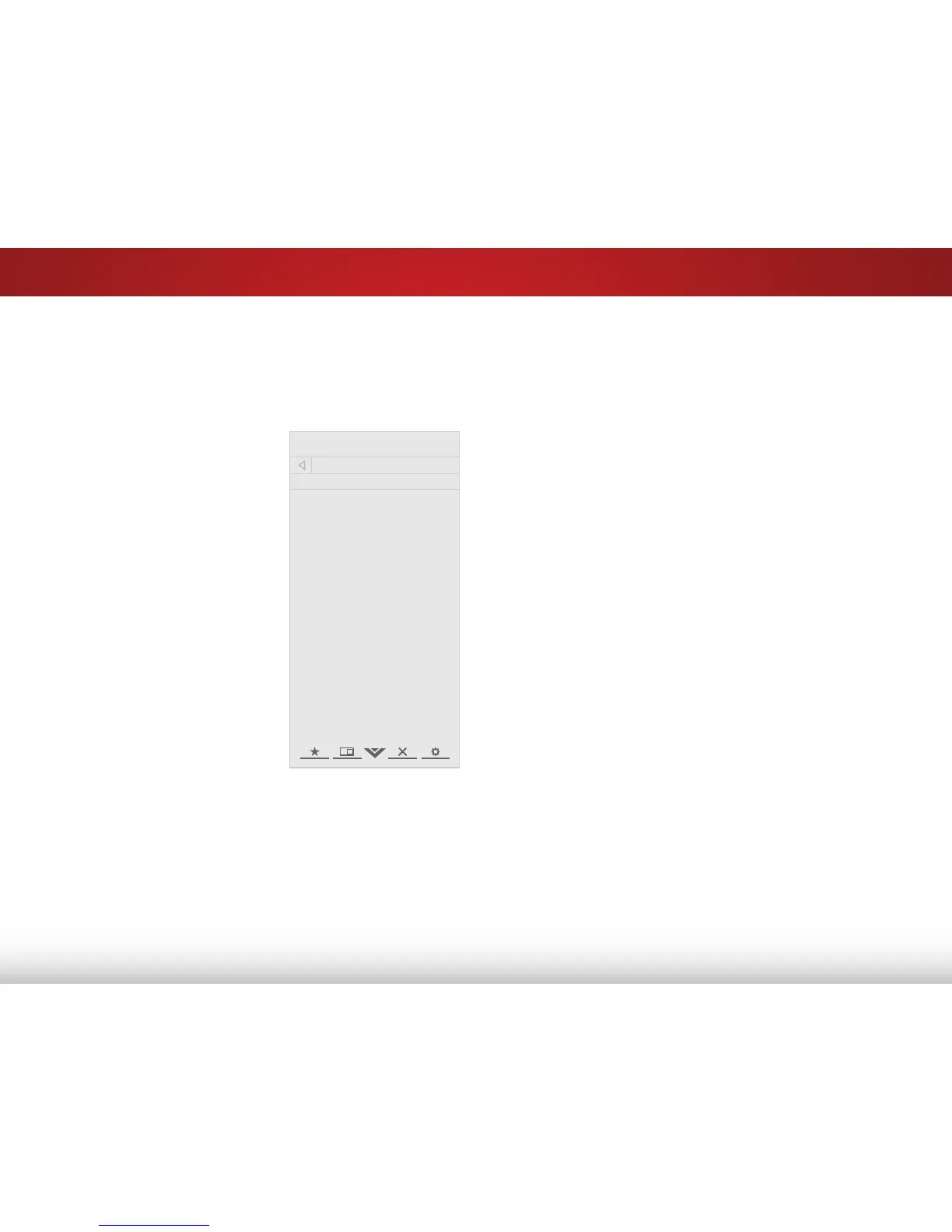
remote. The on-screen menu is
displayed.
2. Highlight Guided Setup and
press OK. The GUIDED SETUP
menu is displayed.
3. Highlight the guided setup you
want to use and press OK:
• Tuner Setup - Set up the TV
tuner.
4. Follow the on-screen
instructions. When finished,
press the EXIT button on the
remote.



 To Next Page