1 2
Be sure your TV is connected to the Internet.
Use an Ethernet cable or connect wirelessly.
For the best V.I.A. experience, a high-speed
Internet connection is recommended.
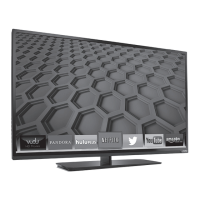
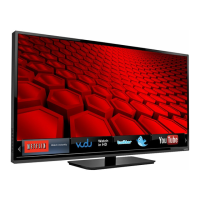
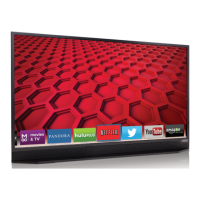
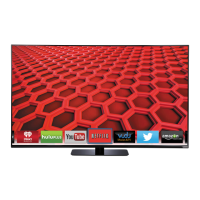
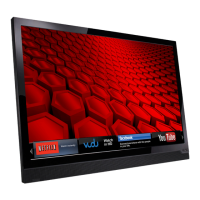
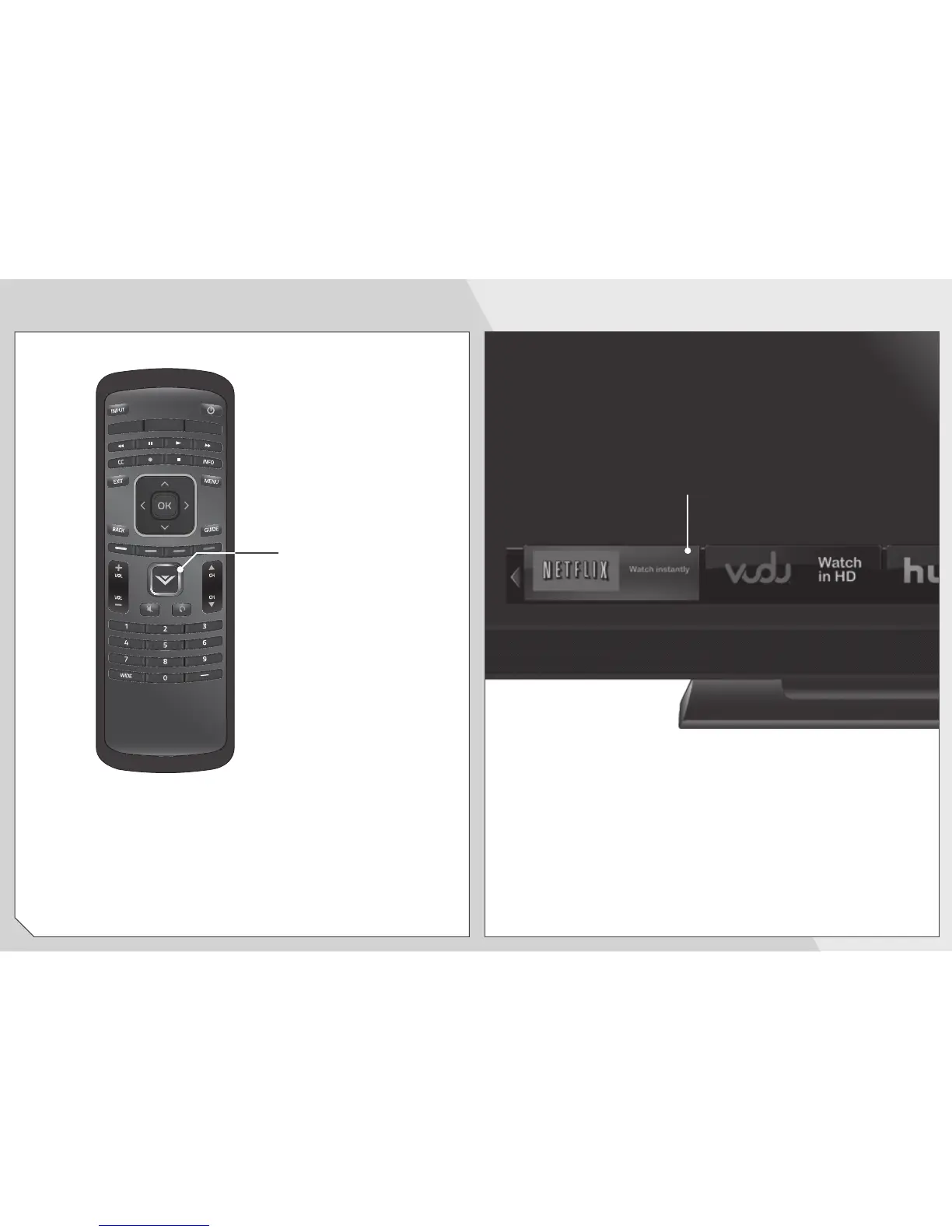
The V.I.A Dock is displayed on the bottom of the
screen.
Use the
Arrow
buttons on the remote to highlight an
app, then press
OK
to open it.
GETTING STARTED WITH VIZIO INTERNET APPS
V.I.A.
Press this button to
open the V.I.A. Dock.
Be sure your TV is connected to the Internet.
Use an Ethernet cable or connect wirelessly.
For the best V.I.A. experience, a high-speed
Internet connection is recommended.


 To Next Page
 Loading...