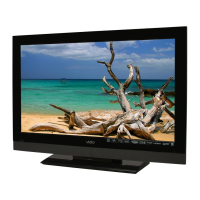
FIRST-TIME SETUP
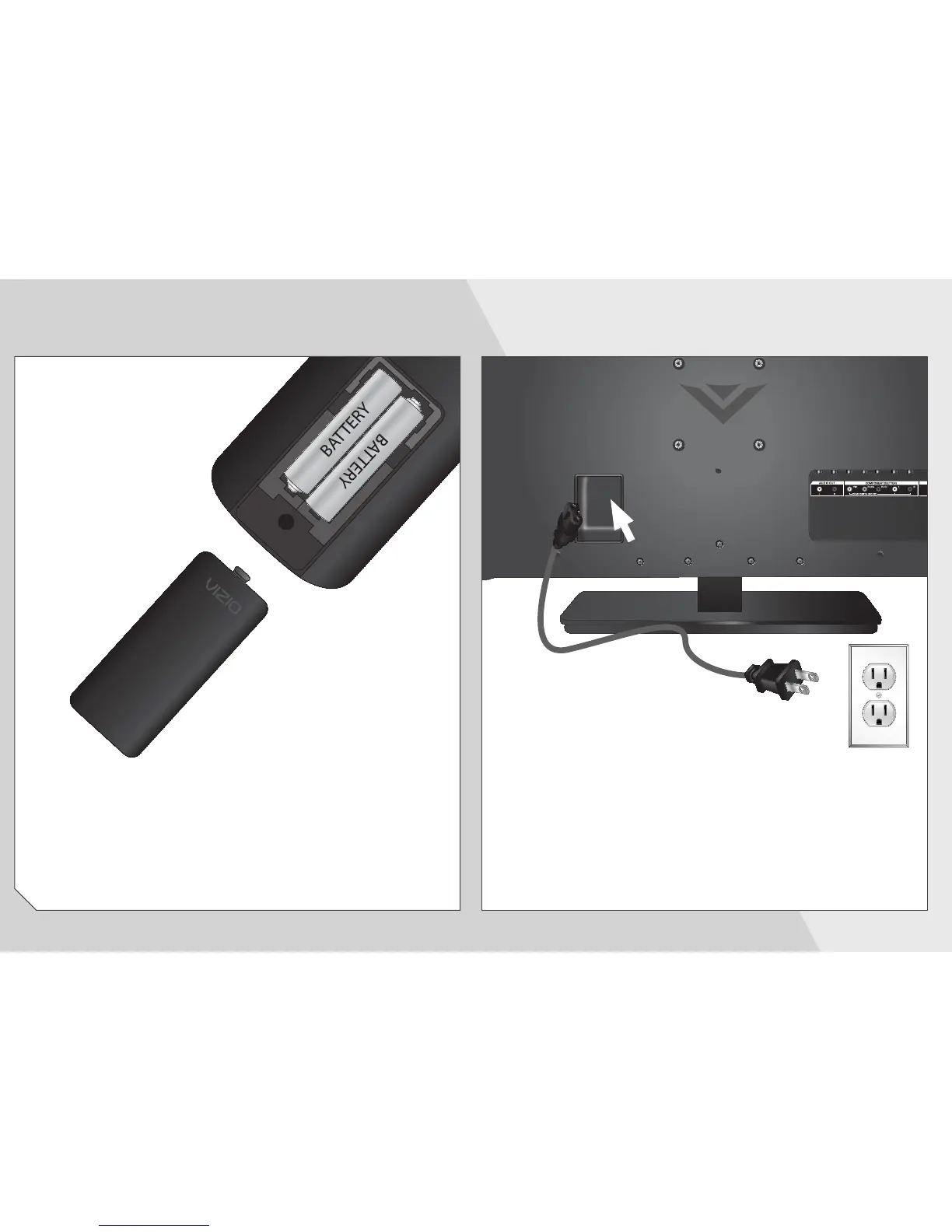
Remove the battery cover by pressing gently on the V
logo and sliding away from the remote.
Insert the included batteries.
Gently slide the battery cover back into place.
2
Connect the power cord to the back of the TV.
Plug the power cord into an electrical outlet.
1


 To Next Page
 Loading...