5 6
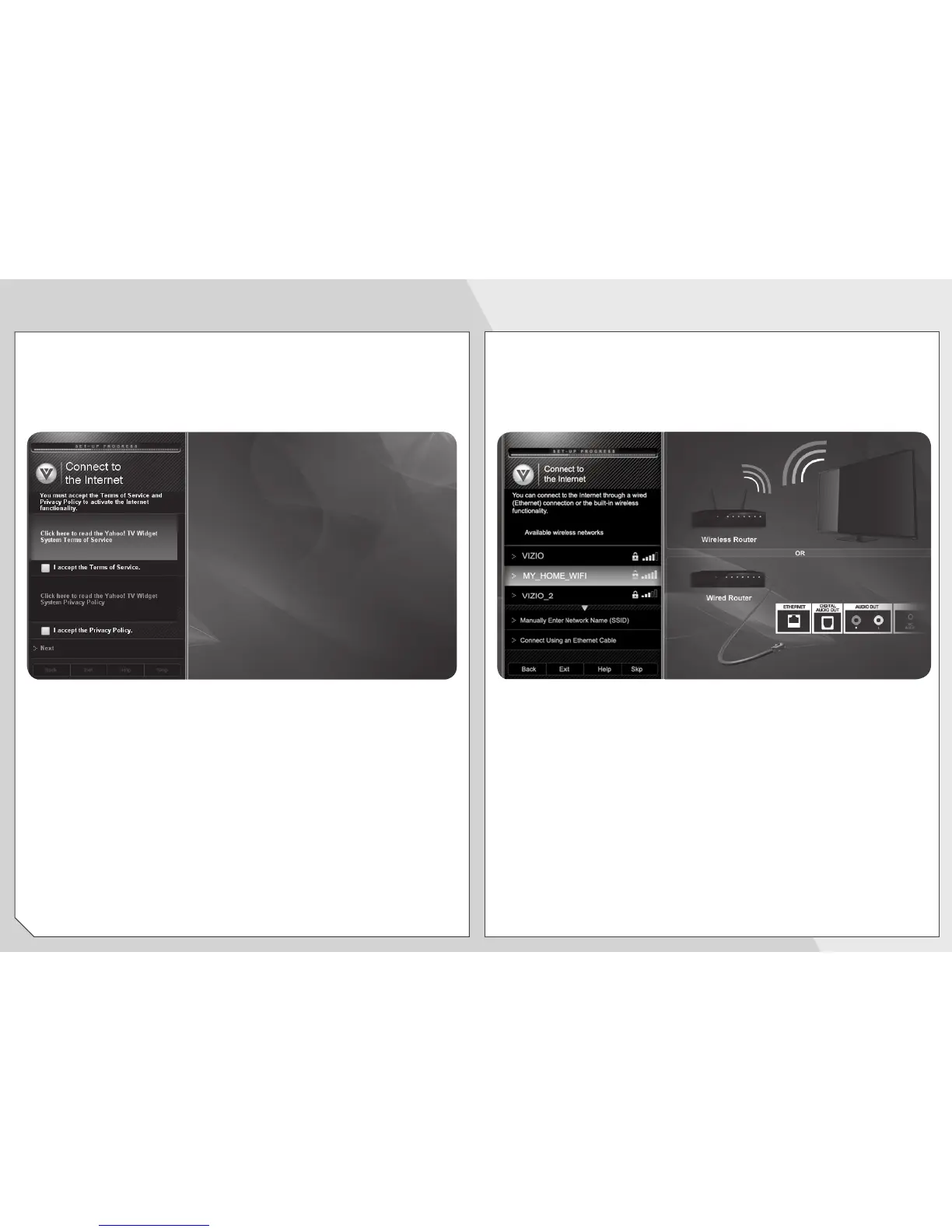
Use the
OK
and
Arrow Up/Down
buttons on the
remote to read and accept the Terms of Service and
Privacy Policy for Yahoo! TV Widgets.
When you are finished, highlight
Next
and press
OK
.
Select the name of your wireless network from the
list of available networks and press
OK
.
Enter your network key using the on-screen keyboard,
or the keypad on the remote control, then highlight
Connect
and press
OK
.


 To Next Page
 Loading...