7 8
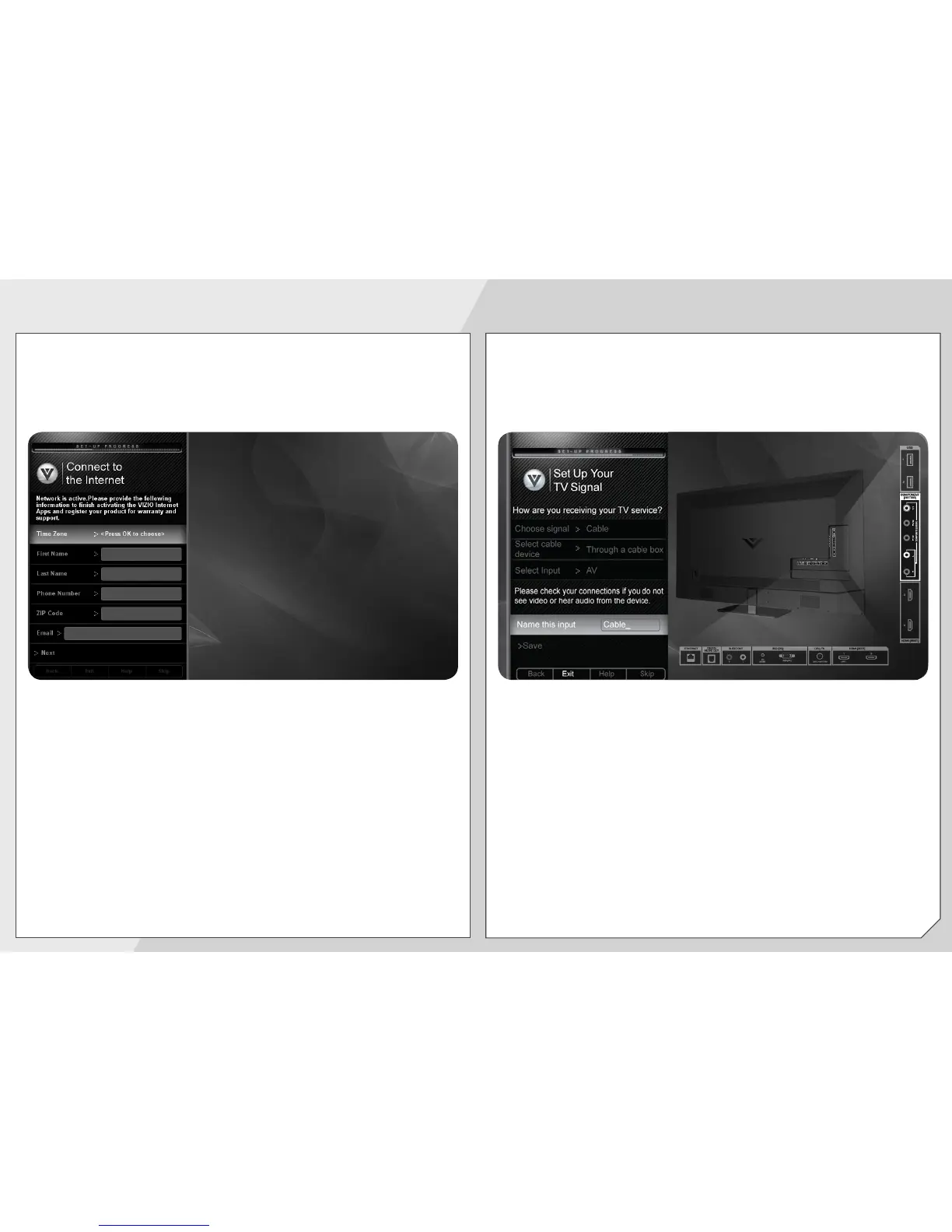
Select your Time Zone, then enter your First Name,
Last Name, Phone Number, ZIP Code, and E-mail
Address using the on-screen keyboard or the keypad
on the remote control.
Highlight Next and press
OK
.
Answer the on-screen questions about your TV
connection using the
Arrow
and
OK
buttons on the
remote.
When you have finished the channel scan, highlight
Exit to Live TV
and press
OK
.
The First-Time Setup is complete.


 To Next Page
 Loading...