English - 15
To pair an additional smart phone or tablet, so you can
have multiple devices to control your Display:
1. On the new device, download and install the
VIZIO SmartCast
™
App.
2. Make sure your Display is powered on.
3. On the VIZIO SmartCast
™
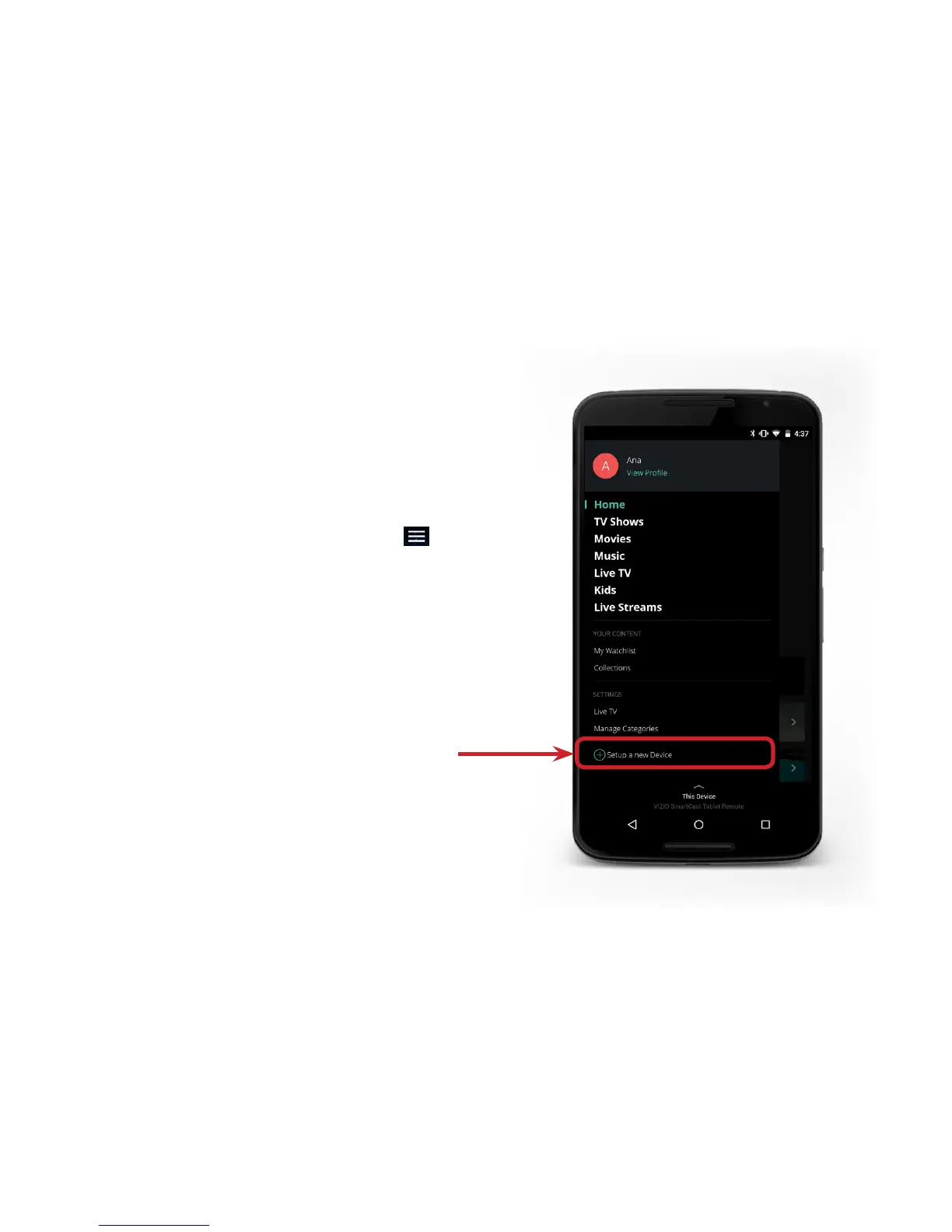
App, tap on the
button in the top left corner. The side menu is
displayed.
4. Tap Setup a new Device from the list of options.
Follow the on-screen instructions to pair your device.
Pairing Additional Mobile Devices


 To Next Page
 Loading...