English - 9
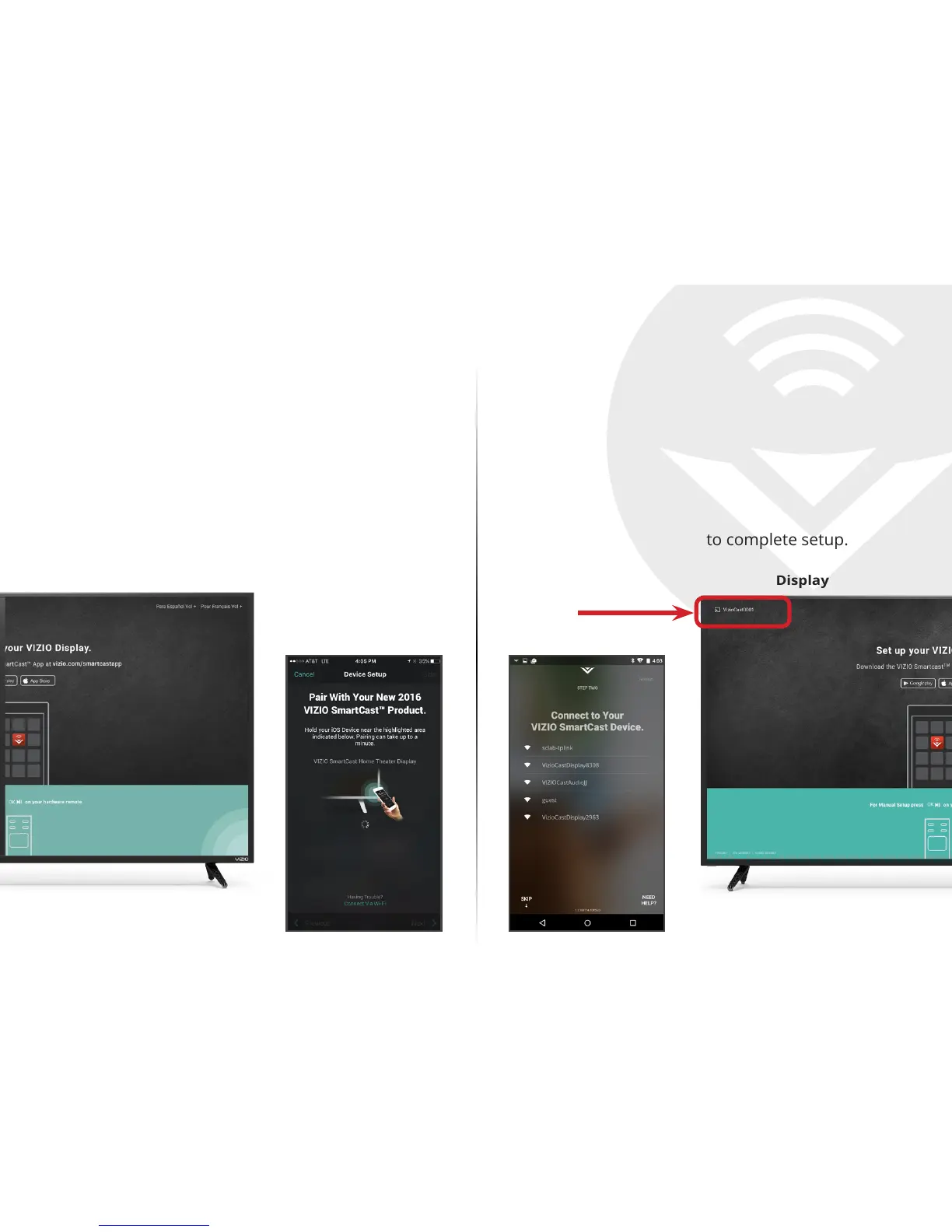
Android Device PairingiOS Device Pairing
Note the Wi-Fi setup name on the top corner of your
Display. After opening the VIZIO SmartCast
™
App:
1. Select Get Started and Select your preferred
language.
2. Select your Display name from the list shown on
your device.
Follow the remaining steps to complete setup.
After opening the VIZIO SmartCast
™
App:
1. Select Get Started.
2. Hold your mobile device next to the VIZIO logo
on your Display.
Follow the remaining steps to complete setup.
Display Display
Device Screen Device Screen


 To Next Page
 Loading...