EasyManua.ls Logo

Vizio M21d-H8R - User Manual

Vizio M21d-H8R
36 pages
Print Icon
To Next Page IconTo Next Page
Loading...
USER MANUAL
Model: M21d-H8R
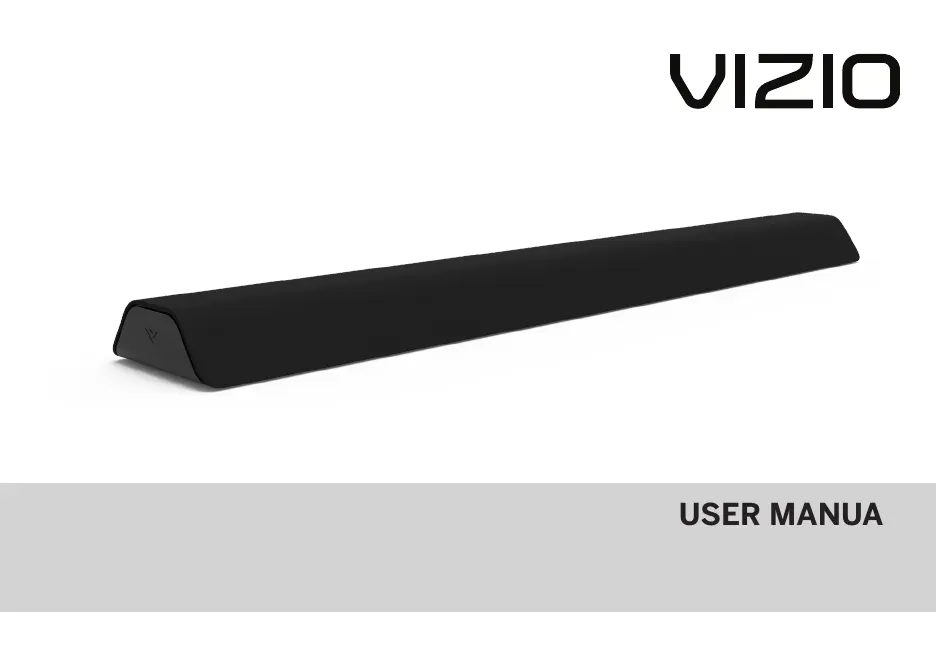
VIZIO 2.1 Channel Sound Bar with Dual Integrated Subwoofers
Please read this guide before using the product.
w
USER MANUAL
Model: M21d-H8R
VIZIO 2.1 Channel Sound Bar with Dual Integrated Subwoofers
Please read this guide before using the product.

Questions and Answers

  • B
    Bianca LunaAug 9, 2025
    What to do if my Vizio Subwoofer has no sound?
    • W
      william99Aug 10, 2025
      If your Vizio Subwoofer isn't producing sound, there are several things to check: * First, increase the volume and make sure the sound bar isn't muted by pressing VOLUME UP or MUTE on the remote. * Next, select a different input source by pressing INPUT on the remote or the side of the sound bar. * Also, try setting the TV output to PCM or connect directly to your Blu-ray or another source, as some TVs don't pass through digital audio. Ensure the source is set to output PCM. * Confirm that the audio output setting is set to FIXED or STANDARD, not VARIABLE. Check your TV’s user manual for detailed information. * Finally, make sure the volume on your source device is turned up and that the device isn't muted.
  • O
    Olivia MooreAug 19, 2025
    How to fix Vizio Subwoofer remote not working?
    • J
      Jessica CalderonAug 19, 2025
      If your Vizio Subwoofer remote isn't working, try replacing the batteries with new ones. Also, ensure you are pointing the remote directly at the center of the sound bar when pressing a button.
  • J
    Jonathan BrownAug 30, 2025
    What to do if my Vizio M21d-H8R Subwoofer has no power?
    • S
      Sarah CruzAug 30, 2025
      If your Vizio Subwoofer has no power, first press the POWER button on the remote control or on the side of your sound bar. Ensure the power cord is securely connected. If it still doesn't power on, plug a different device into the electrical outlet to verify that the outlet is working correctly.

Summary

Important Safety Instructions

Electrical and Fire Safety

Addresses risks related to water, power cords, grounding plugs, outlets, and overloading.

Installation and Usage Guidelines

Details on proper installation, ventilation, usage of accessories, and maintenance procedures.

Health and Environmental Warnings

Highlights risks to hearing from loud sounds and precautions for temperature variations.

Controls & Connections

First-time Setup

Connection Cable Options

Guides users on selecting the best connection cable (Optical, 3.5mm, HDMI ARC) for initial setup.

Using the Remote

Remote Button Functions

Explains the purpose and operation of each button on the remote control.

Proper Placement

Optimal Sound Bar Positioning

Recommends placing the sound bar at ear level for the best surround sound experience.

Mode & Level Settings

Using Button Combinations

Factory Reset Procedure

Instructions for performing a factory reset by combining button presses.

Programming the Sound Bar

TV Remote Learning

Steps to program the sound bar to accept TV remote commands for volume and mute.

Bluetooth Pairing

Pairing Process Steps

Step-by-step guide to pair a Bluetooth device with the sound bar.

Connecting to a Voice Assistant

Connecting with HDMI ARC

HDMI ARC Port Identification

Locating the HDMI ARC port on the TV and sound bar for connection.

HDMI ARC Setup

HDMI ARC Configuration Steps

Instructions for connecting and configuring HDMI ARC for audio output.

Wall-mounting

Template and Marking

Using the wall mounting template to mark bracket hole positions.

Bracket Installation Guide

Guidance on installing wall mount brackets using appropriate screws.

Wall-Mounting Installation

Attaching Sound Bar to Brackets

Instructions on hanging the sound bar onto the installed wall brackets.

Help & Troubleshooting

Common Issue Resolution

Provides solutions for no power, no sound, buzzing, and remote control issues.

Vizio M21d-H8R Specifications

General IconGeneral
Colordark charcoal, gray
Audio Channels2.1
Subwooferbuilt-in
Surround Sounddolby digital, dolby digital plus, dts
Inputs3.5mm audio, optical digital audio, usb, hdmi
Outputshdmi
HDMI Inputs2
HDMI Outputs1
HDMI 2.0 Ports1
HDMI ARC Portsyes
USB Ports1
Bluetoothyes
Wireless Connectivitybluetooth
Remote Controlyes
Smart Featuresamazon alexa, google assistant, siri
Weight and Dimensions IconWeight and Dimensions
Depth5.5 inches
Height2.13 inches
Width36 inches
Net Weight5.56 pounds